Can Sony’s PS-LX3BT digitize your vinyl? The US and UK decks list different ports
Sony lists USB-B in the US and a fixed analogue cable in the UK. Both decks can play an LP through Bluetooth headphones, but recording a copy takes different equipment.
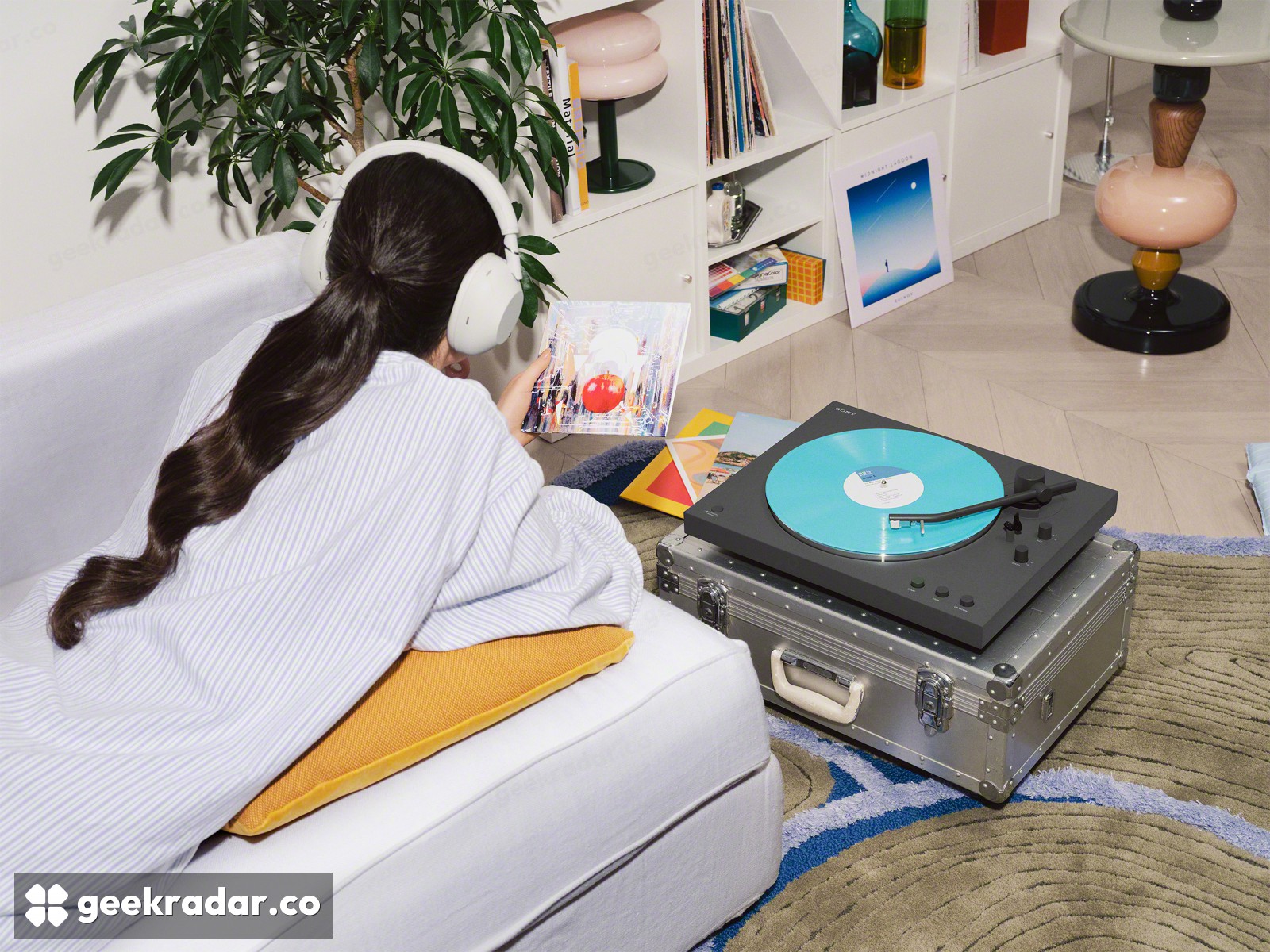
If you want to put a favorite record on your laptop, two Sony turntables with PS-LX3BT on the box can lead to different shopping lists. Sony’s US specification lists a USB Type-B connector. Its UK specification lists no USB connector at all. Both describe a fully automatic turntable that can send music to Bluetooth headphones. Only one of those listings gives you a reason to buy a USB cable for recording.
The distinction matters this week because a November 18 hands-on account from TechCrunch describes digitizing records as one of the deck’s attractions. That is a fair description of the feature Sony documents in the US. It travels less well than the model name. Sony introduced the turntable in January, alongside the more expensive PS-LX5BT.
What reaches a computer
On the US PS-LX3BT specification sheet, look under USB connector. Type-B is the squarish socket familiar from desktop printers. Sony’s recording instructions say the turntable works with third-party recording software and the computer’s standard audio driver. You play the side while the software records it. If the resulting file plays back correctly but you hear nothing during capture, switch on input monitoring in the software.
The UK sheet for the same model lists a fixed RCA audio cable and a phono/line switch. Those outputs still give you a route to a recording: set the deck to LINE and feed a stereo line input on an audio interface connected to the computer. A laptop headset socket is a poor assumption here. Check for a stereo line input before buying either cable. An interface you already own could settle the question without changing your turntable.
What reaches your ears
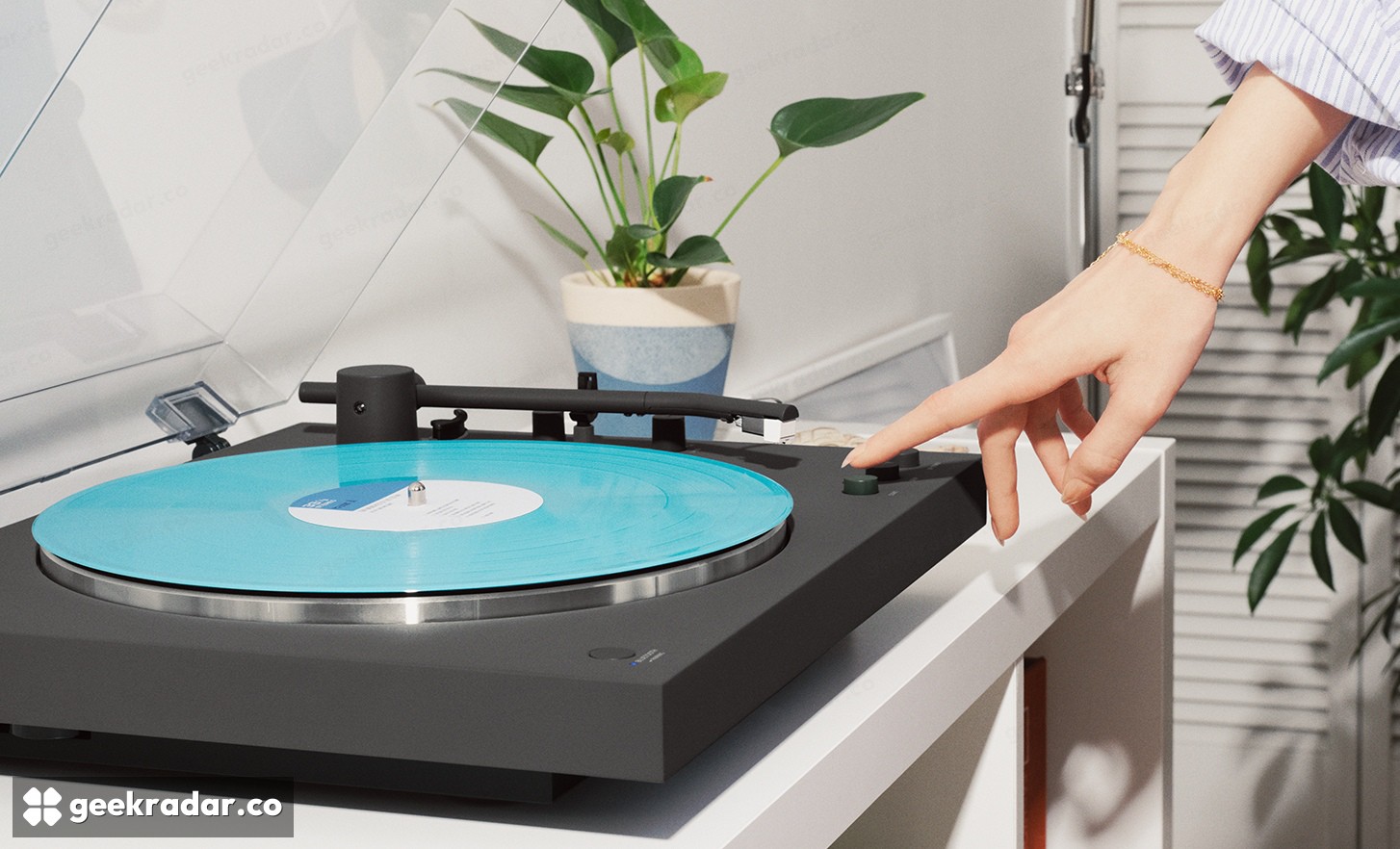
For an evening with an LP, the controls are much the same. Select the record size and speed, leave the tonearm parked, and press Start. The arm moves over and lowers itself, then returns at the end of the side. TechCrunch’s reviewer spotted a small change from Sony’s previous deck: the start and stop buttons now sit under the dust cover. Leave room above the player to lift the lid, especially if it’s going on a shelf.
Wireless listening takes a third path. The deck transmits audio to compatible Bluetooth headphones or speakers. Sony specifies aptX Adaptive for its high-resolution wireless mode, so the receiver has to support it too. A wired USB-C headset such as Sony’s MDR-3R illustrates the dividing line: a digital plug alone doesn’t make a pair of headphones a Bluetooth receiver.
Sony also explicitly rules out high-resolution recording in its US support notes. If the job is playing a record across the room, check what your headphones can receive. If it’s preserving the only copy of a family recording, turn the deck around first. The socket on that particular unit matters more than the wireless logo on its box.