One UI 9.5 beta adds app locking and puts camera controls within reach
Samsung’s Galaxy S26 preview opens in six markets, with private apps, new accessibility controls and a more flexible DeX layout. It is not the stable rollout.
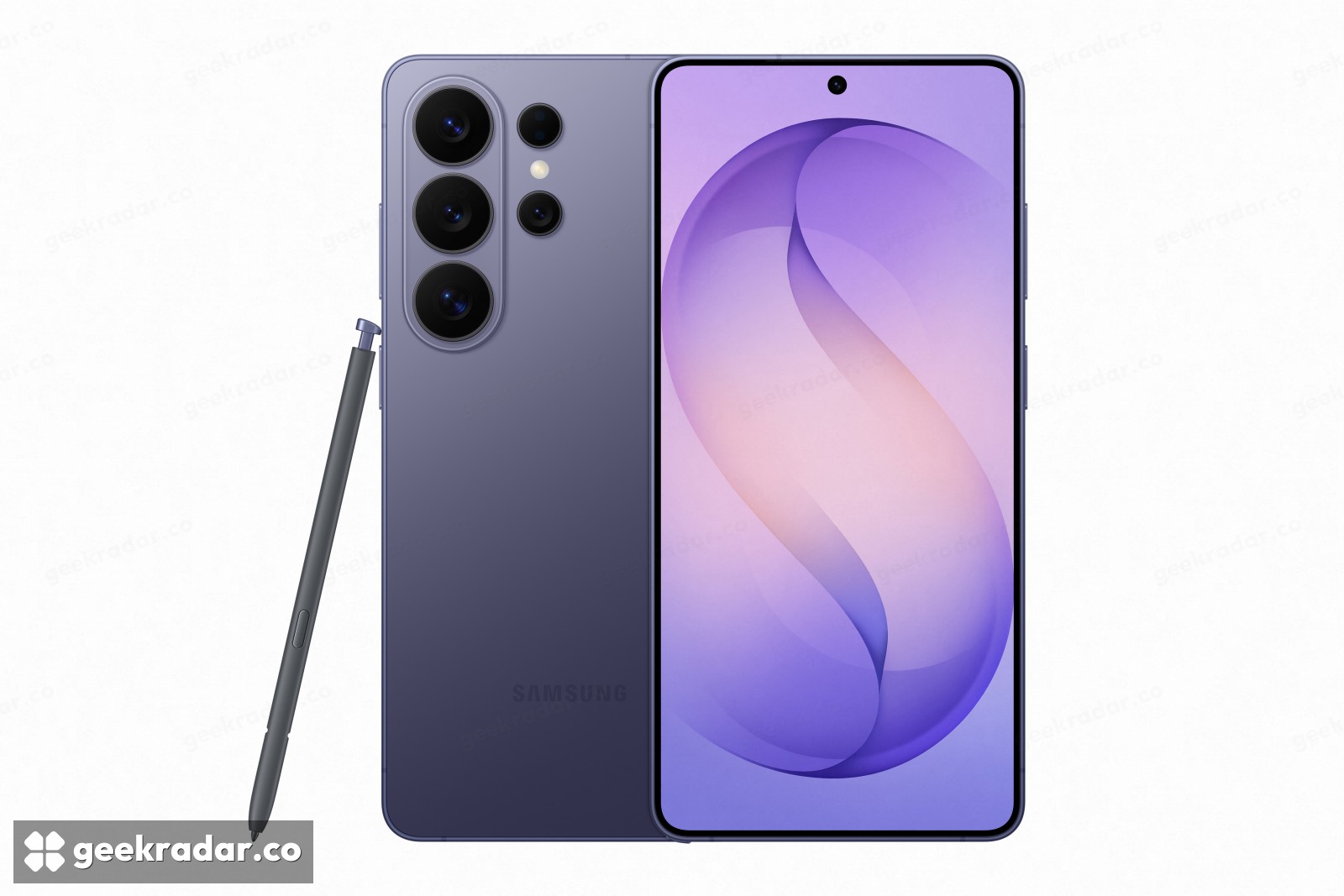
Samsung has opened the One UI 9.5 beta for the Galaxy S26 series, adding a way to lock individual apps even when the phone itself is unlocked. The update also reorganizes camera controls, expands accessibility shortcuts and changes how DeX windows fit together. Its most useful theme is control over everyday interruptions: fewer menus when making a photograph, another identity check before opening a private app.
The November 18 announcement names six initial markets: Germany, India, South Korea, Poland, the UK and the US. Eligible users apply through Samsung Members. This is a test release ahead of One UI 9.5’s official debut, rather than a stable update available to every Galaxy owner.
App Lock closes an obvious gap
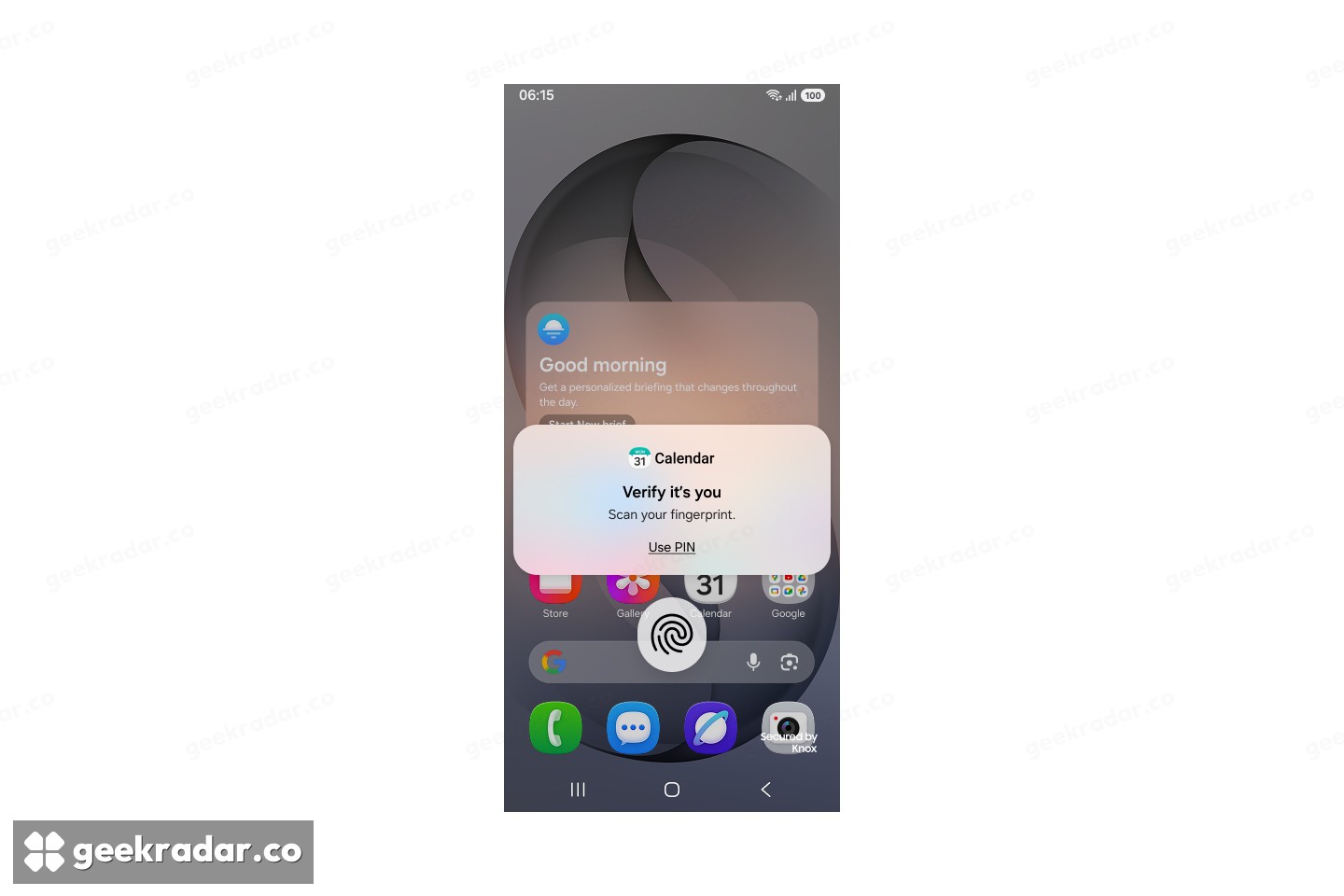
An unlocked phone is often handed to someone for one limited purpose: showing a picture, checking a route or reading a booking confirmation. That does not mean its owner wants every other app open to inspection. Samsung’s App Lock adds biometric authentication or the existing screen-lock method to selected applications.
The less conspicuous part of the announcement is just as important. Samsung says locked apps also hide their notification content and widgets. Restricting the app’s main window would offer incomplete protection if a message or calendar detail remained visible elsewhere on the home screen. The new feature addresses those adjacent surfaces as well as entry into the app.
This is a description of Samsung’s announced behavior, not an independent security assessment. It should not be stretched into a claim that App Lock encrypts every connected service or protects information already sent elsewhere. Its immediate purpose is narrower and practical: limiting access to selected apps on a device that someone can otherwise use.
The official beta changelog adds a hardware-specific distinction. On the Galaxy S26 Ultra, Privacy Display can activate automatically for protected features, including locked apps, private Gallery albums and locked Samsung Notes. That display behavior is not listed as a feature of the whole S26 family; app authentication and screen-viewing protection remain different mechanisms.
The camera puts more decisions within reach
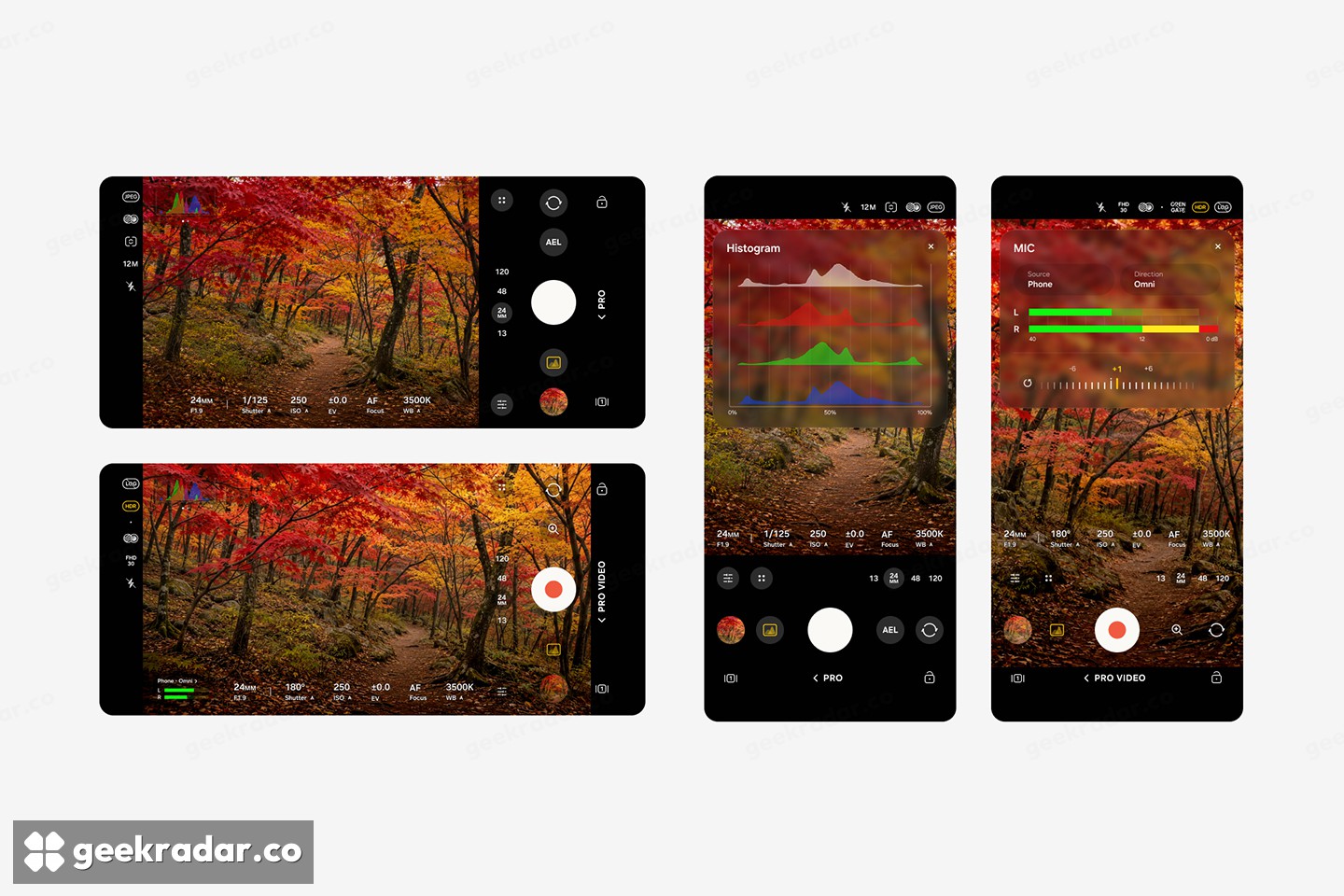
The default camera brings quick controls together on one screen and adds an improved zoom bar. In Pro and Pro Video, Samsung documents custom controls and presets, finer manual sliders, focal-length displays, an improved histogram and an audio meter.
An exposure histogram shows how tones are distributed from dark to bright; an audio meter makes recording levels visible. Neither automatically produces a better photograph or rescues distorted sound. Their usefulness is that they expose information while the user can still change the shot, instead of leaving the problem to be discovered afterwards.
Presets address a different annoyance. Repeating several adjustments takes attention away from the subject, particularly when moving between familiar shooting situations. A saved arrangement can reduce that repetition. Samsung’s examples establish the controls, but do not demonstrate a measured improvement in image quality, autofocus or recording reliability.
There is also a compatibility footnote: the enhanced Pro and Pro Video features apply only to models supporting those modes. Pro Lite and Pro Video Lite are excluded. A future One UI version number on a different phone would therefore not, by itself, establish identical camera tools.
Faster access, and a deliberate pause
Accessibility changes include a movable floating shortcut for frequently used controls. Connected hearing aids gain volume adjustment from the notification panel, along with choices about which phone sounds are sent to them. These are small interface changes with a direct consequence: reaching an essential adjustment requires fewer diversions through settings.
DeX gains additional window-snapping positions and an option to arrange running apps into two, three or four split-screen windows. Those changes concern how existing apps occupy the display; they are not a promise that every mobile app behaves like a desktop application.
Digital Wellbeing moves in the opposite direction on purpose. Its new Pause before app launch option inserts ten seconds before a selected app or app category opens. Someone can make a frequently needed accessibility control quicker to reach while making a habitual distraction slower. One UI 9.5 treats friction as something that can be placed selectively, rather than removed everywhere.
Samsung Health also adds Mindful note for free writing or guided reflection. The announcement says medication reminders and tracking are expanding to more markets, with availability varying by market; it does not establish identical Health access worldwide. Mindful note is not supported on Galaxy Watch.
Who can try it now
SamMobile’s current eligibility report identifies the Galaxy S26, S26+ and S26 Ultra as the initial supported phones. That narrower test list must be kept separate from any eventual stable-release eligibility list.
The beta team asks users to back up important data before updating and says beta updates are delivered over the air. Its changelog also removes Audio brief and Moments from Now brief after the upgrade, a useful reminder that a preview is not simply an additive feature pack.
Our Galaxy A24 update coverage explains another part of Samsung’s software calendar: a stable release for an older device can coexist with a newer flagship beta. Neither timetable substitutes for the other.
For an eligible S26 owner, the strongest reason to follow this release is the combination of more private sharing and more reachable controls. Installing the preview is a separate choice. If the phone has to be dependable for work tomorrow, the useful feature can wait for the dependable version.