PS5 update 14.20 is here. Its change list is smaller than the page makes it look
Sony lists message and usability improvements. Older PSSR, security and dashboard notes belong to earlier firmware releases.
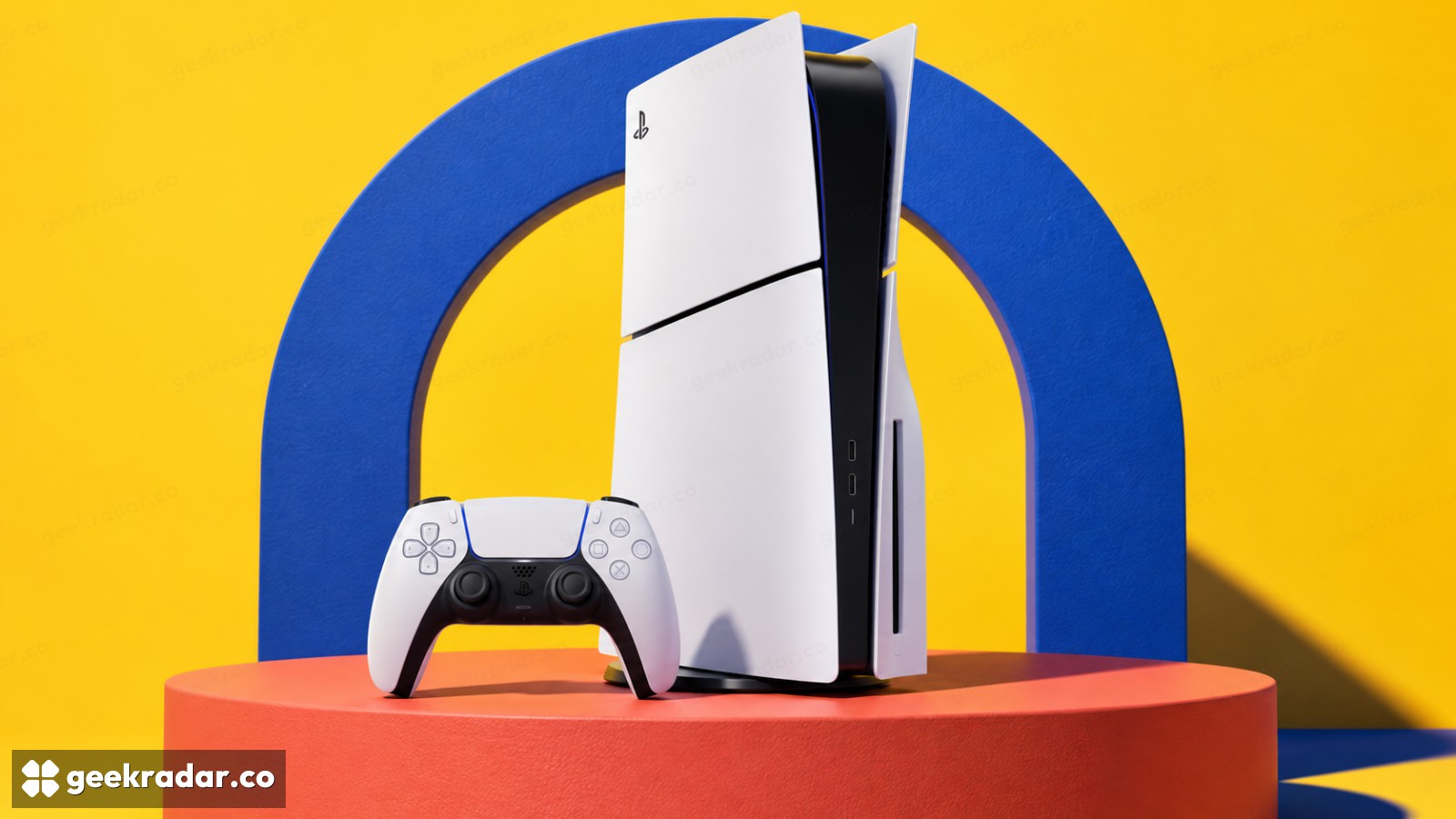
Sony's latest PS5 system software is version 26.07-14.20.00, and its published change list is unusually short: improvements to messages and usability on some screens. If you are looking for a new dashboard feature after installing it, Sony has not announced one for this release.
That matters because the official system-software history places several older updates directly below the current version. Read down the page without checking those version headings and it is easy to give today's download credit for changes that arrived earlier.
What belongs to 14.20, and what does not
Version 14.10's notes mention security fixes and improvements to system performance and stability. The longer 14.00 entry includes enhanced PSSR being enabled by default on PS5 Pro, voice-chat identification changes and a Trending Now feature in the Community Activity widget. Those entries describe their own releases. They are not additional bullet points for 14.20.
The PS5 Pro qualification is particularly important. PSSR is Sony's image-reconstruction technology for that console; seeing it in a general PS5 support history does not establish a new capability for every PS5 model. Nor does a short current change list establish a particular security or exploit fix that Sony has not identified.
This is a small maintenance release on the evidence Sony has supplied. Its practical value can be clearer wording or a less awkward interaction, even when there is no feature worth demonstrating in a trailer. Claims about a major performance increase would need separate evidence.
Install the update through the normal route
Sony's update instructions direct owners to the system-software settings. The normal process is distinct from reinstalling the console's software, which deletes its data.
Sony also documents a USB update method if the ordinary download route fails. Follow the official support page and distinguish its update file from its reinstallation file. A routine update should not become a factory reset simply because the two downloads appear on the same page.
System software is also separate from a game's own patch. For example, the fixes in Rocket League 2.78 belong to that game; installing a console update does not substitute for downloading the relevant game build. Our gaming coverage keeps those changes attached to their actual products.
The useful expectation for 14.20 is modest: install the maintenance update, then carry on playing. The version number tells you which software is installed; the release notes tell you how much change Sony is actually claiming.