Rocket League 2.78 lets you preview a whole bundle—and fixes interrupted sessions
The Item Shop shows a complete loadout, favorites return to Trade-In, and several connection and replay failures are addressed. A PC controller issue remains open.
Rocket League's version 2.78 makes a bundle easier to judge before buying it: the Item Shop can now show its cosmetics together as a complete car loadout. The October 20 update also addresses interrupted matches and several platform-specific failures, while a PC controller problem remains on the official known-issues list.
Cover image: Psyonix / Epic Games.
The patch notes describe a useful change in the shopping flow. Open a bundle and its components appear together; select an individual item to preview it against your own loadout. Seeing a coordinated set and seeing whether one part works with equipment you already use answer different purchasing questions.
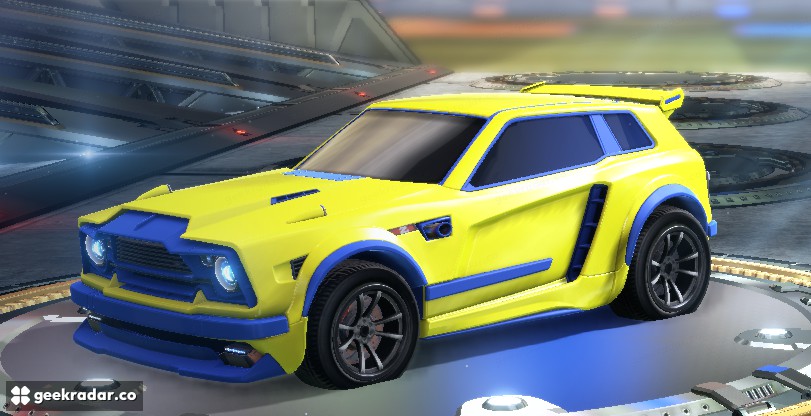
A bundle is more than its best-looking item
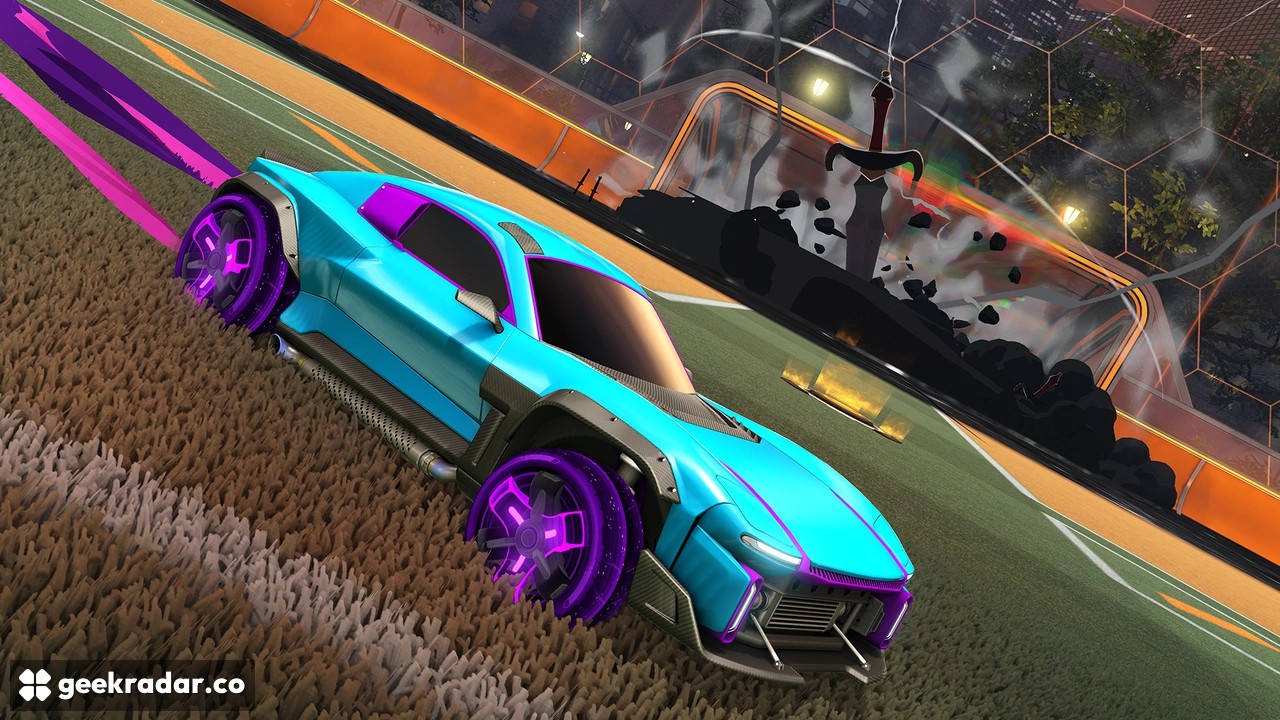
The full preview brings the car, decal, wheels, boost, trail, antenna and topper into one presentation. That helps expose a familiar weakness in cosmetic storefronts: a package can look compelling in its promotional composition while containing pieces a player would never equip together.
The individual preview remains important for the opposite reason. Someone interested only in the wheels needs to see them on their existing setup, rather than being persuaded by a featured car they do not plan to use. The update improves the information available at that moment; it does not, by itself, establish that any particular bundle offers good value.
The official examples illustrate the difference between a relatively plain vehicle and a more elaborate combined treatment. They are useful evidence here because color, effects and silhouette are the subject of the change. A generic racing image would explain very little about the purchasing decision.
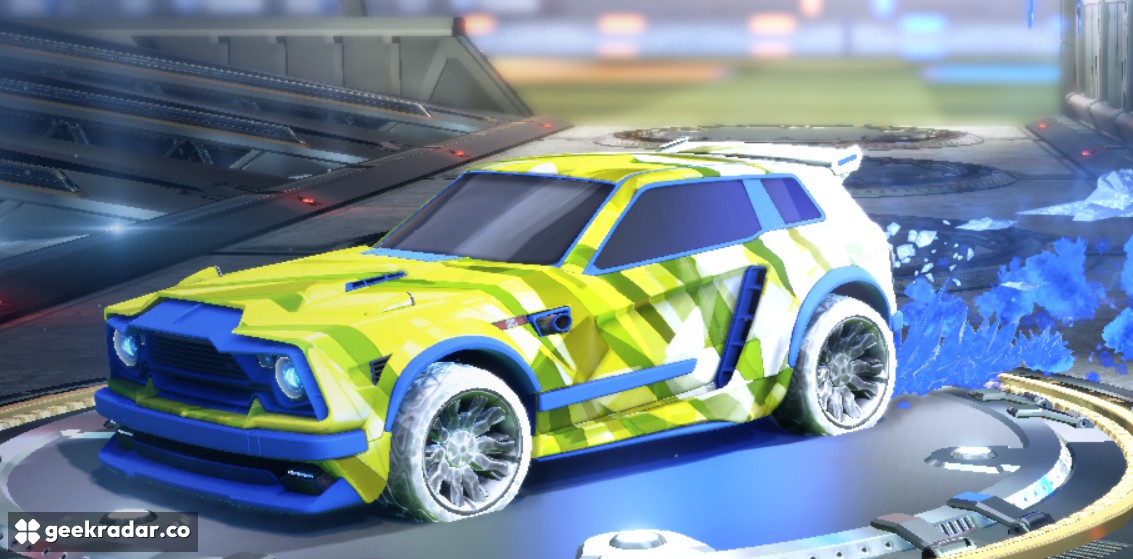
Favorites become visible in Trade-In
The current known-issues page, updated October 20, lists the inability to select favorited items for Trade-In or Trade-Up among the resolved problems. Version 2.78 now makes favorites visible with an identifying icon.
That change deserves attention from players who used the absence of a favorite from the menu as a practical safeguard. Visibility and selection are part of the revised behavior; the favorite marker is information to read. Check the items being submitted instead of assuming a favorite cannot appear in the exchange flow.
The same status page lists a fix for duplicate Black Market items that previously could not be traded in because their series or purchase source differed. These are inventory corrections, not an announcement that all ownership or exchange restrictions have disappeared.
The fixes that keep a session intact
Several corrections matter more during a match than in a storefront. The patch addresses an Xbox crash after resuming the game, a Nintendo Switch login problem following a lost connection, and an Error 58 failure when someone joined a Private Match during the transition to another game. It also fixes a party-invite sequence that could pull a player out of a competitive one-on-one match.
Saving a replay from Match History receives a fix too. That is a different issue from the hourly replay-download limit in League of Legends: here, the stated change addresses a save failure, rather than announcing a new quota.
For someone returning after a frustrating session, the useful test is specific: retry the action that previously failed and compare it with the resolved list. The improved shop is immediately visible. The more consequential improvement may be the moment a resumed session, saved replay or private-match transition simply works.