How to use GTA VI’s Photo Studio, from a sharp wildlife portrait to a sunset
Photo Studio gives you control over focus and up to five lights. For a sunset you still need the right hour, and for a posed selfie you’ll want the character’s phone.
If you see a shaft of evening light fall across a street in GTA VI, pause while it’s there. Photo Studio lets you move the camera, soften the background and put extra light on a subject. The sun stays where you found it. At launch, the studio has no control for the hour or the weather, a limit that matters more for a skyline than for a close-up. Insider Gaming’s guide shows the studio controls.
On PS5, press Options to pause. On Xbox Series X or S, press Menu. Choose Photo Studio from the pause menu. Beebom’s launch guide reports that the studio is available from the start of playable story content. It also works during cutscenes, though some controls are unavailable there. You can try the tools in free roam without advancing to a particular mission.
Start with what should be sharp
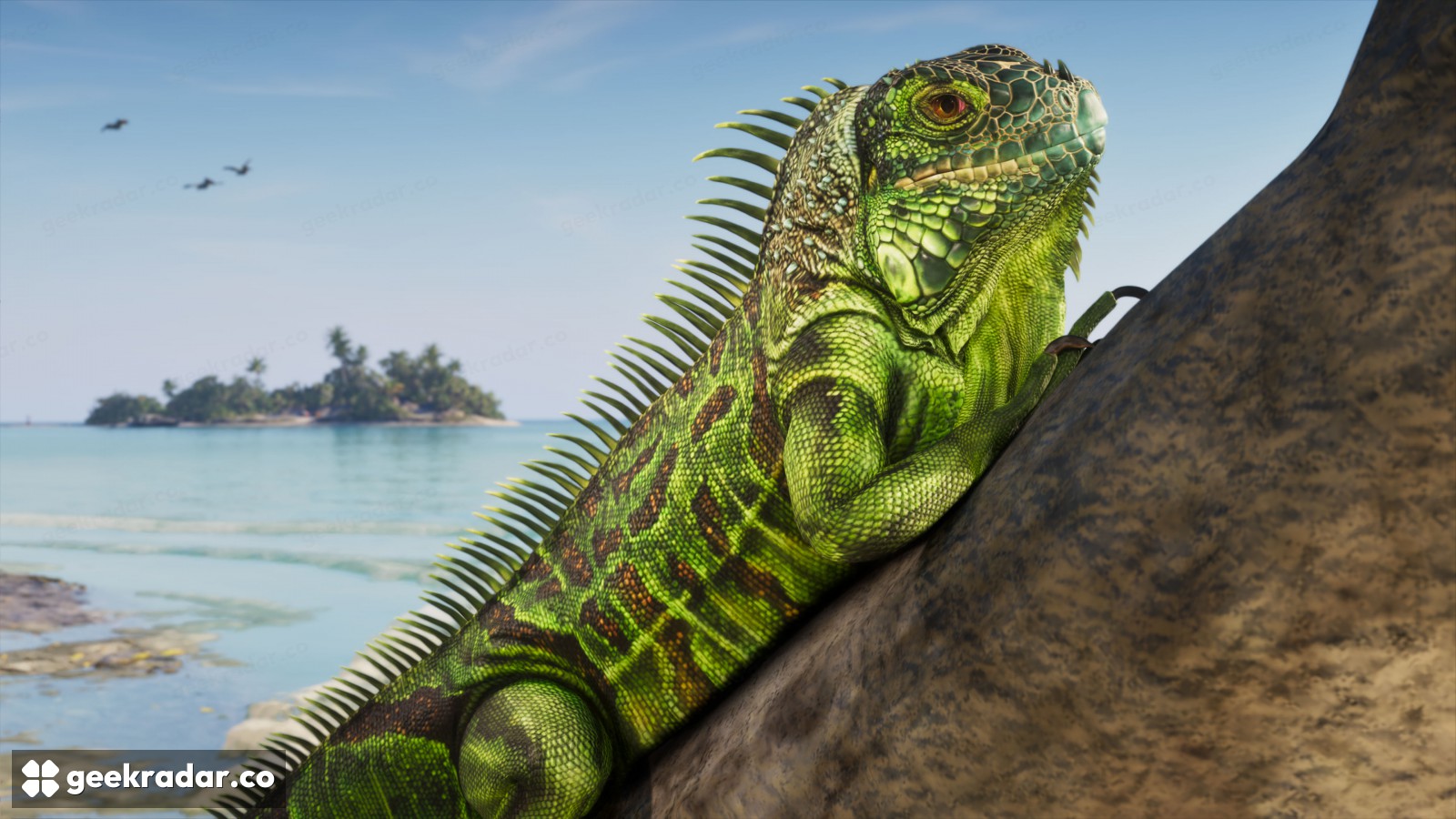
Look at the iguana in Rockstar’s Leonida Keys gallery. You can pick out the scales around its eye. The island behind it is soft enough to read as a place without competing with the animal. For a similar composition, move the camera until the subject’s outline clears the busiest part of the background, then adjust depth of field. If a branch crosses the animal’s face, blurring the distant shoreline won’t move the branch. A small change of angle might.
Lighting solves another problem. A face can be in focus and still lose its detail in shadow. Beebom reports that Photo Studio lets you add up to five light sources and change their colour and intensity. Start with one. Turn it up just enough to see the detail you came for, then look at the rest of the frame. A brighter face may make a nearby white shirt the first thing your eye notices.
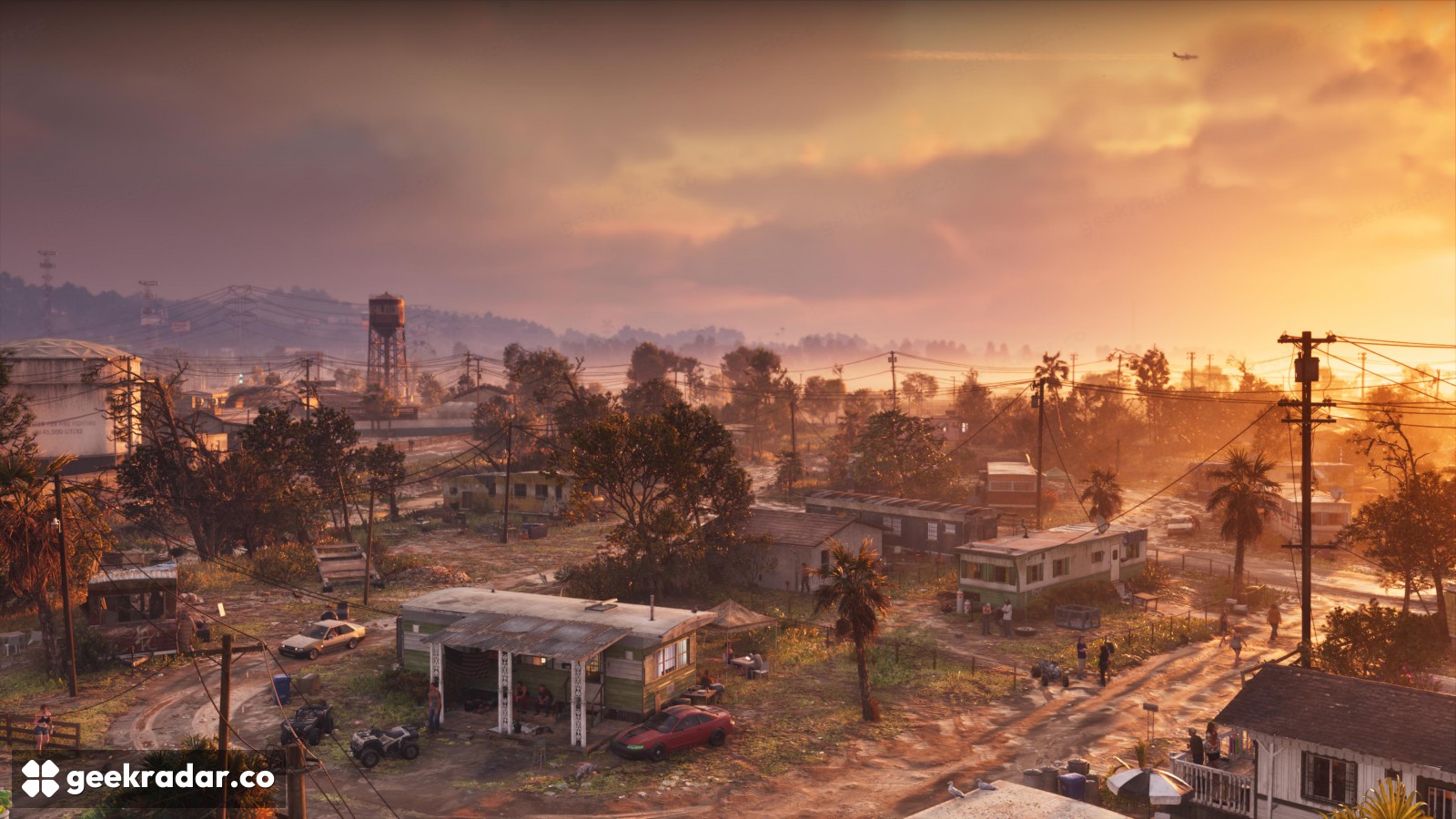
The sky still belongs to Leonida
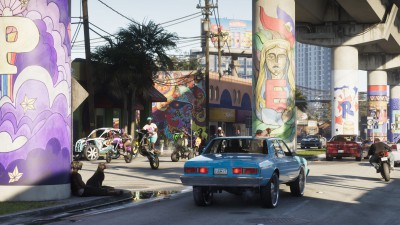
Rockstar’s Port Gellhorn image shows warm light reaching across several streets. Look at how the road catches it between buildings. Adding a light near a character can make them legible against that sky. It won’t put the sun at the end of the road or roll those clouds back into place. For a landscape, finding the conditions you want is part of taking the picture.
The phone’s Snapmatic feed is a separate app for browsing posts. For a picture you intend to send to a friend, a console capture on PS5 gives you a route out of the game. Hide the studio controls and check the edges one last time. The distant island may be worth keeping, even in a picture of an iguana.