
How to keep your current GTA VI progress when you load an older save
GTA VI gives you 15 manual slots. Its single autosave can follow you back to an earlier point, so it pays to keep a second manual save before you load.
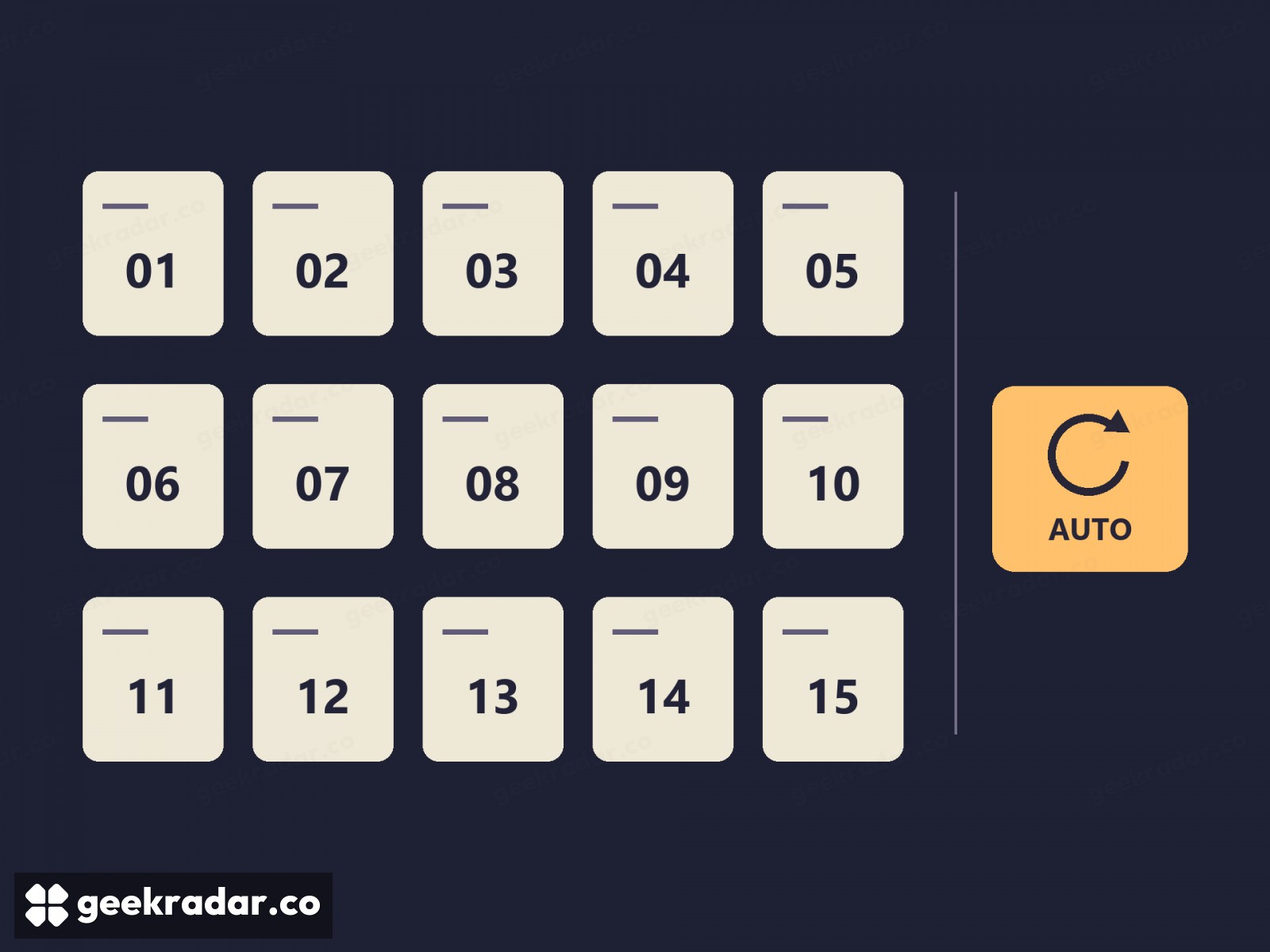
Before loading an old save in Grand Theft Auto VI, give the game you’re playing now a manual slot of its own. GTA VI has 15 manual save slots and one separate autosave. The distinction matters the first time you go back: PowerPyx reports that loading an earlier manual save can overwrite the autosave. If that autosave was your only copy of last night’s progress, it’s a poor place to leave it while you revisit yesterday afternoon.
How to keep a point you can return to
You can save from the pause menu while exploring Leonida on your own. There’s no need to drive back to a safehouse before switching off the console. PC Gamer’s launch guide confirms the menu path and the number of slots available.
The same Game menu lets you load a save. Consider a player who spent an evening exploring the coast after finishing a mission and wants to try that mission again. With only a manual save from before the mission and a newer autosave, the evening’s progress is vulnerable. Saving the coastal outing into a second slot first gives the player two places to return to, whichever one the autosave follows next.
Why a second slot is worth more than a second checkpoint
GamesRadar+ reports that the automatic slot updates after events such as completing a mission or getting busted. That’s convenient if you want to carry on from a recent event. It’s less useful when the moment you want back is just before it. The launch version has no mission-replay selector, according to both GamesRadar+ and PowerPyx. Keeping a manual save before a mission you want to revisit is the practical workaround.
A console backup answers a separate question. Our guide to PS5 saved data explains how to protect progress if something happens to the console. Here, the console can be working perfectly: you simply want two different evenings in Leonida to survive one trip back through the load menu. Set aside a slot before you leave the first one.