GTA VI can read menus aloud. Can a blind player find the next doorway?
Rockstar confirms narration, cinematic audio description and Auto Drive. Blind gaming journalists explain the part of an ordinary journey those features still leave unresolved.
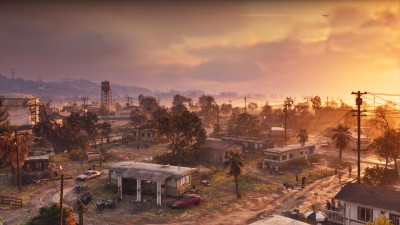
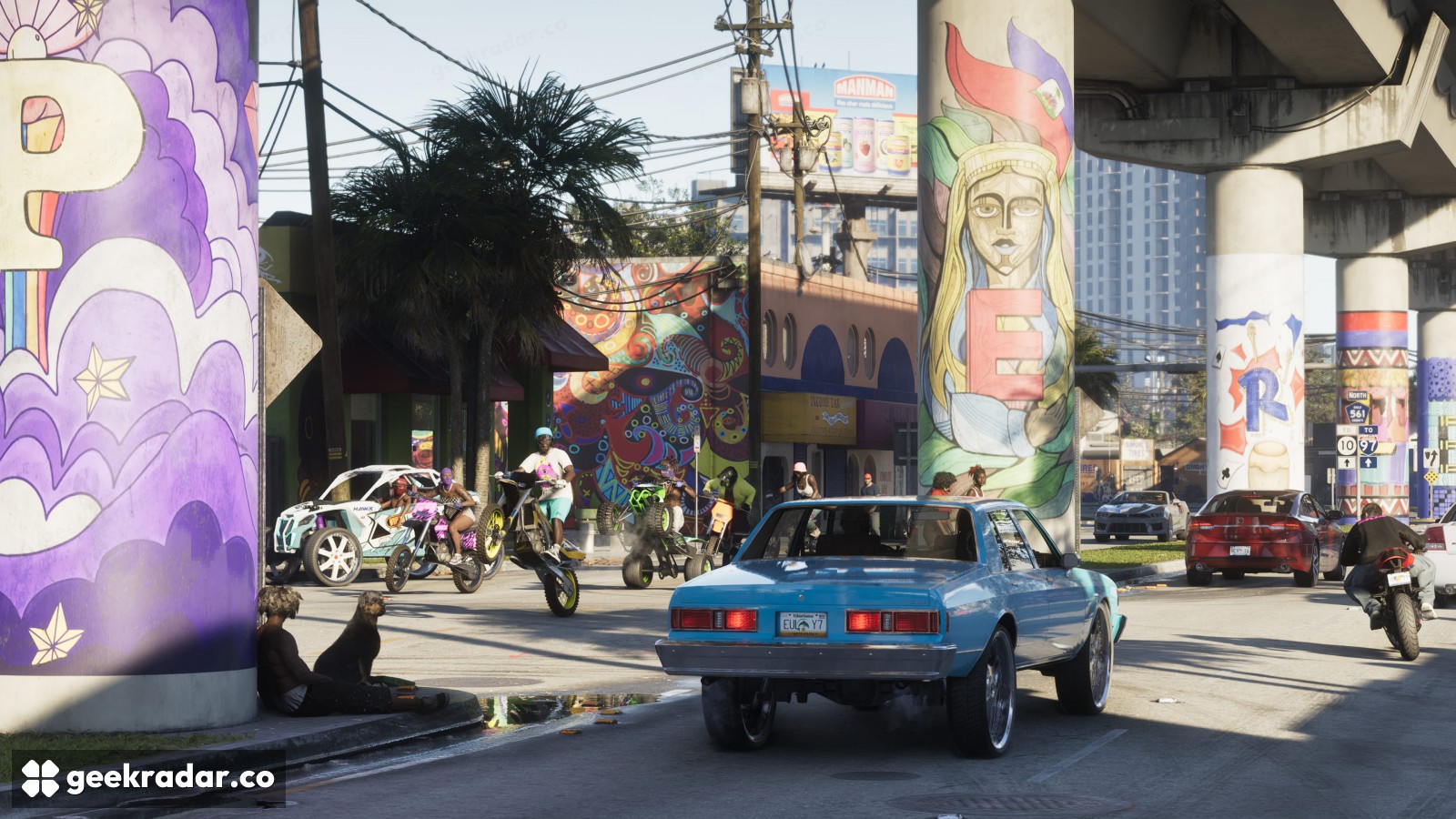
GTA VI can read menus aloud and describe what happens in a cinematic. When the cinematic ends and the player gets control back, a different question arises: how do you find the way to the next objective without seeing the screen? At launch, blind gaming outlet Double Tap found no documented way to navigate Leonida and follow its missions independently by sound. For someone deciding whether to buy the game to play alone, that gap matters more than the number of options in its menus.
Rockstar’s Ben Baylis, senior production coordinator for accessibility, confirmed the features to The Outer Haven. His list includes menu narration, audio descriptions for cinematics, Auto Drive and closed captions for environmental sounds. Each helps at a different moment. Captions can identify a sound a player cannot hear. Audio description can tell a listener about a silent action in a scene. Neither tells a player on foot that the entrance to a building is around the corner.
Reading a destination aloud is only the first step
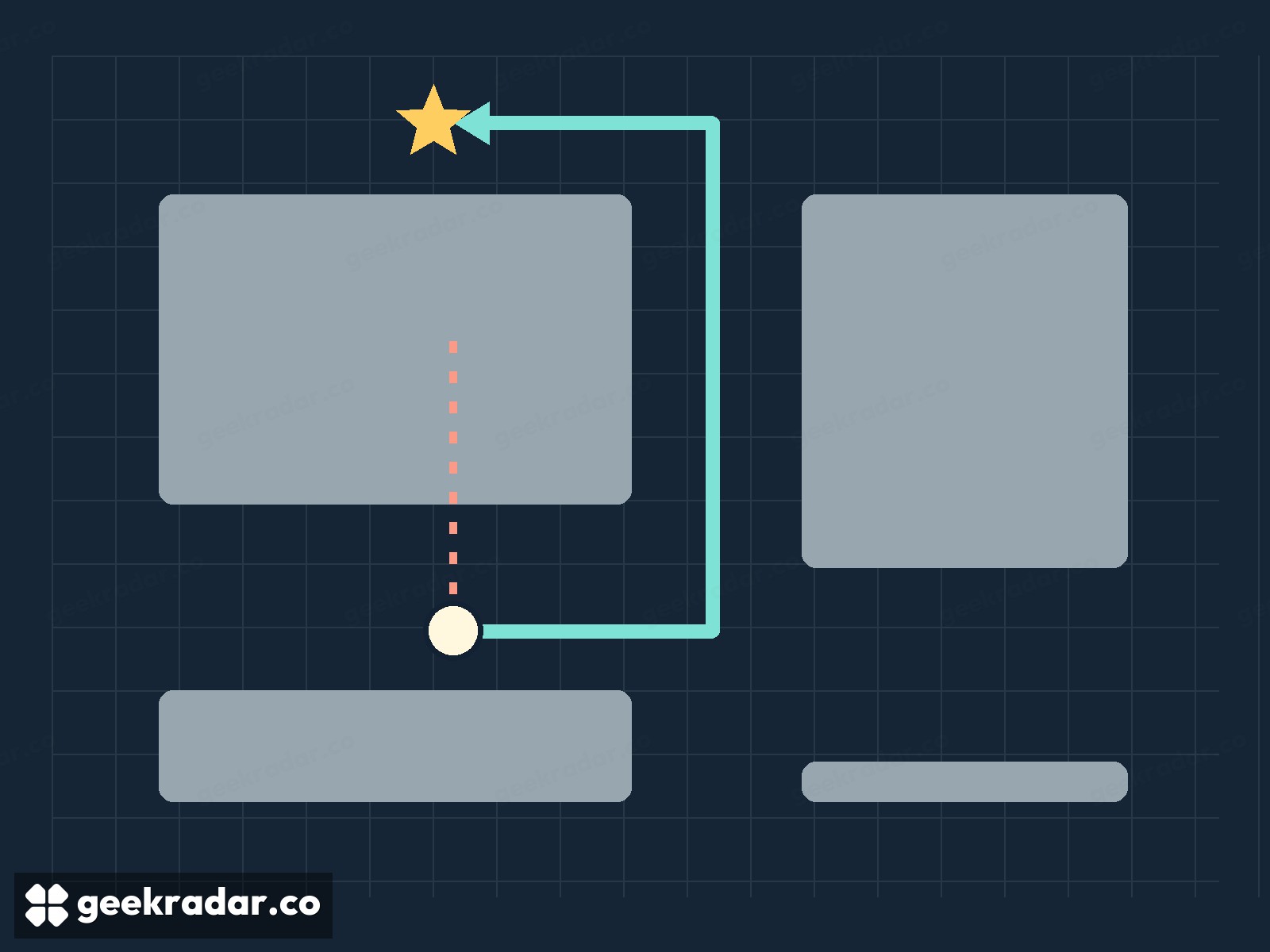
Imagine a game announcing the name of a destination as you select it. You now know where you want to go. To get there on foot without sight, you still need enough information to choose a direction, recognise an obstruction and find an opening. A sound coming from the far side of a wall could point accurately towards your destination while leading you straight into the wall. A useful navigation cue would have to get you to the corner first.
That example illustrates what the launch reporting leaves unresolved. Can I Play That? reports narration for most menus and parts of the interface, as well as options to enlarge map icons and highlight characters and objects with contrasting colours. The outlet identifies its account as an early survey of available evidence. Larger markers and higher contrast can make an existing visual route easier to follow for someone with usable vision. They cannot communicate the turns to someone who cannot see those markers.
Where Auto Drive fits
In Double Tap’s launch-day interview, blind journalist and accessibility consultant Victor Dima discussed both Auto Drive and the ability to skip checkpoints. The programme’s hosts, Steven Scott and Shaun Preece, saw promise for low-vision players and concluded that independent play for someone who is totally blind remained out of reach. Their assessment addresses playing alone. Someone sharing the controls with a sighted partner faces a different set of choices.
Auto Drive helps during a drive. Skipping a checkpoint can get a player past an obstacle. Neither explains how to find the vehicle in the first place, or locate a doorway after getting out. Those small transitions are easy to overlook in a list of features and hard to avoid in an open world. Our guide to GTA VI’s launch accessibility settings covers the separate adjustments for camera movement, visual contrast and physical controls.
For a player who wants to experience the story with someone else, hearing a quiet action described can be valuable in its own right. For a player hoping to explore Leonida alone, the deciding piece of evidence would be someone demonstrating the whole journey by sound, from closing the menu to finding the door.