Nikon ZR firmware 2.00 promises RED color in H.265, but the download is still pending
The announced update adds Log3G10 and monitoring tools. HDMI output conditions and the release status deserve attention before a production changes its setup.
Nikon has detailed ZR firmware 2.00, with RED’s Log3G10 color workflow extending to H.265 recording and new monitoring controls. There is an important availability distinction: although its November 4 magazine article describes the update in present tense, the dedicated firmware page still labels the free download as coming soon. At the time checked, Nikon’s download center lists 1.11 as the available ZR firmware.
The features are therefore documented, but the pages do not yet establish an installable 2.00 package. Owners planning a shoot should make that distinction before designing a workflow around the announcement.
RED color without choosing RAW for every take
Firmware 2.00 adds Log3G10 and REDWideGamutRGB to H.265 recording. Previously that combination was associated with the camera’s R3D NE route. Extending it to compressed H.265 gives filmmakers another way to organize footage around the same color framework without selecting RAW for every recording.
Sharing a log curve and color space does not make the formats equivalent. RAW and a compressed video file preserve different kinds of editing flexibility and have different storage and processing implications. The practical gain is a choice within the workflow, not a claim that H.265 acquires every property of R3D NE.
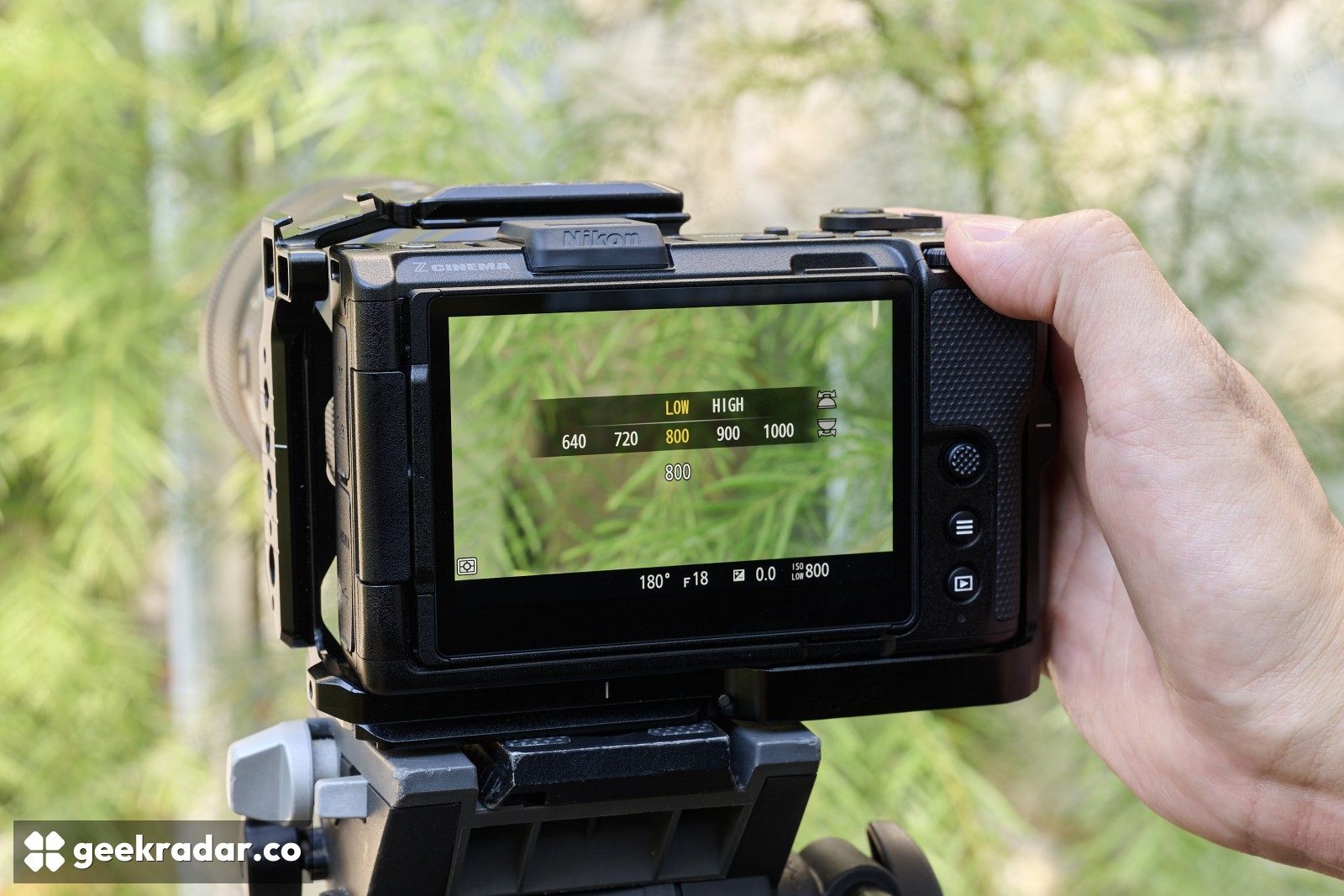
Nikon also adds four high-ISO noise-reduction levels—Off, Low, Normal and High—for the documented H.265 Log3G10/N-Log and ProRes 422 HQ N-Log combinations. That makes the amount of processing a deliberate choice. More aggressive reduction can be useful, but the announcement is not a measured comparison showing the same detail retention at every setting.
The HDMI footnote belongs beside the feature
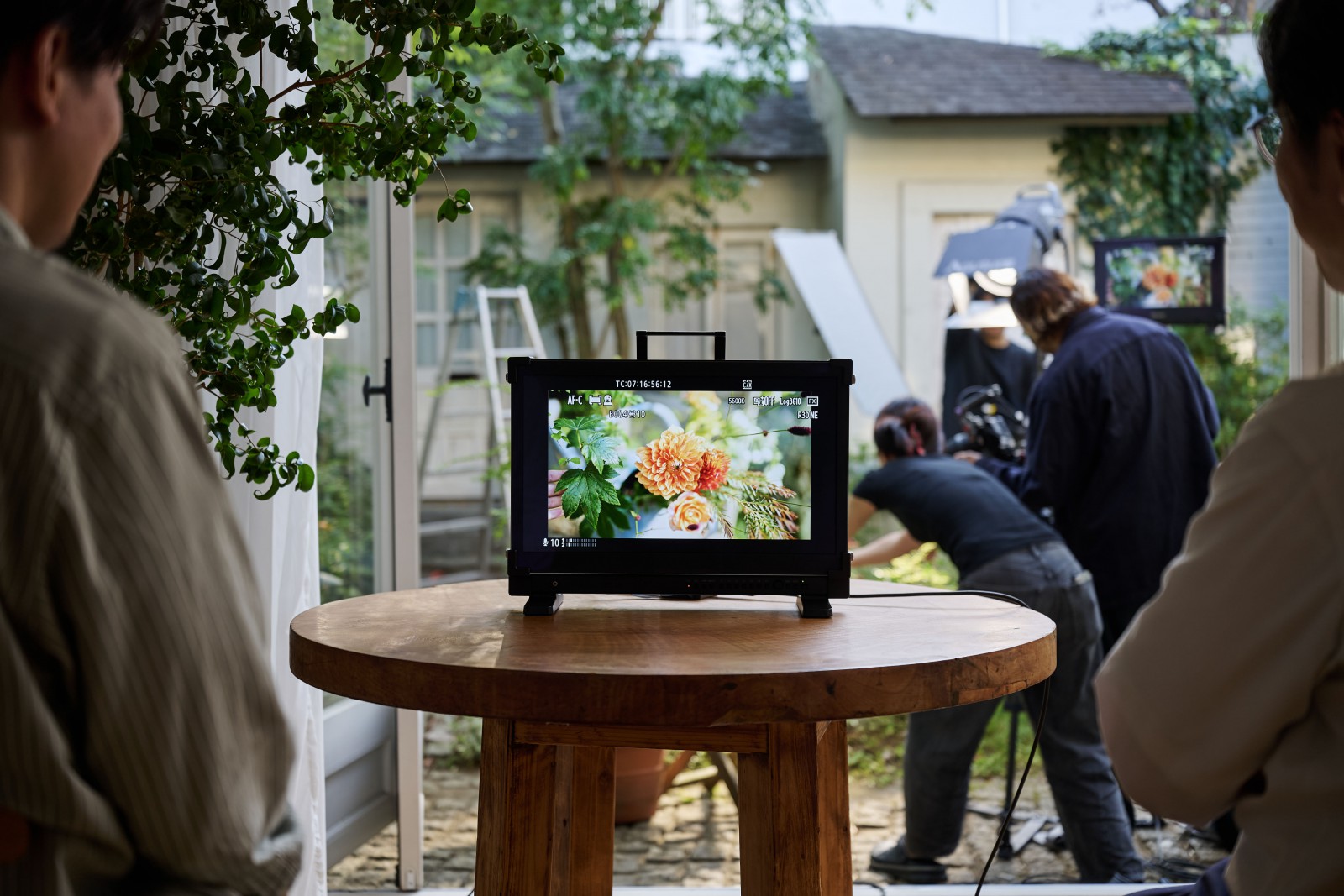
Support for applying a 3D LUT to HDMI output can make an external monitoring image easier to judge. A LUT maps the image into a selected viewing treatment, allowing a flat log recording to be monitored with a more familiar contrast and color appearance.
The condition is significant: Nikon specifies Full HD HDMI output. At 60p or 50p, the output rate remains at that setting but the image refresh rate is halved. Nikon also warns of possible HDMI disconnection in video mode. These are operational constraints, not details to discover after building an external-monitor setup around the headline.
Focus and exposure controls are the quieter improvements
The update allows focus peaking alongside a LUT while recording R3D NE, combining a focusing aid with the chosen viewing treatment. It also adds control-dial assignments for ISO, exposure compensation, white balance and color temperature. Those changes affect how often a camera operator has to leave the image to navigate a menu.
There is a further distinction in Nikon’s instructions: View Assist assigned to a function button can be changed during recording, while switching the 3D LUT on or off requires recording to stop. Similar-looking viewing controls should not be assumed to have identical behavior mid-take.
For ZR owners, the update’s attraction is a more flexible recording and monitoring workflow on existing hardware. The sensible first checkpoint remains the least glamorous one: an actual 2.00 download, with installation instructions and the limitations attached. A documented feature is useful preparation; a verified installed version is what belongs on a production checklist.