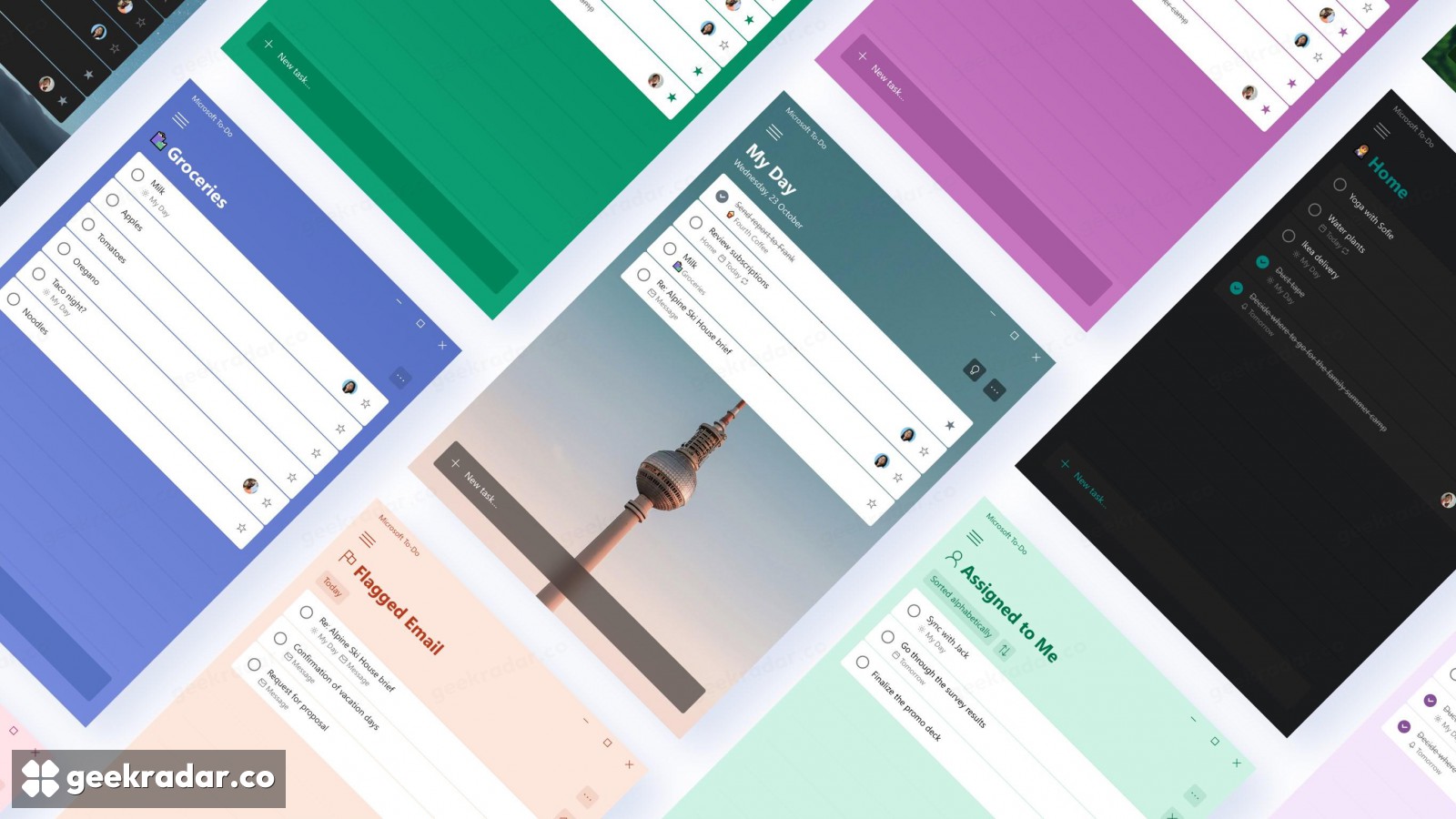
Microsoft To Do will retire in June. Your lists won’t move to Planner
Work and school accounts get a new private task list in Planner. Personal and Family subscribers need another app, and Microsoft is still working on the export.
A shared shopping list and a list of assignments can sit side by side in Microsoft To Do. When the apps retire on June 30, 2027, those lists have different places to go. People signed in through work or school can use Microsoft Planner if their organization gives them access. Someone using a personal Microsoft account, even with a paid Microsoft 365 Family subscription, will have to choose another app. Neither list will move automatically. Microsoft’s transition guide
The deadline covers the web, Windows, Mac, iOS and Android apps. For work accounts it is also the last day existing To Do tasks will be visible in Planner. That distinction matters if you open Planner today, see familiar tasks and assume they have already moved. Microsoft is giving users a window to consult the old records. It will store newly created private tasks in a separate Planner plan as the updated experience rolls out.
What changes when a list moves to Planner
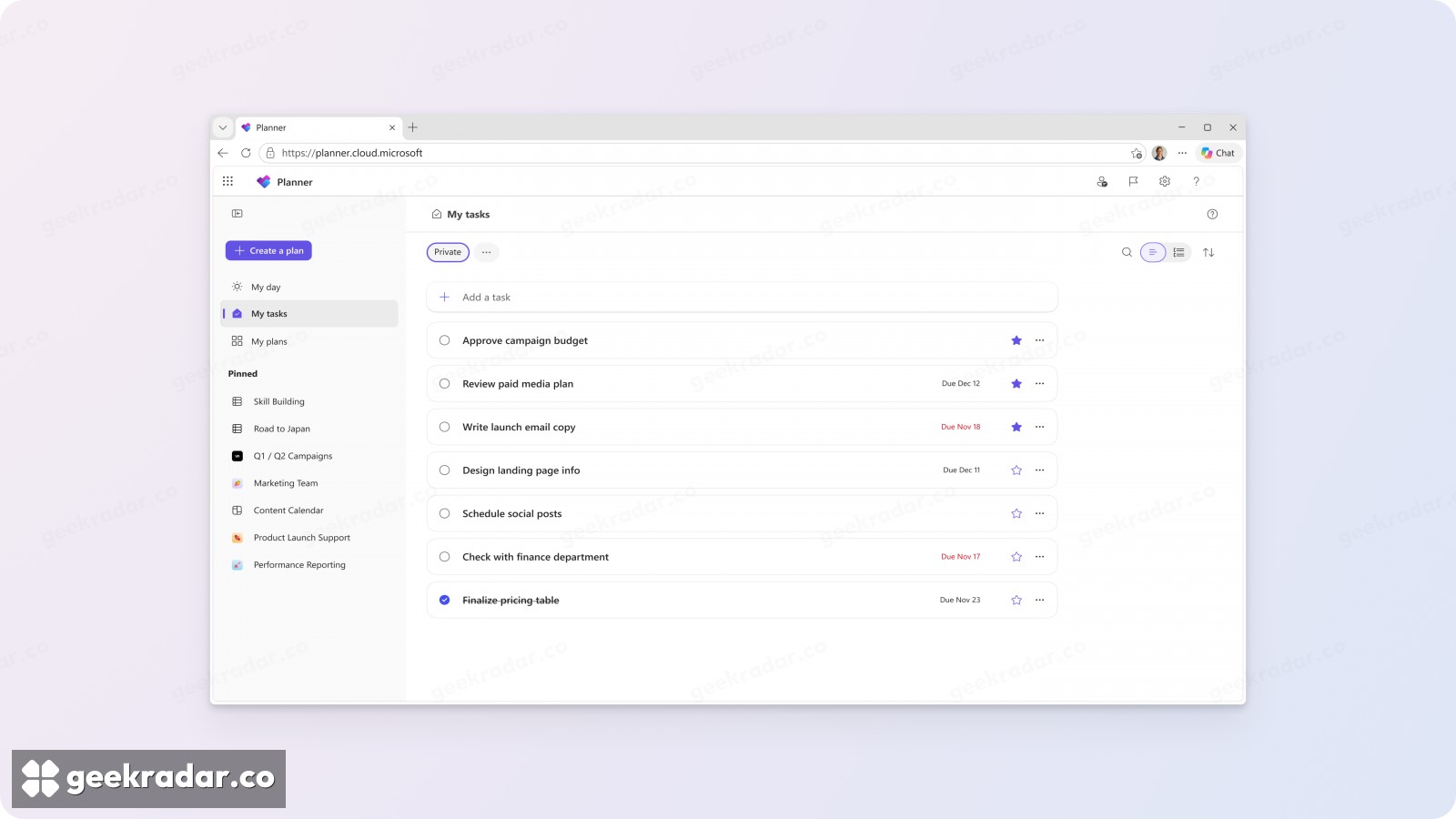
Microsoft plans to start rolling out its revised My tasks in December 2026. Its preview shows a list of private tasks, with a field for adding another and stars for picking out work that needs attention. Tasks assigned by colleagues have their own view. Microsoft’s Planner announcement
Consider a weekly closing checklist shared by two colleagues. Copying the names of the jobs into Planner would reproduce the checklist on screen. The person setting it up would still need to decide who can open the plan, assign each job again and check how its owner will be notified. To Do’s list members, assignments and permissions do not carry over. A Planner due-date notification also works differently from a reminder set for an individual task at a particular time.
An export can preserve a list. Someone still has to rebuild it
Microsoft says it will provide an export before retirement. It has yet to specify which data it will include, the requirements or how to run it. There is no promise that another task app, including Planner, will be able to import the result. A family deciding where to keep its shared shopping list can try a replacement now with a few groceries and two accounts. That small test answers a question an export cannot: can each person see the other’s changes when they need them?
The apps have a firm end date. The underlying service, synchronization and programming interfaces have separate retirement timelines still to be announced. June 30 does not itself trigger deletion of the stored records. In classic Outlook, the native Tasks feature will continue syncing with Exchange, a separate case from opening To Do inside Outlook. Microsoft’s retirement FAQ
For a team with hundreds of checked-off items, a readable archive may be all it needs from most of them. The handful of tasks worth trying in the replacement first are the live ones: the handoff a colleague expects on Friday, the reminder that has to fire on time, or the list someone needs to open offline.