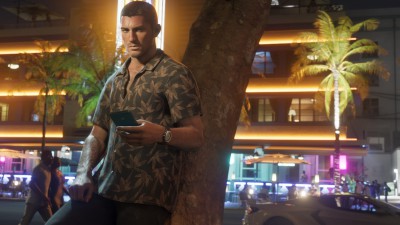
How to look around in first person in GTA VI, and why the view changes when you walk
The right stick lets you inspect the small details in Leonida. A different input activates Focus, and the phone offers a way to change position while framing a picture.
You can stop at a shop in Grand Theft Auto VI and read the small print through your character’s eyes. Start walking again and the camera pulls back. That’s the distinction for anyone looking for the first-person option they remember from GTA V: at launch, Jason and Lucia can inspect a scene at eye level, but you can’t choose that view for an entire walk, drive or mission.
How to look closer on foot
Stand still with your hands free and face something you want to inspect. On PS5, hold L2, then press the right stick (R3). On Xbox Series X or S, hold LT and click the right stick. PowerPyx gives the inputs for both consoles, and Push Square shows the result in a shop. On PS5, keep L2 held, use the right stick to look around and press R2 for a closer look. Release the trigger when you’re ready to leave.
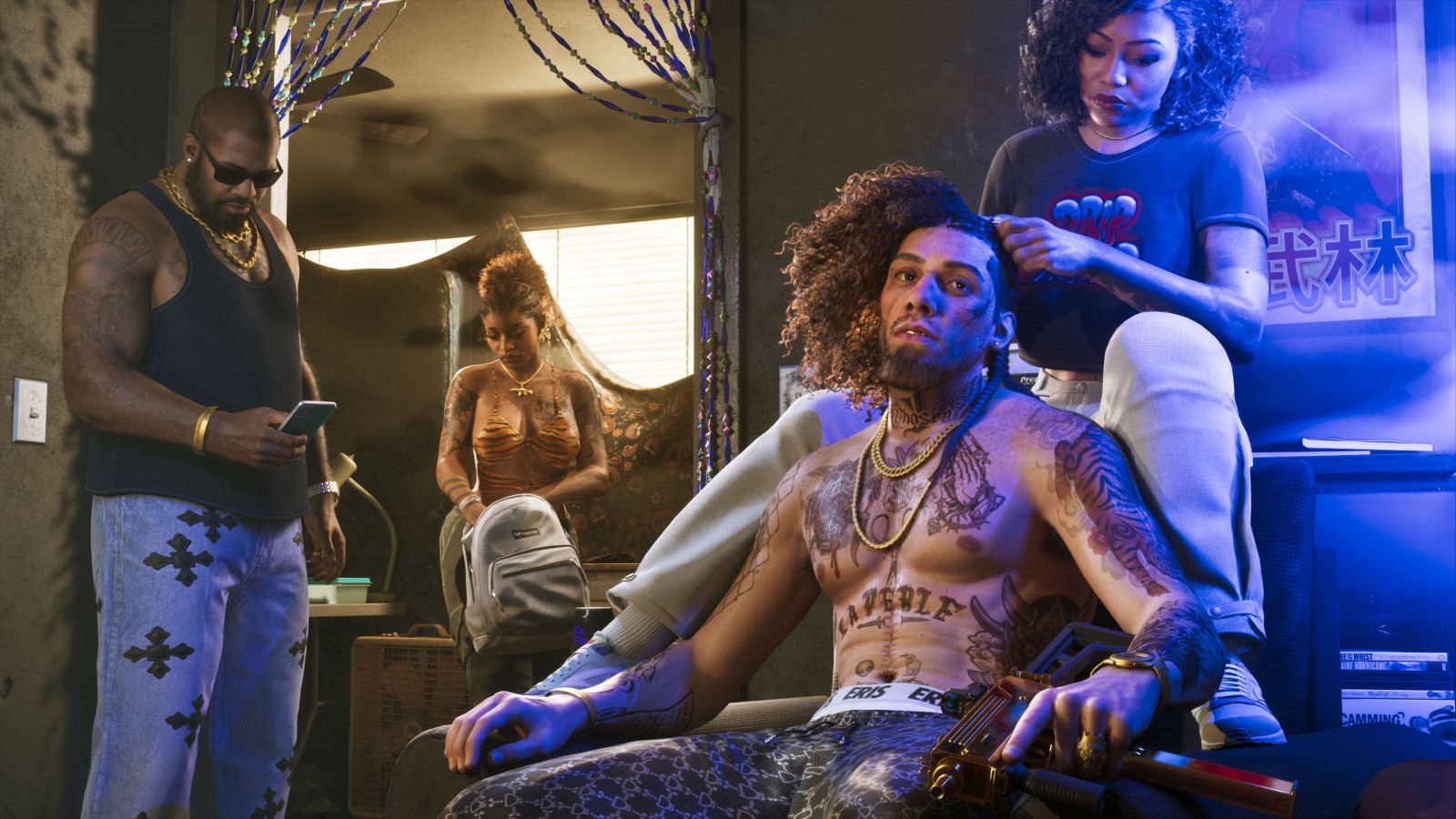
That sequence is for inspecting your surroundings. When you’re focusing on a person, GamesRadar’s launch guide describes holding the left trigger and clicking both sticks. The order matters: VGC reports that clicking both sticks without first holding the trigger activates Focus Mode and uses its meter. For the lettering in a shop window, start with the simpler right-stick input. There’s no reason to spend Focus to read a sign.
When the phone is the better camera
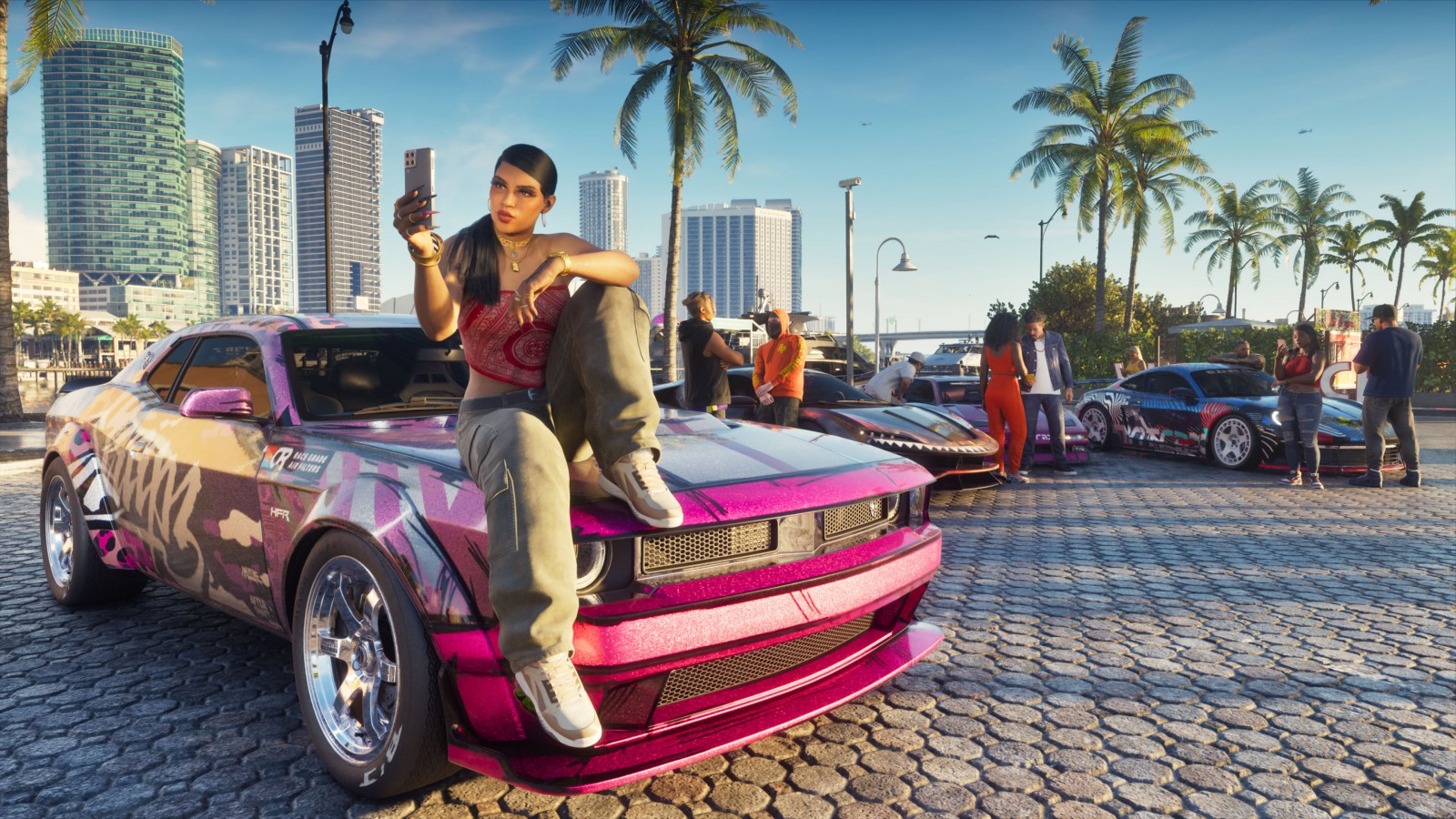
The limit of the stationary view becomes obvious when a reflection obscures the thing you wanted to see. You have to leave the view, take a step to one side and frame it again. The phone handles that small adjustment differently. MeriStation’s account of the camera app describes being able to move with it open. The tradeoff is right there on the screen: the phone frames the scene vertically, with its grid and interface visible. It’s useful for finding a photograph. For a separate camera angle, lighting or depth of field, open Photo Studio from the pause menu.
The expectation of a persistent view comes from a real feature. Rockstar introduced First Person Mode with the PS4 and Xbox One editions of GTA V in November 2014. If what you enjoyed in Los Santos was spending the whole journey behind your character’s eyes, the distinction in Leonida is the first step away from the window: the detail stays where it is, and you see your character again.