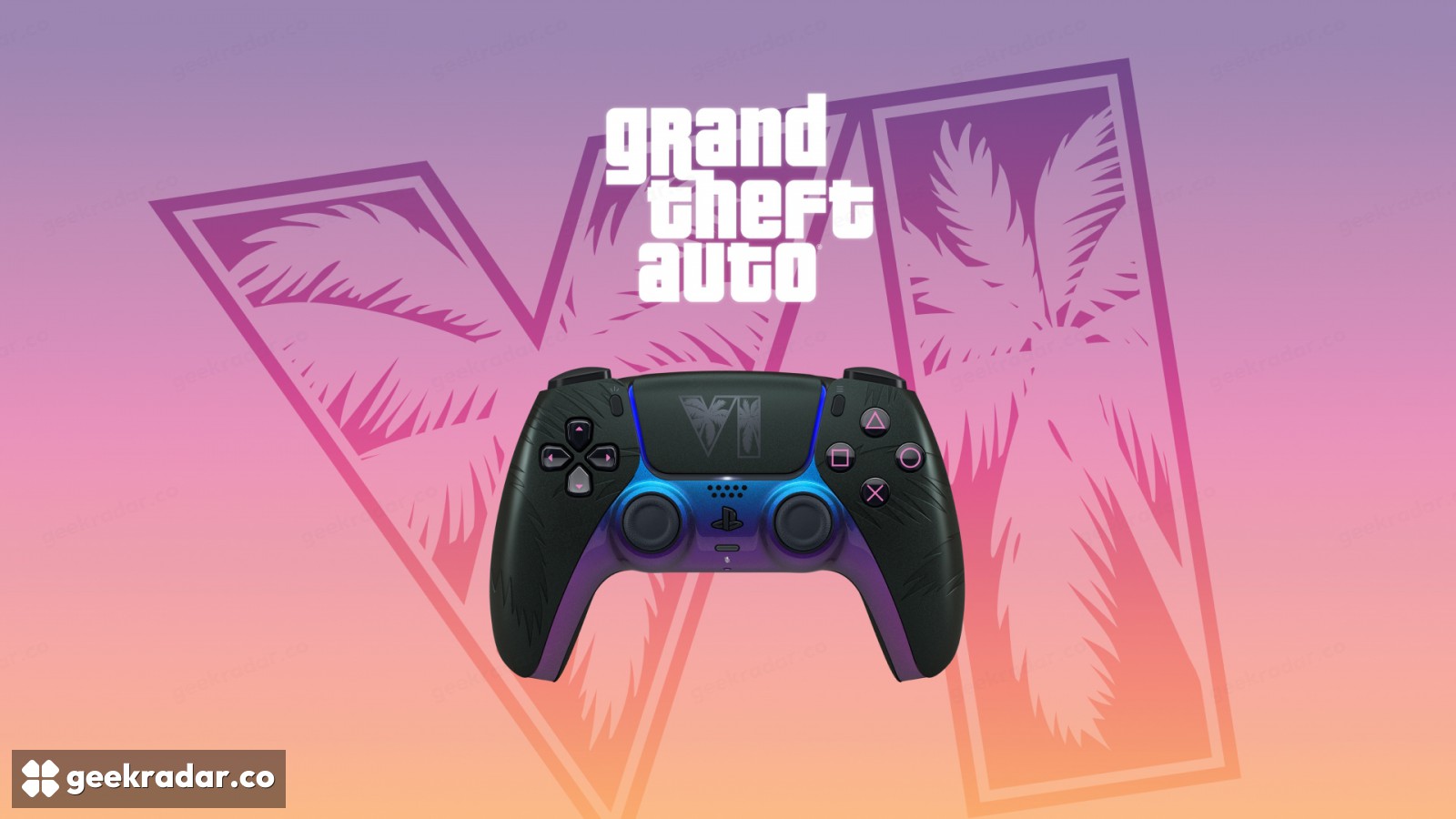
How to put sprint back on Cross or A in GTA VI
GTA VI puts running on the left stick by default. Classic restores the bottom face button for sprint, but it also moves jump and changes what L3 does on PS5.
If your first instinct in GTA VI is to press the bottom face button to run, the new default layout will send you into a jump. You can put sprint back under your right thumb. Pause with Options on PlayStation 5 or Menu on Xbox Series X|S, open Settings, then switch Control Scheme from Default to Classic. GamesRadar+ documents the switch and the buttons that move with it.
What each layout does on foot
| Action | Default | Classic |
|---|---|---|
| Run or sprint | Click the left stick (L3 on PS5, LS on Xbox) | Cross on PS5, A on Xbox |
| Jump or climb | Cross on PS5, A on Xbox | Square on PS5, X on Xbox |
| Crouch on PS5 | Circle | Click L3 |
There are two different “X” buttons in that table. PlayStation’s Cross is the bottom button of the diamond. Xbox puts its letter X on the left, where PlayStation puts Square. The physical positions are easier to remember across consoles. With Classic selected, the bottom button runs and the left button jumps.
Default gives your right thumb a different job. On PS5, tilt the left stick to move, click it once to run and click it again to sprint. That sequence appears in the on-screen movement prompt captured by All Things How. Clicking means pressing the stick into the controller while moving. Pushing it farther forward won’t register a second click. The payoff is that your right thumb can stay on the camera as you pick up speed. Classic puts the effort of running on a face button instead, a useful choice if repeated stick clicks are uncomfortable.
Check the diagram before you get back in the car
The pause menu lets you preview controls by situation. Select On Foot when checking the changes above. Behind the wheel, some of those same buttons have completely different jobs. On the default PS5 driving layout, for instance, L3 sounds the horn and Cross operates the handbrake, as shown in Shacknews’ controller reference.
For other adjustments, GeekRadar’s guide to GTA VI’s accessibility settings covers the wider menu. For this switch, a few steps on an open stretch of pavement are enough. Press the bottom face button while moving. If your character breaks into a run, your old reflex works again.