GeForce NOW comes to three more Fire TV Sticks. Check the model before the 4K badge
Amazon’s 2026 HD and 4K sticks and the first 4K Select can now run NVIDIA’s cloud gaming app. The Fire TV requirements give a clearer picture of play than the resolution printed on the box.
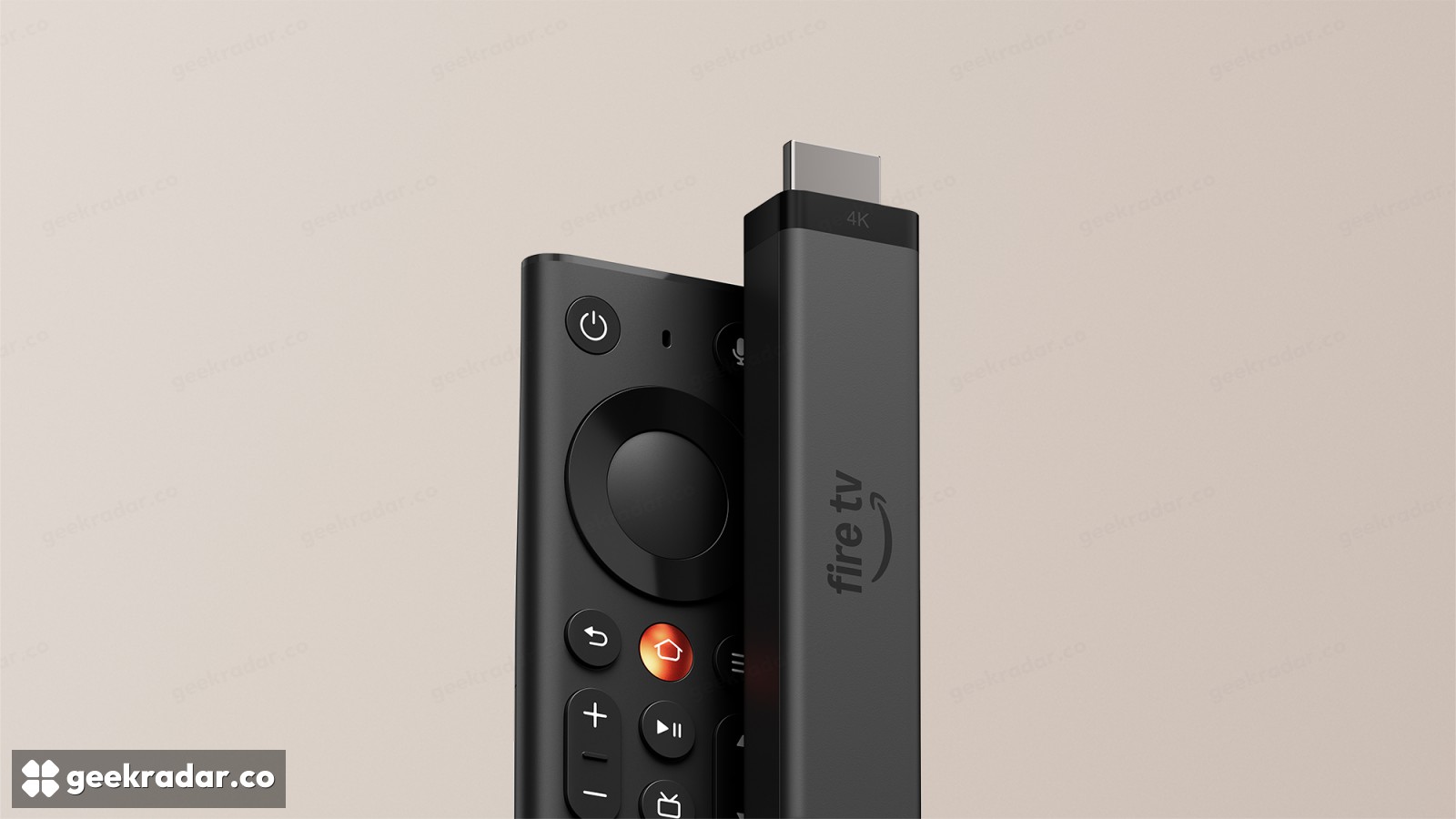
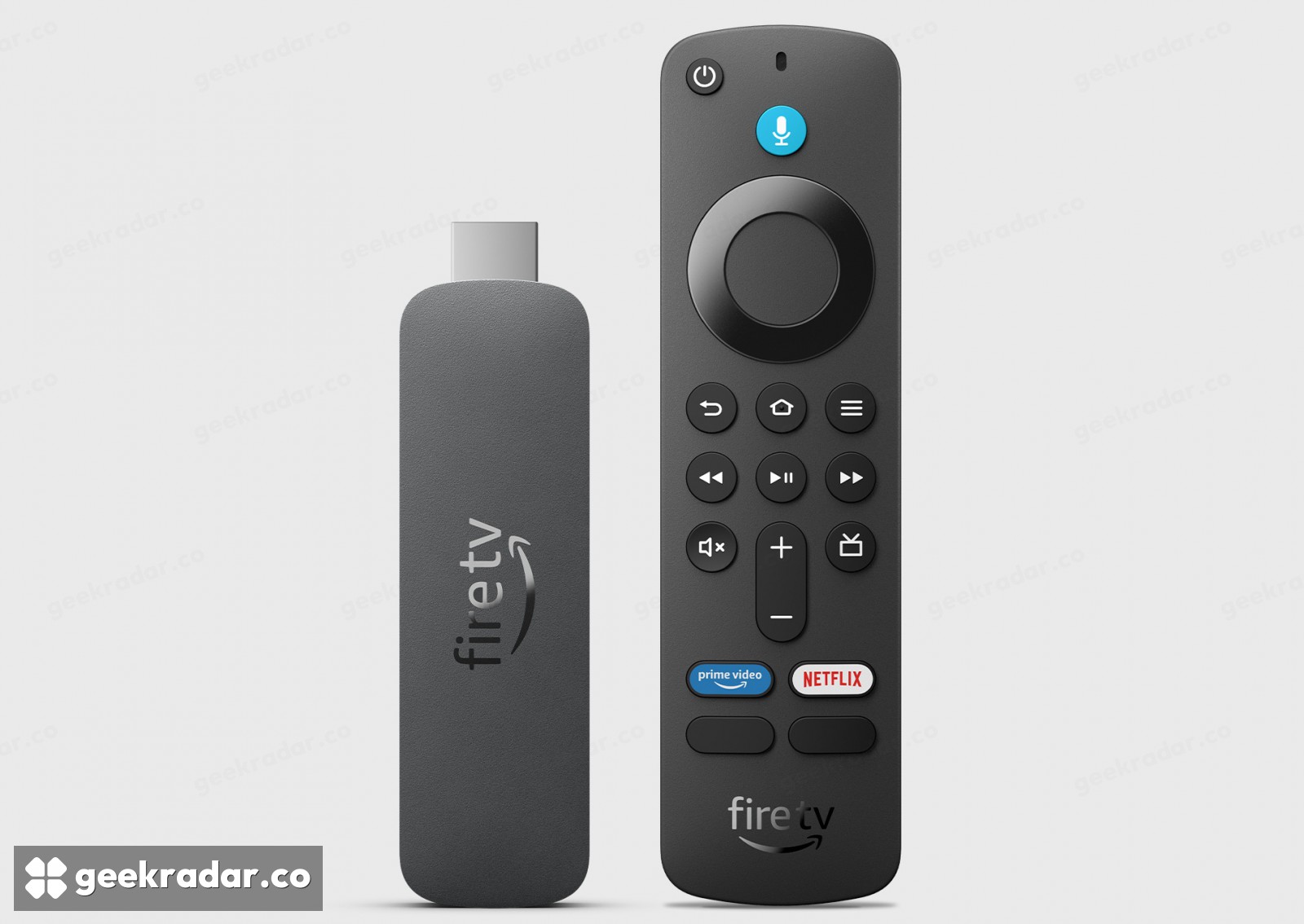
The Fire TV Stick HD can now do something its name barely hints at: put a supported PC game on the living-room television without a PC in the room. On November 19, NVIDIA added three Amazon devices running Vega OS to GeForce NOW: the 2026 Fire TV Stick HD, the first-generation Fire TV Stick 4K Select and the 2026 Fire TV Stick 4K. NVIDIA lists OS 2.0 or later for all three.
That model list matters if you already own a stick. GeForce NOW arrived on selected Fire OS devices in February, so the date you first saw the app on someone else’s TV tells you little about whether yours could run it. This week’s change brings the client to another operating system. Owners of a previously supported device gain no extra resolution merely because three more sticks can install the app.
What the connection has to carry
The work is split between two places. NVIDIA’s server runs the game. The stick sends the player’s inputs back to the server and puts the returning video on the television. A film can quietly build up a buffer while it plays. A game cannot buffer the picture of a turn you have yet to steer through. That is why NVIDIA gives two network requirements that can sound contradictory to someone with fast broadband.
Its Fire TV specifications call for 15 Mbps at 720p and 60 frames per second, or 25 Mbps for 1080p at 60. They also require network latency below 80 milliseconds to an NVIDIA data centre. A speed test against a nearby internet provider can easily clear the first figure without telling you whether the route to the game server meets the second. NVIDIA recommends Ethernet or 5 GHz Wi-Fi. For a stuttering session, checking that connection gives you more useful information than reading the HDMI stick’s model name again.
“4K” describes a capability of Amazon’s streaming hardware. The two profiles NVIDIA documents for this client are HD and Full HD. The higher figures advertised for GeForce NOW across other devices are a poor reason to replace an HD stick that already does what you want.
The remote gets you to the game
Download the app on a supported stick, sign into GeForce NOW and connect a compatible gamepad. NVIDIA lists Xbox controllers, Sony’s DualSense and DualShock 4, and the Amazon Luna controller. A keyboard and mouse can navigate the app, but the television client requires a gamepad for play. That is worth knowing before bringing a stick to a second television and leaving the controller behind.
There is one other check before settling in: find the game you want in the service’s supported catalogue and check the store version. As GeekRadar explained when Amazon added billing for GeForce NOW, paying for streaming and owning a paid game are separate purchases. For someone who already owns the right version and a controller, the interesting upgrade this week may be sitting in the HDMI socket already.