Before GTA VI, give PS5 HDR a baseline that fits your display
Sony’s output modes and calibration workflow are useful preparation. Promotional screenshots cannot supply universal brightness settings.
In this guide
Before GTA VI arrives, checking the PS5’s video output is more useful than copying someone else’s brightness numbers. HDR depends on the display receiving the signal, and a promotional screenshot cannot tell you which calibration values belong on your television.
Sony’s HDR support guide distinguishes the console’s output modes and provides an adjustment workflow. This is preparation for the console and display you own, not a tested GTA VI settings preset. The game’s own launch menus must be judged when they are available.
Start with the signal, then adjust it
High dynamic range concerns the range of brightness and color a supported display can reproduce. It is separate from how many pixels form the image or how frequently the game renders a new frame. Increasing a resolution setting does not, by itself, calibrate HDR.
Sony places the relevant controls under Settings, Screen and Video, then Video Output. “On When Supported” leaves unsupported games and apps in standard dynamic range; “Always On” converts their output to HDR. The presence of an HDR signal therefore does not, on its own, establish that the source was authored for HDR.
The aim is a known baseline. If you change several television presets, console options and game settings at once, it becomes difficult to identify which change improved or damaged the result. Work through one layer at a time and retain a way to return to the previous configuration.
Why a screenshot is not a calibration target
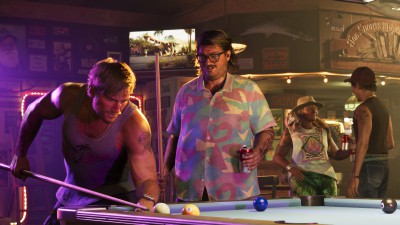
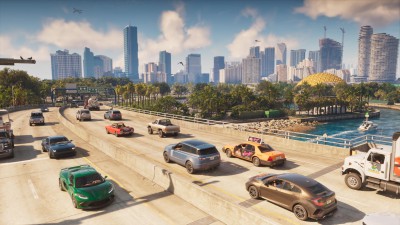
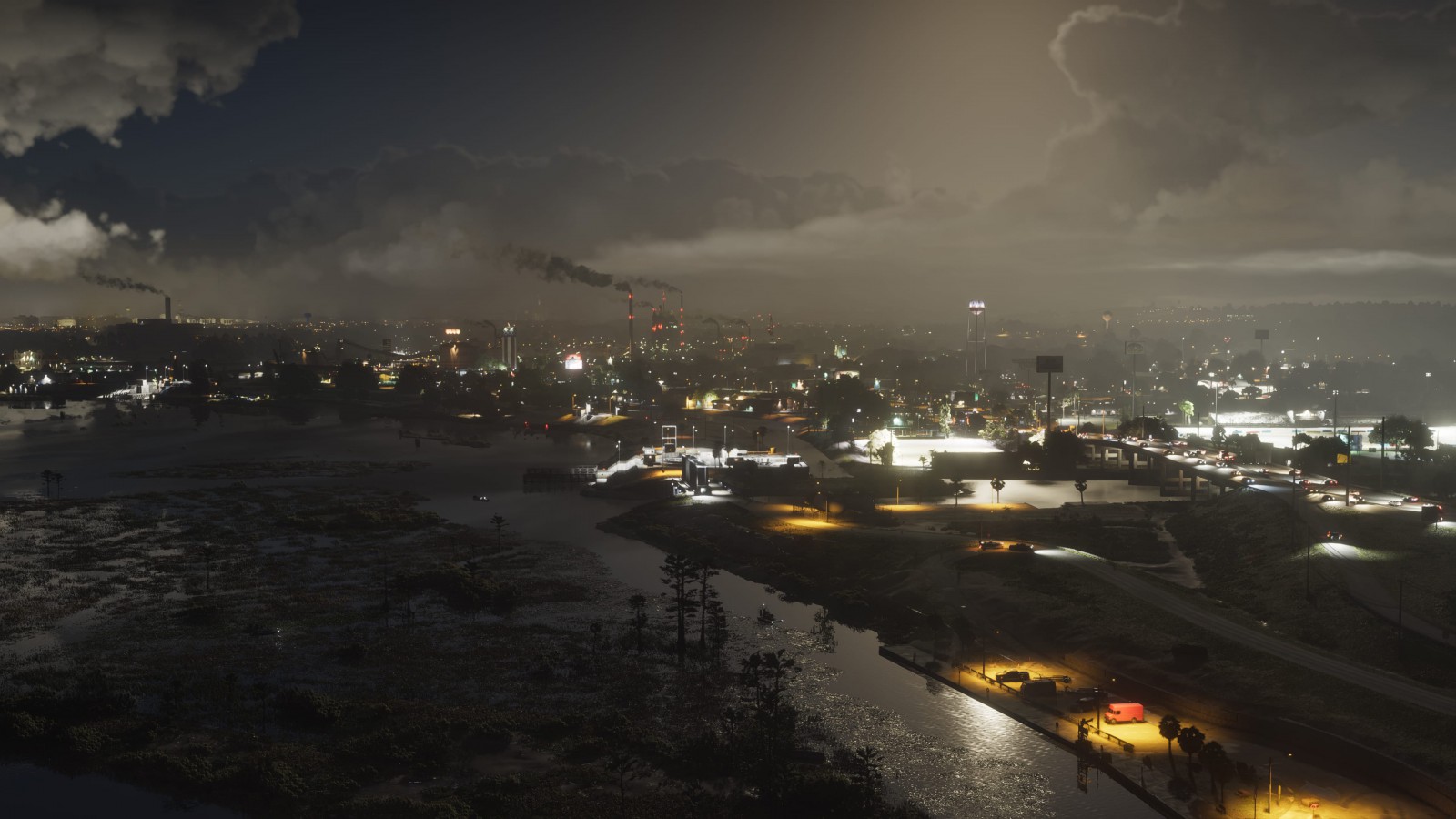
The official GTA VI gallery shows the art direction of Leonida, including bright skies and illuminated streets. Those images are useful for discussing composition. Viewed through a website, browser and separate screen, they are not a measurement of the game’s HDR output on your equipment.
An image can look different because of the display, room lighting, image processing or how the file is presented. Matching a phone screenshot by pushing every brightness control higher may remove detail rather than reveal it. It can also create a false expectation that every dark surface should become equally visible.
Our earlier article about light in the launch gallery considers how illumination shapes a scene. Calibration has a more practical task: preserving the distinctions the display can reproduce without inventing a universal appearance for every room and panel.
Keep HDR separate from performance promises
The announced console performance discussion concerns a different set of decisions. A sharper reconstructed image, a particular shadow technique and an HDR output mode should not be collapsed into one “best graphics” switch. They affect different parts of presentation.
If HDR cannot be enabled, use Sony’s linked diagnostic guidance instead of changing unrelated settings at random. A compatible output path needs to exist before calibration can be useful.
For GTA VI, the worthwhile preparation is modest: establish what the console is sending, adjust it for your own display and leave game-specific claims until the game can be examined. Leonida’s neon should retain its detail, not become the reason to turn every slider to maximum.