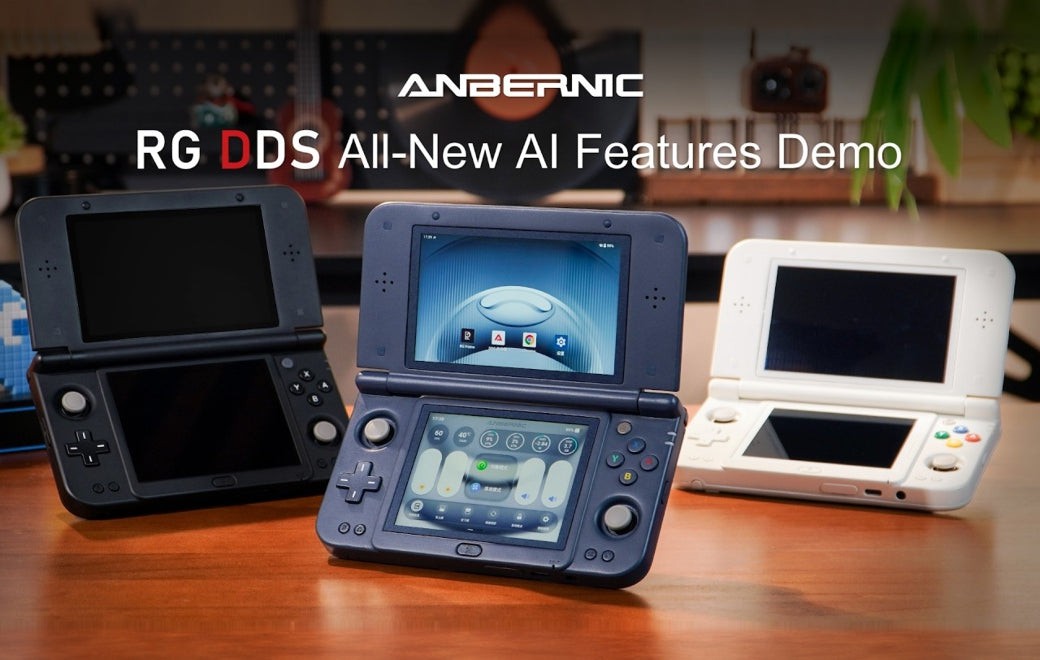
Anbernic RG DDS makes the second screen a control desk, with AI games alongside it
The new demonstration combines settings, touchpad input and assistance. Cloud-and-local AI does not promise that every feature works offline.
Anbernic’s RG DDS gives its second screen a job beyond displaying a second game view: the company’s new demonstration turns it into a control surface for the handheld itself, alongside an AI workshop that creates small HTML5 games from written instructions. The more convincing practical question is how often those controls save a trip out of the game.
The November 9 feature demonstration describes both cloud and on-device models powering AI Game Workshop. That wording does not establish that every feature works offline, or that the device can generate a complete commercial game from a short prompt. The announced output is HTML5 games that run on the handheld.
A second screen that keeps settings nearby
The Dual-Screen Control Center places performance, cooling, brightness and volume adjustments on the lower display. The same screen can act as a touchpad with one- and two-finger gestures. Physical AI and RG buttons can be customized through the handheld’s settings.
This is a specific advantage of the format: the main image need not be the only place available for a settings panel. For a handheld player adjusting brightness between a dark room and a train carriage, reducing the number of menus can matter more than adding another preset. Whether the implementation feels immediate remains a question for hands-on use, but the intended division of labor is understandable.
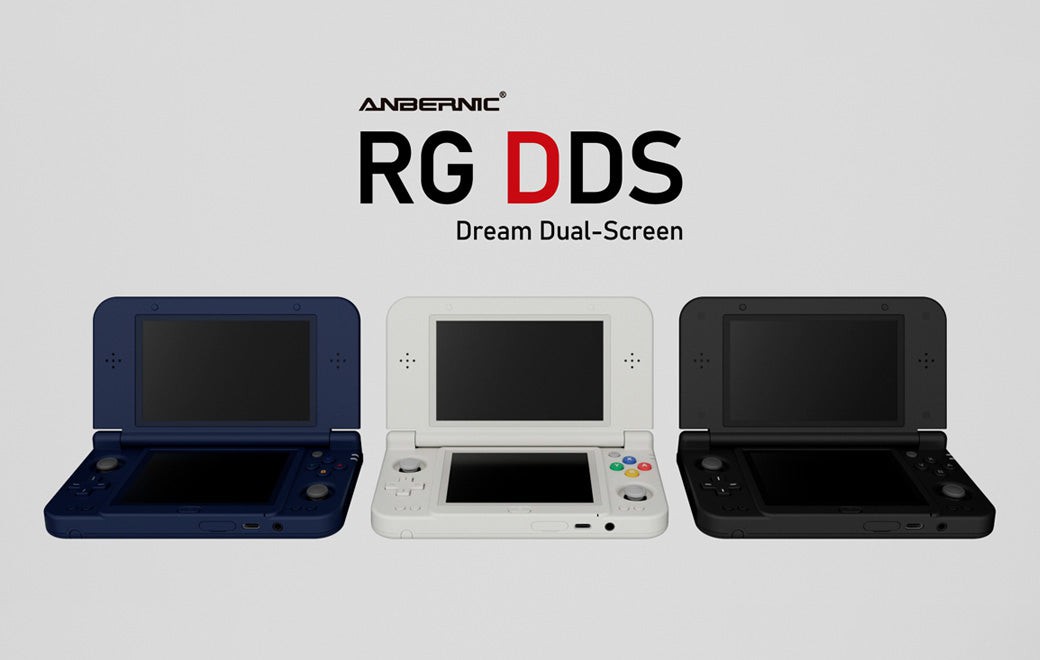
The official RG DDS specification page describes a 4.7-inch upper display and a 4-inch lower display, Snapdragon G2 Gen 2 and Android 16. The screens have different aspect ratios and resolutions. That makes the bottom panel a distinct workspace, rather than a smaller duplicate of the top one.
The AI claims need their own boundaries
Anbernic also describes voice requests for launching games, adjusting volume or brightness, changing performance mode and switching the lower screen on or off. Its assistant can recognize on-screen content and search for relevant walkthroughs, while real-time translation offers several dual-screen layouts.
These features solve different problems. A voice shortcut is useful if it reliably changes the intended setting. A walkthrough assistant is useful if it recognizes the correct situation without revealing more of the story than requested. Translation is useful if text remains legible and the context survives. Calling all three “AI” does not make their quality interchangeable.
The announcement does not provide a complete supported-language list, a detailed offline matrix or evidence that generated games are consistently good. Those gaps should remain gaps in a buying decision. In particular, a cloud-and-local description is not a promise that an internet-free journey will preserve every assistant function.
The hardware can outlast the novelty
The product listing schedules gradual shipping from December 10 and identifies RG DDS as a preorder. Its displayed dollar price is a storefront offer, not a universal delivered cost; destination, configuration and checkout terms still matter.
The enduring part of the pitch may be the least theatrical one. A lower screen that makes brightness, cooling or navigation easier has a use even after the novelty of generating a tiny game wears off. The AI workshop adds a new kind of play, but the second display earns its place each time it removes friction from the games a buyer already wanted to run.