Blender 5.3 makes Gaussian splats native. Importing a capture is only the first step
PLY and SPZ imports work across Blender's render engines, but export, transforms and color handling retain important limits.
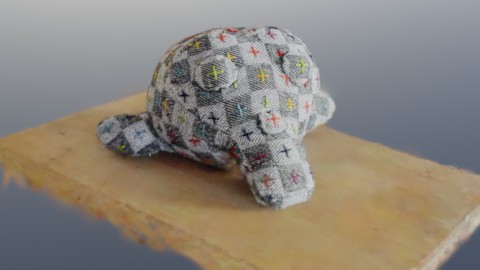
Blender 5.3 can import and render 3D Gaussian splats directly, giving photo- and video-derived scenes a native place in the application. The release, dated November 10 in Blender's official notes, supports PLY and SPZ imports, stores splats as point clouds and lets Geometry Nodes process them. Workbench, EEVEE and Cycles can all render the result.
The practical advance is a shorter path from a captured scene to an editable Blender composition. It does not mean that a capture becomes a conventional mesh, or that every familiar mesh operation works correctly on it. The release notes are unusually useful because they describe those boundaries alongside the new capability.
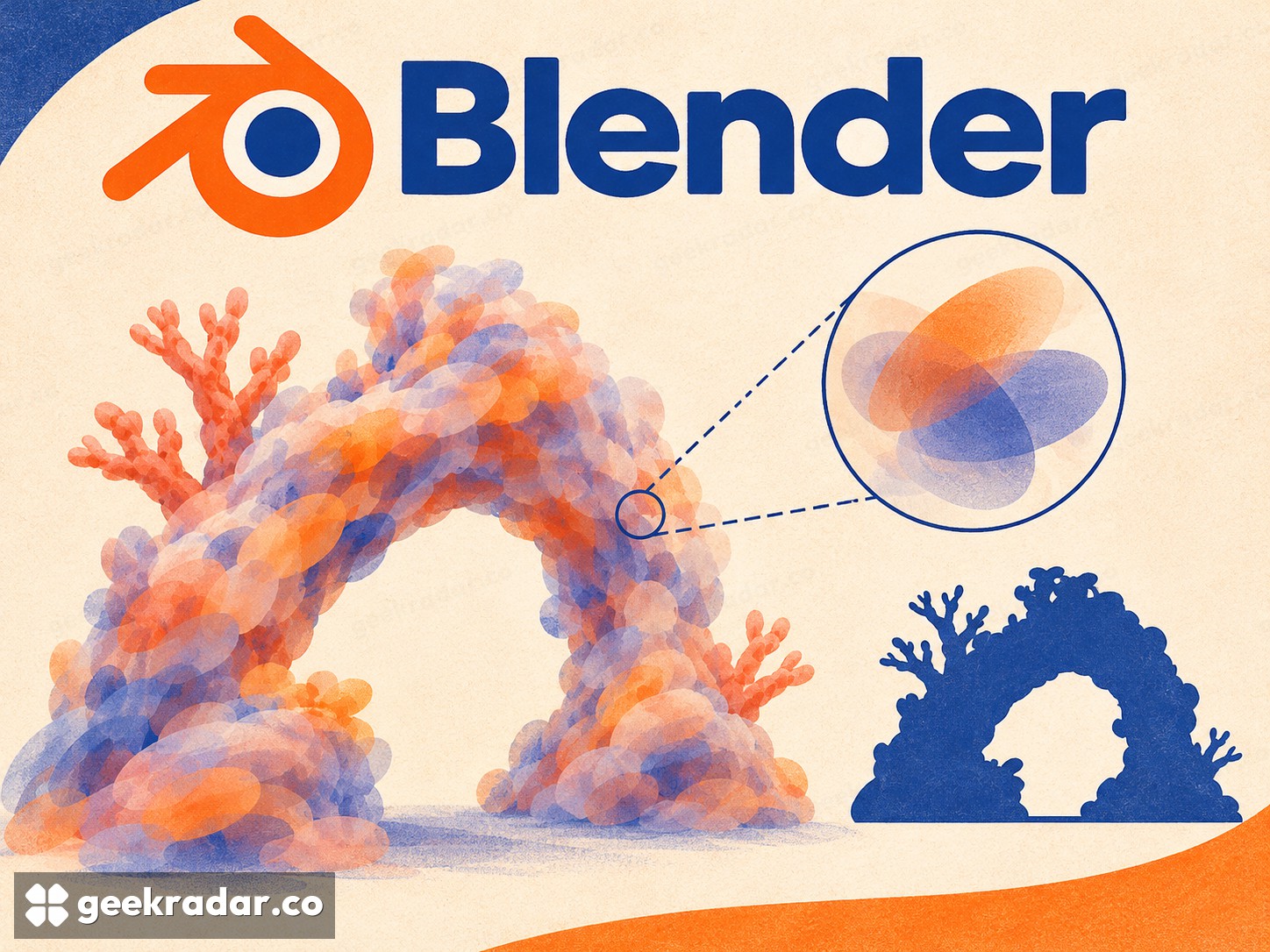
A scene made from soft volumes
A Gaussian splat represents part of a scene through a small, soft, partly transparent volume. Many such elements combine to reproduce geometry and appearance from captured views. Unlike a conventional surface model, the representation carries information about how the captured scene looks as well as where its elements sit.
Blender's rendering documentation adds a dedicated point-cloud type for this representation. Attributes describe scale, rotation and radiance. Geometry Nodes gains a Set Point Cloud Type node and an SPZ importer; the PLY importer can recognize splat data and return a point cloud rather than treating every input as a mesh.
For an artist, native handling means the capture can become part of the same scene organization and procedural workflow as other elements. That is more valuable than merely opening a separate viewer. It creates room to combine a captured background with other objects, inspect its structure and make controlled changes without an additional conversion step just to begin.
Import support is not a round-trip guarantee
The notes explicitly say there is currently no export support for the new PLY/SPZ Gaussian-splat workflow. Importing a capture, working on it and writing an equivalent splat asset back out therefore should not be assumed to be a completed round trip.
Coordinate conventions are another practical detail. Blender can convert the standard SPZ orientation, but the developers note that not all software saves the format using that convention. A scene arriving rotated incorrectly can be an interoperability issue rather than proof that the underlying capture is unusable.
This is a consequential limitation for reusable assets. A workflow often normalizes transforms before passing a file to someone else. With this representation, that habitual operation needs to be checked against the documented restriction instead of applied automatically.
Captured appearance is not automatically relightable
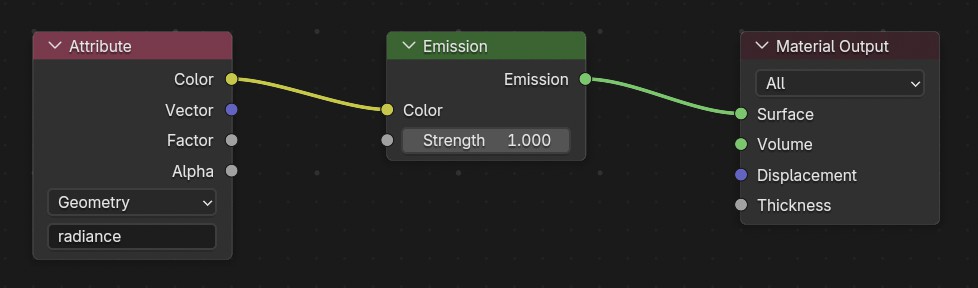
The default splat material is emissive. Blender describes rudimentary relighting support through replacing that emission with a surface shader, but the word rudimentary matters. A visually convincing capture does not, by itself, contain a fully reconstructed set of physical materials ready to respond perfectly to new lights.
The notes also describe imperfect performance and a color-space mismatch: commonly captured sRGB splats are being rendered in engines operating in linear space, with visible issues particularly in low-opacity, high-radiance areas. These are current documented constraints, not independent measurements of how a particular scene will look.
Other pipeline changes in 5.3 broaden import support to Gaussian splats in USD and glTF. USD also gains a Collection Importer whose settings can be saved with the .blend file. That persistence is useful for repeatable work: the import configuration can travel with the project instead of depending on someone remembering the last settings used.
The release makes splats more approachable without making their differences disappear. Its best immediate use is to bring a capture into a controlled composition while preserving a copy of the source and respecting the operations that remain incomplete. A native import button is the beginning of a production workflow; the documented limitations tell an artist where that workflow still needs care.