Xbox’s PC preview targets the wait before playing, not game frame rates
Microsoft claims faster startup and pages while reorganising its PC, web and cloud interfaces. The PC rollout begins with Insiders.
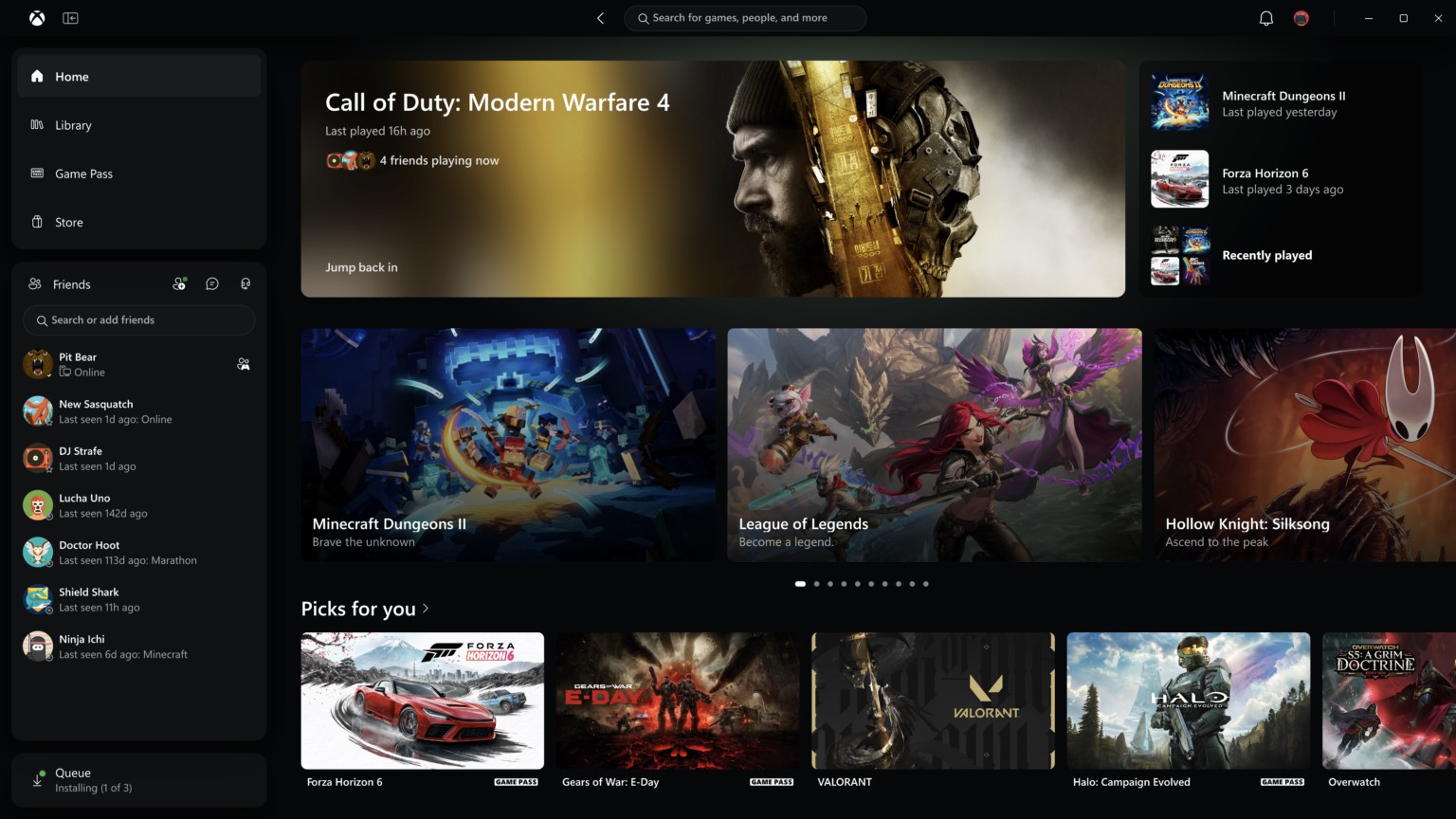
Microsoft is testing an Xbox PC app that spends less time getting out of the way. Its new preview targets launch speed, page loading and navigation, alongside changes to the web and cloud interfaces. The important qualifier is that the PC improvements begin with Xbox Insiders: this is not evidence that every installation has already received them.
In its November 5 announcement, Microsoft claims app launches up to 60% faster, Home, Store and Game Pass pages loading up to 50% faster, and in-app windows opening up to 65% faster. Those are Microsoft's tests, affected by the device, connection, configuration and usage. They measure the launcher, not a game's frame rate.
The useful benchmark is the wait before playing
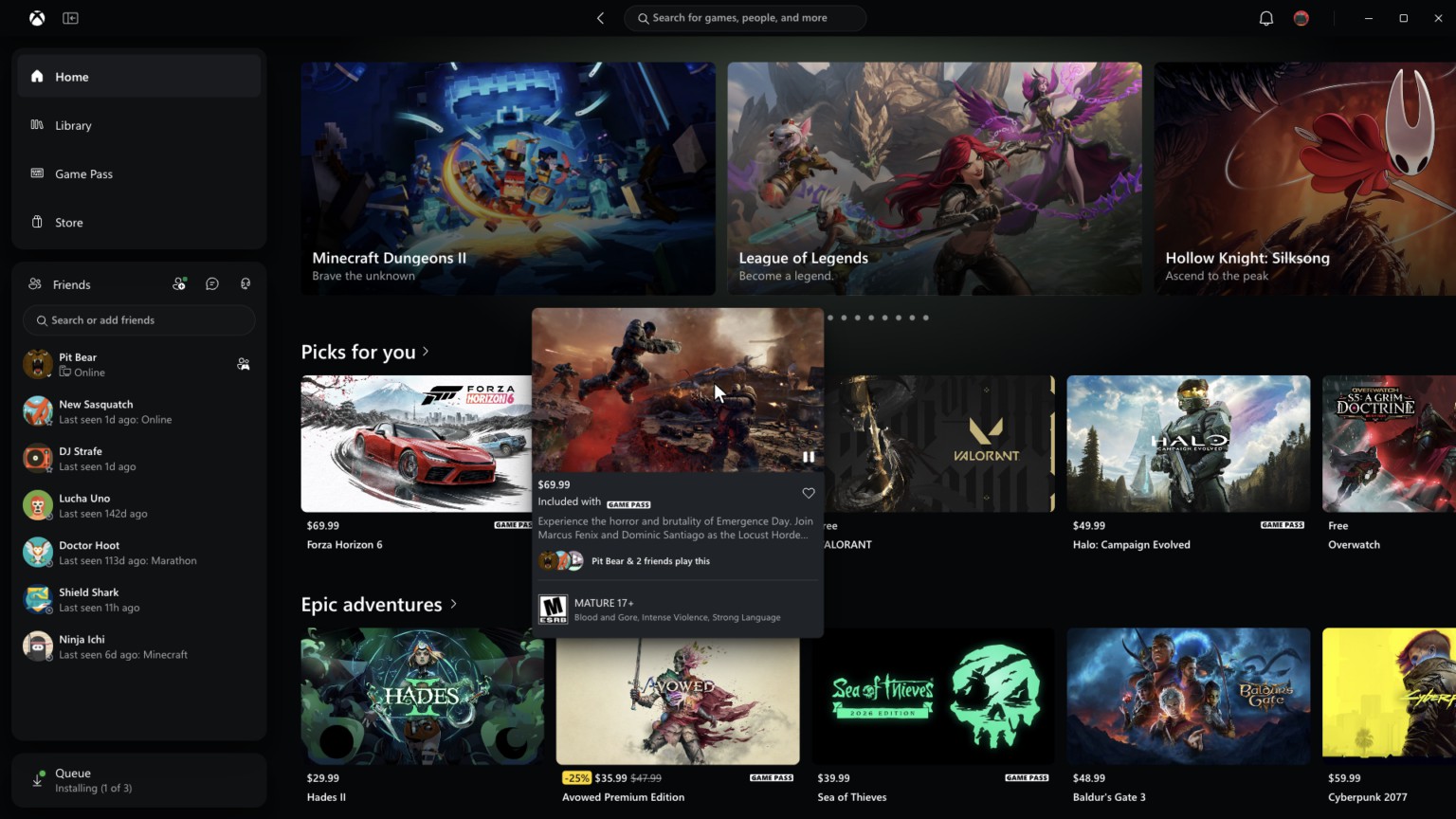
A store and library app can feel slow even when the games it launches run well. Its job includes discovering installed titles, retrieving account information and rendering catalogue pages. Cutting that delay changes the route into a game; it does not increase the graphics performance available once the game is running.
That distinction prevents an attractive percentage from becoming a misleading performance headline. A faster library may save seconds repeatedly across a week, which can be worthwhile in its own right. It is still separate from loading a particular save, compiling shaders or raising the frame-rate limit.
Microsoft also describes changes to library filters and organisation, clearer cards and a more direct route to friends from the main navigation. Search covers games, installed content, add-ons and people. These changes belong together: reducing page latency matters more when the interface also requires fewer detours to reach the intended destination.
A cloud library still has a support boundary
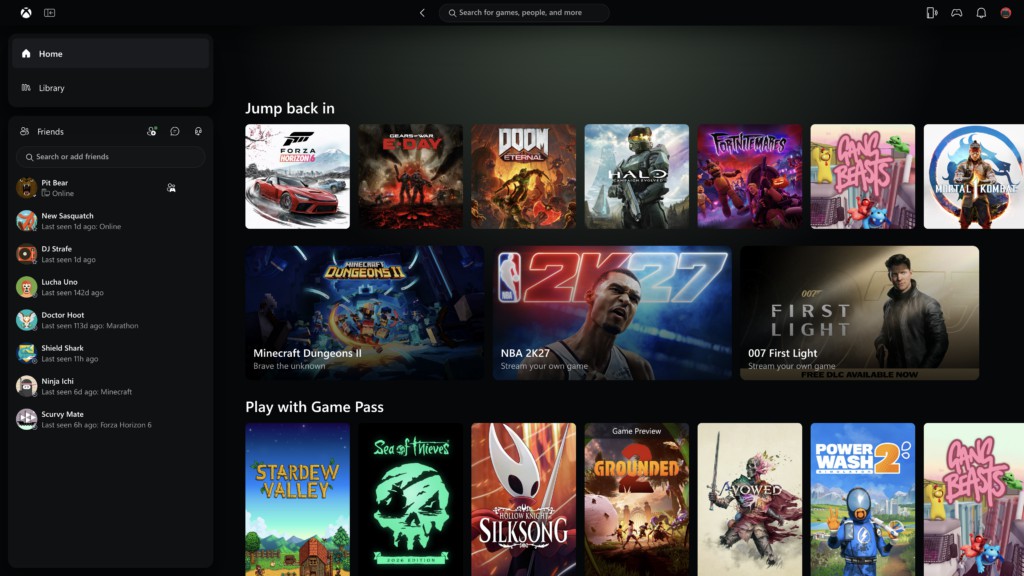
On the web, Microsoft is expanding access to the refreshed experience over the coming weeks, with early access through play.xbox.com. The revised cloud Library combines Game Pass access with owned games that support cloud streaming. The last condition is essential: ownership alone does not make every purchased Xbox title streamable.
Sorting by recent activity, genre or input method is particularly relevant when the same catalogue is reached from different screens. A game available to stream may still require an input method that is inconvenient on the device in front of you. Better filtering can expose that constraint before the player opens a session.
The desktop presentation adds light and dark choices plus five high-contrast themes. Supported television and VR apps are also receiving updated navigation. These are different delivery surfaces, so a web change should not be mistaken for the Windows app preview arriving everywhere at the same time.
Joining a preview is a separate decision
PC users interested in the earlier build can use the Xbox Insider programme and its Windows hub. The reason to join is access to a preview and the opportunity to provide feedback, not a guaranteed percentage improvement on a particular PC. The public announcement does not substitute for measuring that machine's existing behaviour.
For everyone else, the most meaningful promise is modest and concrete. A launcher should make a large library easier to use without becoming another obstacle between choosing a game and playing it. Microsoft's percentages are a starting point for that promise; the better result would be needing to think about the app less often.