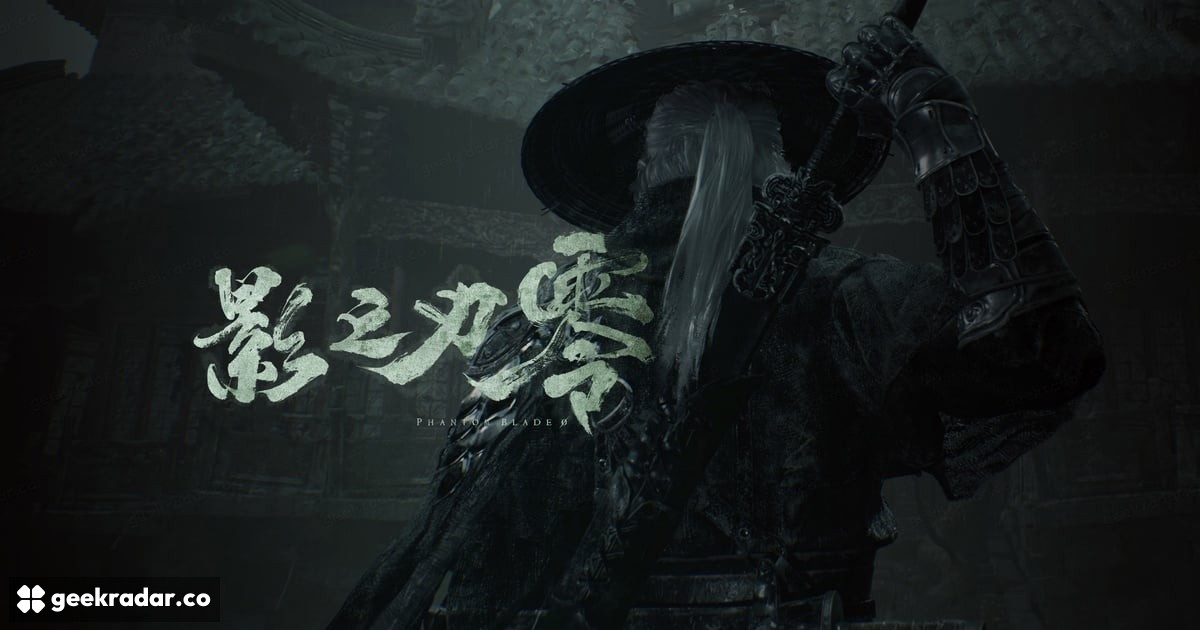
Phantom Blade Zero needs 300 GB free to preload a 145 GB game
The PC preload has a temporary-space requirement. Check the destination SSD before the worldwide unlock on October 29 at 02:00 UTC.
Phantom Blade Zero needs roughly 145 GB once installed on PC, but S-Game is asking players to have at least 300 GB free for the preload process. Those numbers describe different stages of getting the game ready. A drive with enough room for the finished installation can still fall short while the preload is being prepared.
The developer’s published preload instructions also require an SSD and recommend updating graphics drivers. The worldwide launch is October 29 at 02:00 UTC, which is October 28 at 7 p.m. Pacific and 10 p.m. Eastern. The calendar date changes across time zones; the unlock itself does not become a separate regional release.
Why the free-space requirement is larger
Preloading lets a store download a game before access opens. Downloaded packages and the files produced when they are unpacked can coexist temporarily, making the peak storage requirement larger than the eventual installation. PC Gamer’s report on the updated requirements identifies that temporary overlap as the reason for the unusually large allowance.
That makes 300 GB a preparation requirement, rather than a prediction that the game will permanently occupy that much space. Equally, the approximate 145 GB figure is not a promise that every later patch, language package or store build will remain identical. The developer’s instructions are the useful baseline for this launch.
Check the destination drive
Free space elsewhere on a computer does not automatically solve a shortage on the drive selected by the launcher. Before moving a large library, check where Phantom Blade Zero will install and where that launcher keeps its temporary files. Use the store’s own supported move or uninstall controls for other games, preserving saves separately where necessary.
An external drive can be useful for moving an existing library out of the way. It does not, by itself, satisfy the instruction to install this game on an SSD, and storage capacity should not be confused with storage performance. A drive can have plenty of room and still be the wrong destination for the published requirements.
This is a different question from the graphics settings and PC hardware requirements. Clearing space will not make a below-spec GPU reach the developer’s stated performance target, just as a powerful graphics card will not help an installer that cannot unpack its files.
Preloaded does not mean ready to play
The preload began October 27 at 02:00 UTC. Even after a download finishes, a store can still need to unlock and prepare the installation at release. Network speed is therefore only one part of launch-night readiness; disk work can remain after the progress bar first reaches completion.
For players deciding whether to download tonight, the practical choice is straightforward: check the SSD’s available space before committing to a large transfer. Moving an old game now is a more manageable interruption than discovering, at unlock time, that the new one has downloaded successfully but has nowhere to expand.