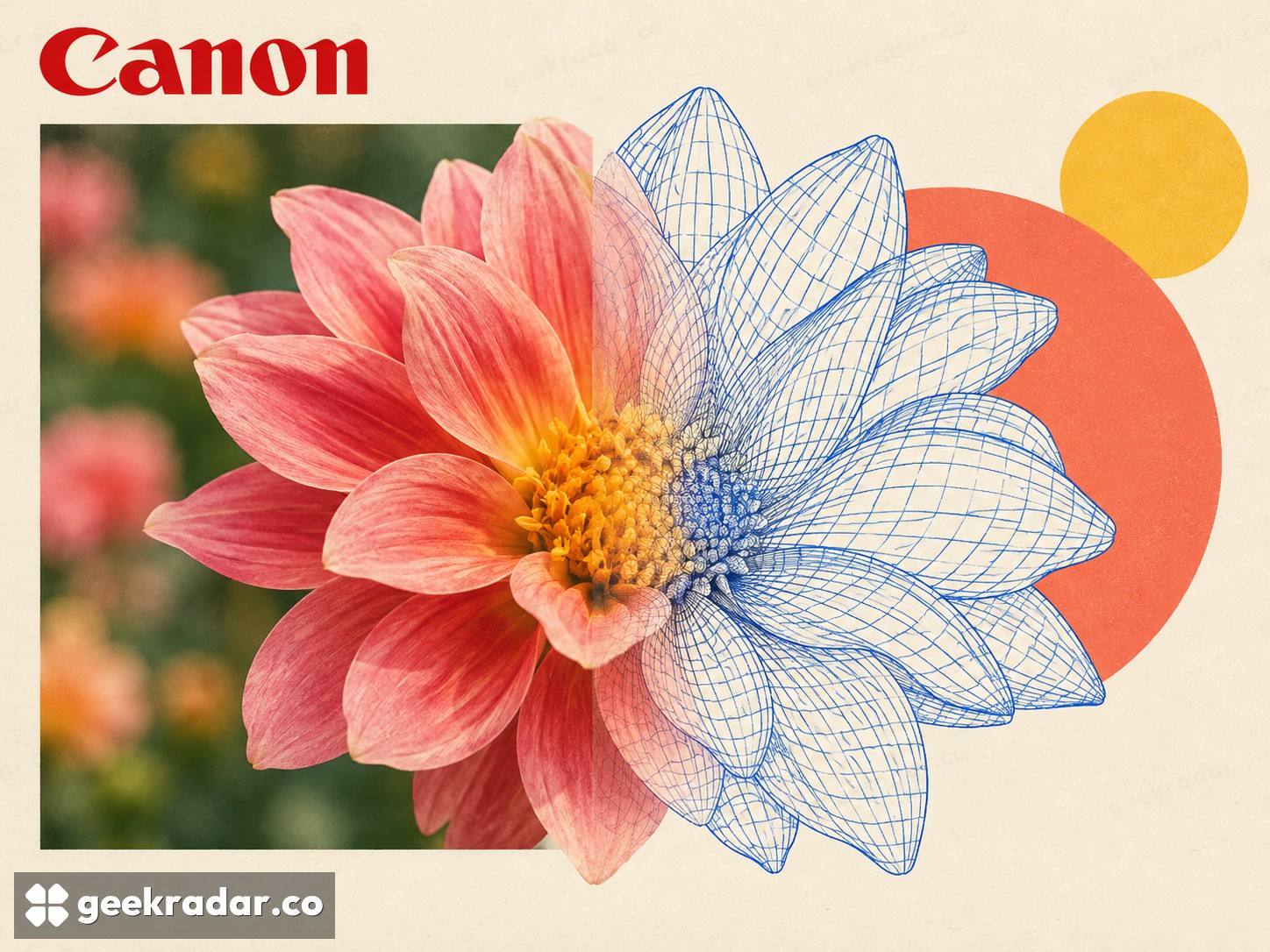
Canon DP-3D turns depth inside a RAW file into a model, with strict shooting conditions
Dual Pixel data offers another view of a photographed surface. Compatible cameras, exposure choices and hidden geometry limit the result.
Canon's Dual Pixel 3D Converter turns depth information from compatible camera files into an exportable 3D model. The useful surprise is that it can work with several existing EOS bodies and ordinary supported RF lenses, rather than requiring a dedicated stereoscopic camera. The important limit is equally concrete: a single photograph cannot supply the surfaces hidden behind the subject.
The official DP3D page describes version 1.0.0 for 64-bit Windows 11, version 24H2 or later. It accepts compatible Dual Pixel RAW files and, on the supported model, JPEGs containing distance data. The result can be exported as OBJ or GLB, used in software such as Blender, or presented as an animated MP4 preview.
Autofocus information becomes geometry
Canon's Dual Pixel sensor divides each pixel into two photodiodes. Their phase difference supplies information used for autofocus; DP3D uses that information to estimate depth across the photographed scene. The photographic image then supplies the model's surface texture.
That separates this process from simply asking software to imagine a plausible object from a flat picture. It still involves estimation, and the quality of the estimate depends on the capture. A convincing texture can make imperfect geometry look persuasive from the original viewing angle, then reveal stretching when the viewpoint moves.
Canon offers two approaches: convert the photographed scene including the background, or isolate the subject. Neither captures the unseen back of an ornament. The company's examples of difficult scenes include substantial blur, thin shapes, strong reflections and areas hidden from the camera. A shallow, textured subject on a simple background gives the software a more tractable problem than a shiny object full of gaps.
Compatibility is a list, not a camera-family promise
Canon names the EOS R5, R5 Mark II, R6 Mark II, R6 Mark III, R7, R8, R8 Mark II and R10. The R5 Mark II requires firmware 1.3.1 or later, while the R8 Mark II is identified for JPEGs with distance data. The lens list is also specific. Owning an EOS camera or an RF lens does not by itself establish that the combination is supported.
For RAW capture, Canon specifies RAW rather than C-RAW, Dual Pixel RAW enabled, HDR PQ disabled and sRGB. Its recommended shooting settings include an aperture of f/5.6 or wider and ISO 1600 or lower. It separately states that models cannot be generated above f/8 or ISO 3200. Recommendations for better results and hard processing limits should not be conflated.
The suggested camera-to-subject distance is five to ten times the focal length. That explains why moving very close with a macro lens is not automatically the best choice. The objective is to supply usable depth information while keeping the subject recognizable and reducing occluded areas.
A photograph gains movement, not complete physical truth
TechRadar's practical walkthrough explores the capture and conversion workflow. Its observations belong to that author's testing; they are not a GeekRadar camera test. Canon also provides sample files, which offer a way to examine the software before organizing a shoot.
This makes sense for a presentation, a modest change of viewpoint or an expressive product image where the visible surface matters. It does not establish measurement-grade dimensions or replace a complete scan of an object. The most useful first result may be discovering exactly where the photograph stops containing enough information: the edge where a successful 3D effect becomes an unsupported reconstruction.