iPhone Duo’s Pencil support starts with choosing the right Pencil
Apple confirms the USB-C model. A release-candidate report suggests earlier software support, but the Pencil Pro’s extra features do not come with it.
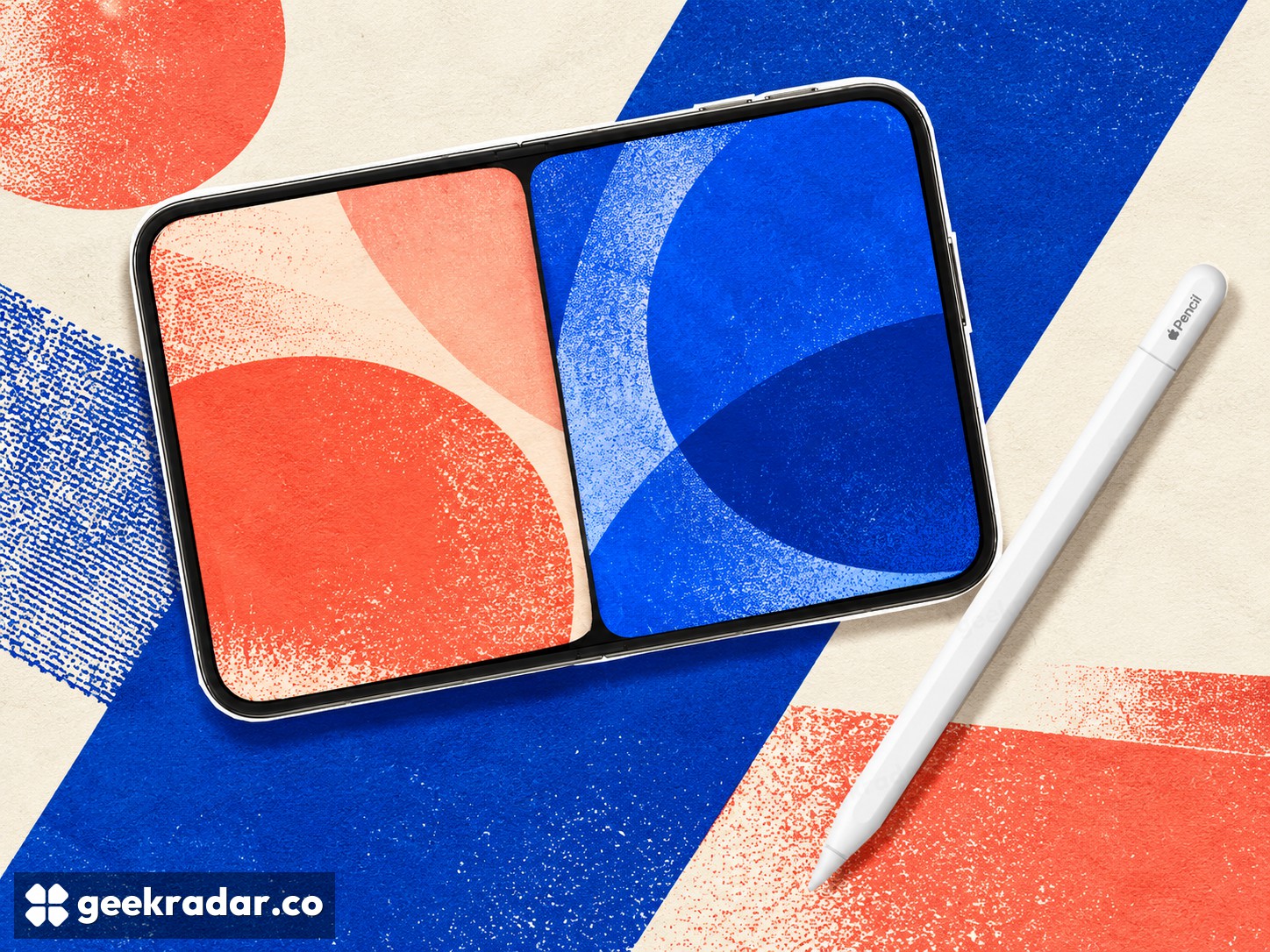
The Apple Pencil that works with iPhone Duo is the USB-C model. Apple’s product page confirms that compatibility while still describing support as coming later this year. A report that the feature is already working in the iOS 27.2 release candidate suggests the wait could be shorter, but a release candidate and a public software release are different things.
For someone preparing for the phone’s arrival, the accessory distinction is more durable than a predicted update date. Owning an Apple Pencil Pro does not mean owning the compatible Pencil, and buying the compatible version does not bring the Pro’s entire drawing feature set to the phone.
The cable identifies more than the charging method
Apple’s Pencil comparison gives the USB-C model tilt sensitivity, precise input and low latency. It does not give it pressure sensitivity. That difference matters for a brush whose width or opacity responds to how hard the tip is pressed: an application can choose other ways to vary a stroke, but it cannot obtain a pressure measurement the accessory does not provide.
Tilt and pressure answer different questions. Tilt describes the angle at which the stylus is held, useful for effects resembling shading with the side of a pencil. Pressure describes force at the tip. Seeing one listed should not lead a buyer to assume the other is present.
These are hardware distinctions, not shortcomings that a phone update is automatically expected to erase. They make the USB-C Pencil a different tool, especially for readers coming from an iPad drawing setup and expecting familiar gestures to follow them.
The software report needs its qualification
9to5Mac’s October 21 report points to Max Weinbach’s demonstration of Pencil support in the iOS 27.2 release candidate. It describes a public release as expected the following week. That is useful evidence of progress, but it should not be rewritten as an already completed rollout or a guaranteed date for every device.
Someone staying on public software can check the actual update notes when the release arrives. Installing prerelease software solely to make a newly purchased accessory work introduces a separate choice about the operating system used on a primary phone. The report does not require making that choice.
A larger screen changes the task, not every tool
The most immediate uses are easy to understand: annotating a document, writing a short note or placing a mark more precisely than with a fingertip. Whether a particular drawing or productivity app makes good use of the input remains an application question. Our look at the first Duo reviews shows why a larger display and a useful everyday workflow are not the same question.
For Italian buyers, the accessory model is the same compatibility question; a US dollar price is not the local checkout price. Check the Italian store and the software available on the phone rather than assuming a reported US timetable or an older Pencil purchase settles both.
The useful preparation is modest: identify the USB-C Pencil, understand the missing pressure and Pro controls, and wait for the relevant public software confirmation if that is the release channel you use. The foldable screen offers more room for a pen. It does not make every Apple pen interchangeable.