MacBook vs Microsoft Surface: software, form factors and everyday trade-offs
Air and Pro are different choices, just as Surface Laptop and Surface Pro are. Start with required applications, working posture and the complete accessory basket.
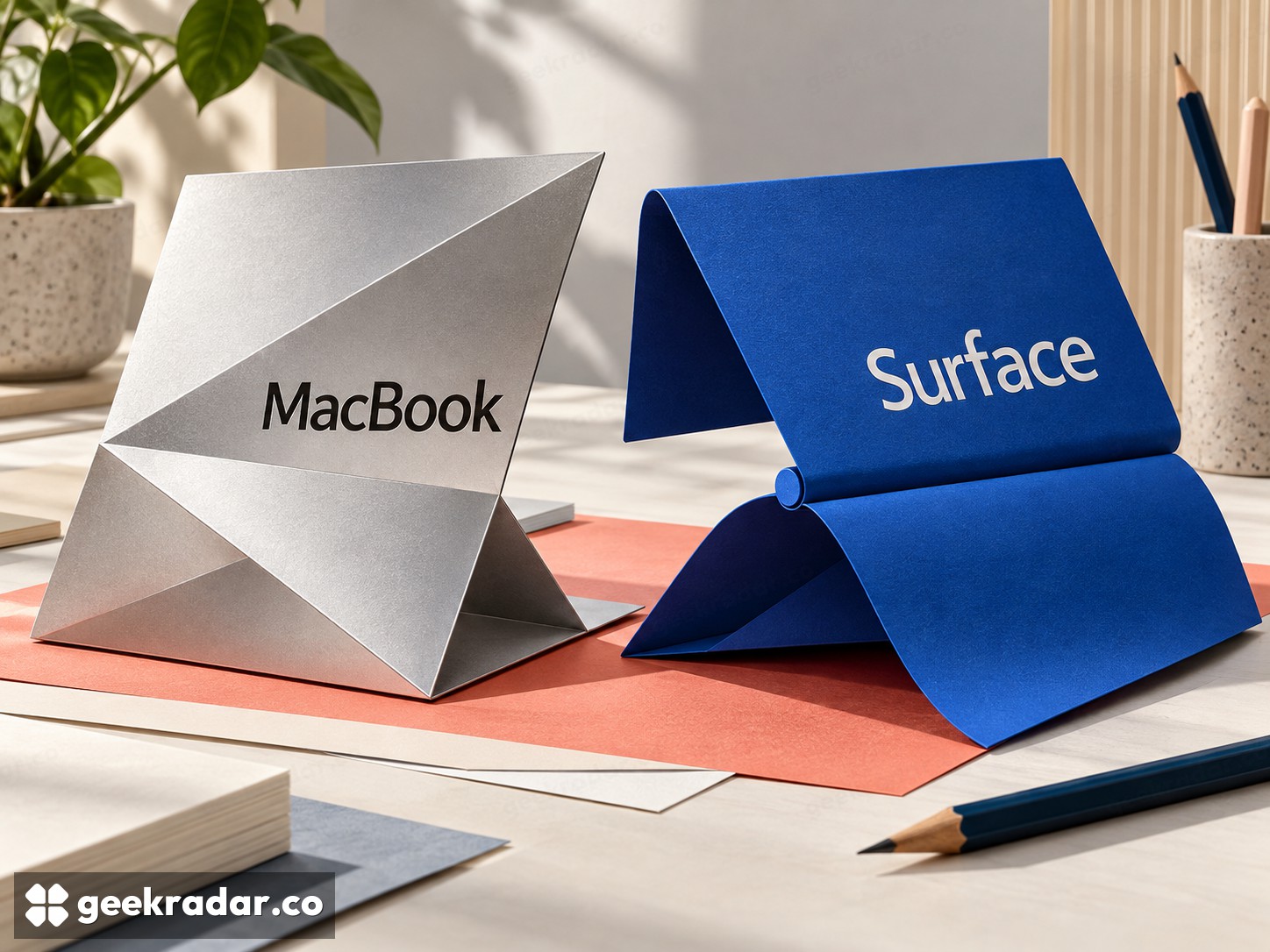
MacBook versus Microsoft Surface is first a choice of software and working posture. Apple's laptop family centers on macOS clamshells, with Air and Pro serving different demands. Surface spans conventional laptops and Pro devices with a detachable keyboard. If you need to draw directly on a screen or run a particular Windows application, those facts can settle more than a processor comparison.
The family names conceal important differences. Surface Pro is not simply a Surface Laptop with a faster chip, and MacBook Pro is not automatically the sensible upgrade for everyone who likes the Air. Start with the tasks and physical arrangement you need, then choose a tier.
What the hardware shape changes
Apple presents MacBook Air as a thin, fanless laptop. A fanless design removes fan noise, but it does not establish identical sustained performance to an actively cooled machine. A short task and a long continuous workload can make different demands on cooling. The MacBook Pro range offers another configuration of performance, displays and connectivity; compare the actual options rather than paying for the word Pro.
Microsoft's Surface family includes more than one way to sit at a desk. Surface Laptop follows the familiar hinged-laptop arrangement. Surface Pro combines a kickstand, touch screen and detachable keyboard, with pen and keyboard availability dependent on the purchase configuration.
That can be valuable for handwritten notes, annotation or work that alternates between a keyboard and direct screen input. It also changes the physical footprint. A kickstand needs support behind the screen; try the arrangement on the sort of narrow table or lap where you expect to use it. Detachable does not mean more convenient in every posture.
Compatibility comes before the chip badge
List the applications, plug-ins, peripherals and workplace services that are non-negotiable. Check their supported operating systems and versions. A familiar application name does not guarantee that its Mac and Windows editions contain every same feature, nor that an old plug-in works with a current installation.
Surface adds another distinction within Windows: processor architecture. Microsoft's guidance for Arm-based Surface devices explains the relationship between native software, emulated applications and compatible drivers. Emulation can help with applications; it does not make an unsupported hardware driver disappear. A specialist printer, audio interface or business security tool deserves a check before purchase.
The same discipline applies to MacBook. Verify the current macOS version, the application's supported hardware and your peripheral workflow. Do not assume that buying a more expensive Mac solves a software-compatibility restriction. If a mandatory tool rules out one platform, acknowledge that early and use the remaining budget to improve the configuration you can actually use.
Where the practical costs hide
| Question | MacBook | Microsoft Surface |
|---|---|---|
| Which family member? | Air or Pro according to sustained work, display and ports | Laptop or Pro according to keyboard, touch and posture |
| Software gate | Required macOS applications and plug-ins | Required Windows applications, plus architecture-specific compatibility |
| Accessories | Check adapters, displays and any separate drawing device | Check whether the desired keyboard, pen and adapters are included |
| Main purchase risk | Paying for a higher tier without a workload that benefits | Comparing a bare tablet price with a complete laptop basket |
Memory and storage deserve as much attention as the processor label. Price the capacity needed for your real projects and verify upgrade options for the exact model; do not assume a future inexpensive expansion. Include the monitor connection, charger and any specialist adapter in the comparison.
Battery claims need matched conditions to become a fair ranking. Different test workloads, screen brightness and settings can produce numbers that should not be placed in a simple winner column. Independent tests of the configurations you are considering are more useful than comparing each manufacturer's longest advertised scenario.
Choose the machine that fits the whole day
Italian buyers should compare local keyboard layouts, warranty terms and VAT-inclusive bundles. A foreign promotion may omit the keyboard or offer a different configuration. Existing accessories and software licences can make either ecosystem cheaper to keep, but only count expenses the new purchase actually changes.
Choose MacBook when macOS fits the work and the appropriate Air or Pro offers the right balance of portability and sustained capability. Choose Surface when Windows or a verified touch-and-pen arrangement removes an obstacle in your routine. The right laptop should fit the demanding hour of your day as well as the easy one; otherwise a winning specification can still leave you carrying the wrong computer.