MacBook Air M5 vs Surface Laptop: compatibility before chip rivalry
The 13.8-inch Snapdragon Surface adds touch and USB-A; the Air fits macOS workflows. Exact apps, drivers, memory and peripherals can settle the purchase first.
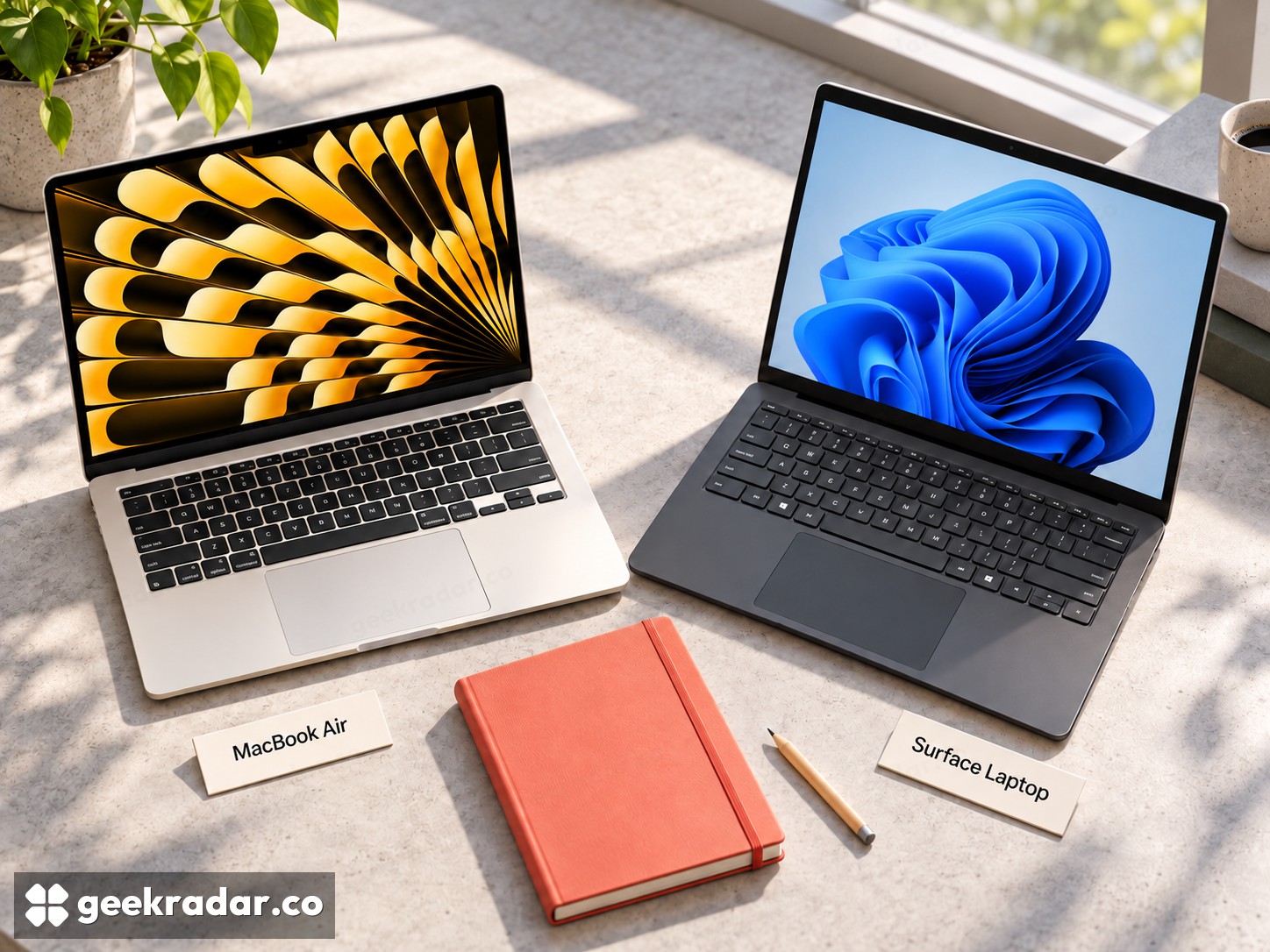
Apple's 13-inch MacBook Air M5 and Microsoft's 13.8-inch Surface Laptop, eighth edition, are both compact computers built around Arm-based processors. That shared foundation does not make their software interchangeable. The most useful comparison begins with the applications and peripherals that must work, then moves to the screen, ports and price of a matched configuration.
The Surface in this article is the 13.8-inch Snapdragon model, not the smaller 13-inch version or an older seventh-edition laptop. Microsoft sells several closely named machines; comparing the cheapest one against a better-equipped Mac can conceal differences rather than reveal value.
Touch and workspace are real differences
Microsoft's current model table lists a 13.8-inch, 2304×1536 touchscreen with a refresh rate reaching 120Hz. Apple's M5 Air specification lists a 13.6-inch, 2560×1664 display. Surface's touch input is a clear functional distinction; the MacBook Air does not become a touchscreen computer because another Apple device has one.
Touch can be useful when navigating a document, showing something to another person or interacting with an application designed for it. It is less valuable to someone who spends the day using keyboard shortcuts and an external display. Paying for an input method you rarely use is different from buying a capability your work depends on.
Likewise, a high refresh ceiling should not be confused with faster completion of a spreadsheet or export. It can change how movement on the display looks, but application performance depends on much more than the panel. Separate the experience of interacting with the machine from the time it takes to finish a job.
Arm compatibility is an application question
Microsoft's Windows on Arm FAQ explains that Windows can run many applications through emulation and that native Arm versions are increasingly available. It also states an important limit: drivers must support Windows on Arm. An application that opens successfully does not prove that an attached specialist device will work.
That is particularly relevant to older printers, specialist audio equipment, security software and games with anti-cheat components. Ask the software or hardware maker about the exact version and device. A familiar Windows desktop is not evidence that every dependency is compatible.
The Mac has a different boundary: macOS applications and supported peripherals. A Windows-only work tool does not gain a Mac version because both computers use Arm chips. If an employer supplies the application, obtain its supported-platform requirements before choosing either machine. Browser-based work may make the distinction much smaller, but local plug-ins, certificates and peripherals can still matter.
Ports and memory belong in the same basket
Apple documents two Thunderbolt 4 ports, MagSafe charging and a headphone jack. Microsoft lists two USB4-capable USB-C ports, USB-A, a headphone jack and Surface Connect for the 13.8-inch model. A USB-A peripheral can therefore create an adapter requirement on the Air that it does not create on this Surface.
Apple's base M5 Air specification starts at 16GB of unified memory and a 512GB SSD. Compare the Surface with the same memory and storage rather than allowing a smaller drive to make the starting price look equivalent. Unified memory and Windows system memory also serve their respective architectures; capacity alone does not establish a performance tie.
Manufacturer battery claims should stay attached to their test conditions. Apple's page describes its browsing and video tests, while Microsoft's page identifies its own configurations and workloads. Subtracting the two headline durations is not a measurement of how much longer either will last through your working day.
The earlier M1 Pro and M1 Max generation showed why the complete laptop matters alongside its processor. The same discipline applies to these lighter machines, even though their chips and target workloads differ.
Choose the friction you can remove
For Italian buyers, use the local store configuration, keyboard layout and VAT-inclusive total. The UK Surface page verifies hardware distinctions but its sterling price is not an Italian offer. A workplace support requirement or an existing software license can matter more than a small retail discount.
Choose the Air when the applications you need fit macOS and its connection options suit your desk. Choose the 13.8-inch Surface when touch, USB-A and supported Windows workflows provide a concrete advantage. The right compact laptop is the one that lets you open the document, connect the equipment and get on with the work without rebuilding your day around it.