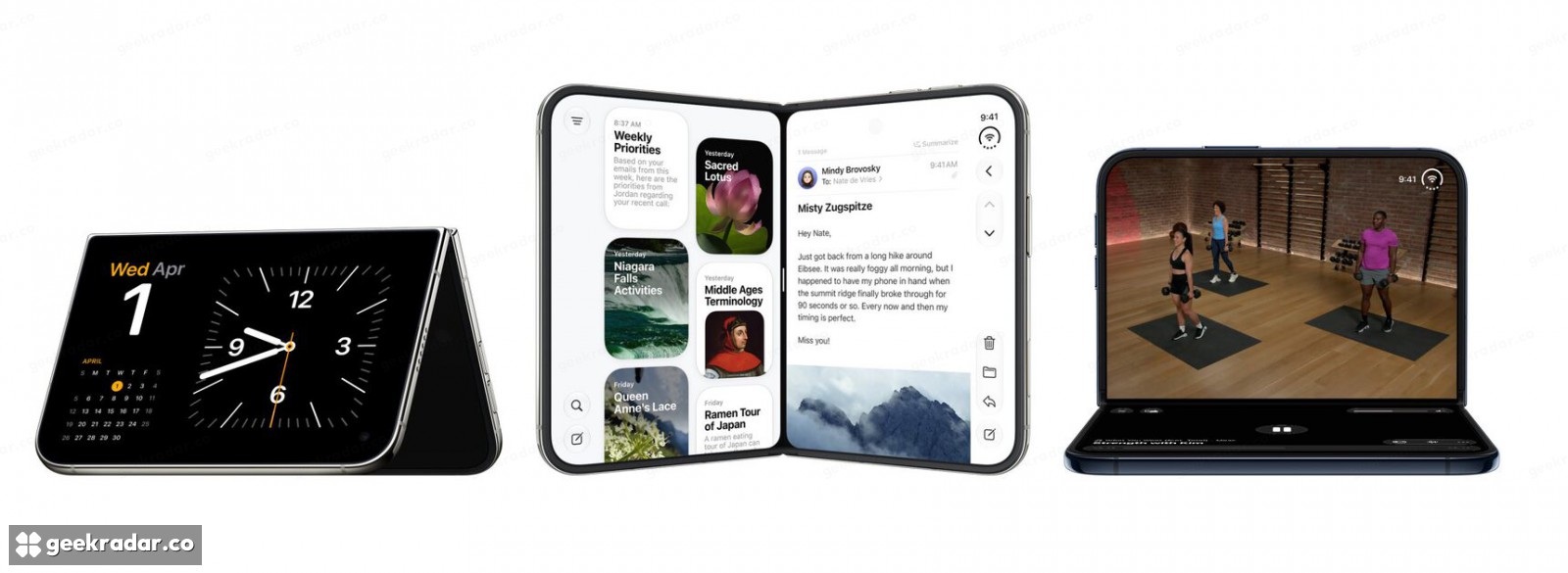
iPhone Duo has 100,000 optimized apps. That number hides three different layouts
Apple’s developer guide explains why rebuilding, adapting the status bar and testing the expanded screen are separate jobs.
Apple says more than 100,000 apps are now optimized for iPhone Duo. The figure, supplied in a statement to MacRumors on November 6, is a useful sign of developer uptake. It is not a count of how many apps any particular owner uses, or proof that every interface makes equally good use of the folding display.
Apple’s own preparation guide for developers explains why the experience can vary so visibly. Apps built with different versions of the iOS software development kit occupy the Duo’s screens differently. The difference is not simply between an app that launches and one that fails to run.
Three layouts can all be the same app
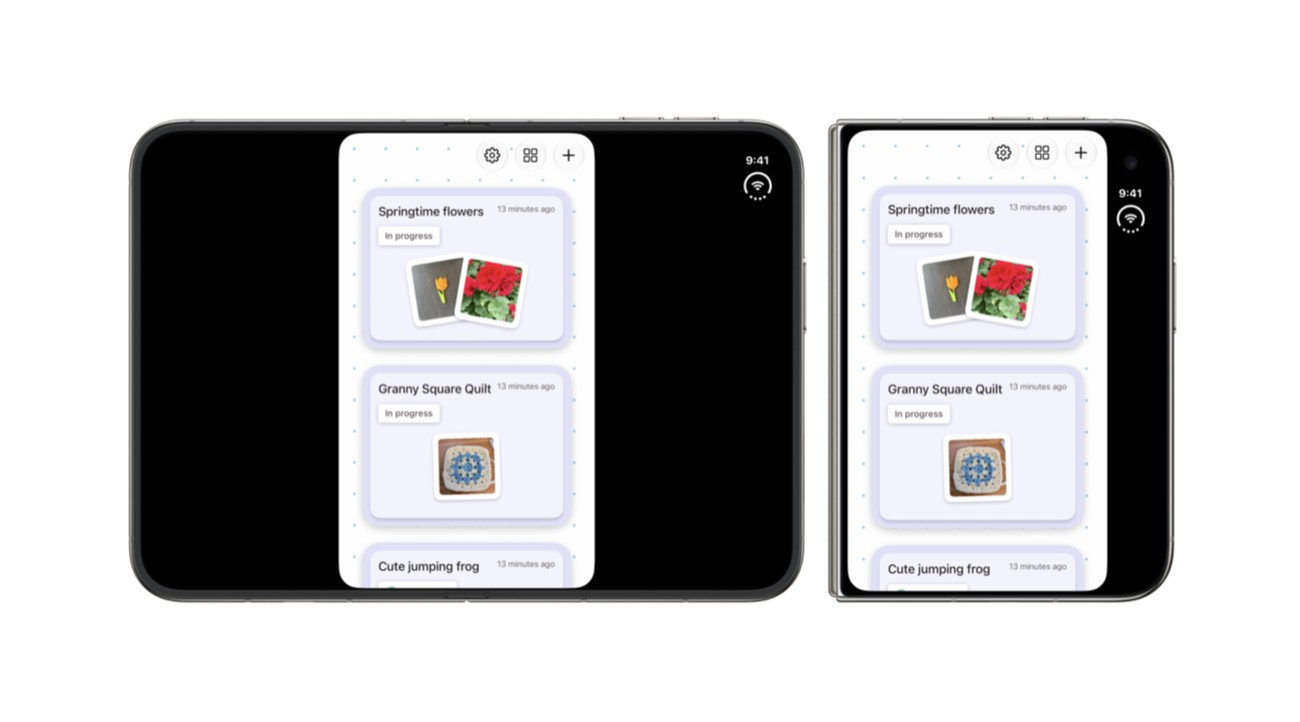
An app built with iOS 26’s SDK or earlier runs in a centered window on the inner display, leaving unused space around it. With the iOS 27 SDK, it expands across most of the inner screen but avoids the status-bar area at the right edge. Building with iOS 27.1 or later enables the full-display arrangement, including toolbars and tab bars positioned vertically below the status bar.
Those distinctions explain why two working apps can make a new foldable feel like two different devices. One exposes more of its content; another preserves a smaller, familiar layout inside the larger panel. Compatibility establishes that the program can operate. Adaptation determines how much of the hardware becomes useful.
A bigger screen exposes small assumptions
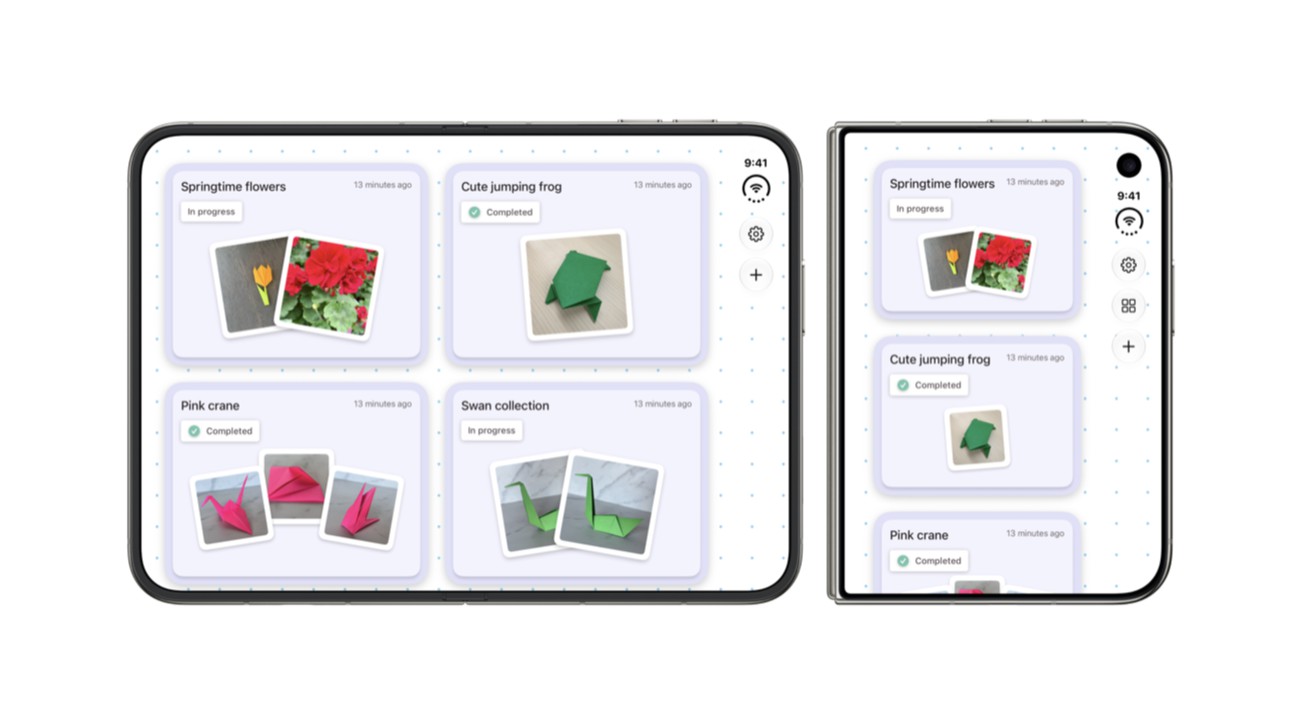
Apple’s guide asks developers to stop measuring an app from the main screen’s fixed dimensions. The relevant size is the current view or window, and it can change in the middle of a session. A layout calculated only at launch can become wrong when the phone opens.
The same problem appears in code that assumes every iPhone has a compact width or that a regular-width layout must belong to an iPad. On Duo, device category and available space no longer provide interchangeable answers. A layout needs to respond to what it has now, rather than to a remembered model of what a phone should look like.
Media introduces another practical consequence. A photo or video set to fill its container can lose meaningful content when the container becomes wider. The correct response may be a different fit rule or a focal point, not indiscriminately enlarging everything until the black space disappears.
These are ordinary interface problems with unusually visible results. They affect whether a button remains reachable, whether a document keeps its place and whether a photograph shows the subject the user intended to see.
The badge helps you find updates, not grade them
Apple’s developer resources include device simulators, design guidance and workshops. Its preparation page also describes an App Store badge associated with Duo screenshots. That gives developers a way to signal support and users a way to identify it.
Our launch-period look at the app badge made the distinction between an announced adaptation and an available update. The new 100,000-app figure changes the scale of that story, while leaving the practical test intact: the installed version and the behavior of the apps you actually depend on.
A library with many optimized apps is a stronger starting point than a sparse one. But a folding phone’s benefit is encountered one task at a time. The meaningful milestone is the moment an app keeps your work in place while the screen changes around it—not merely the moment its name joins a large total.