
Firefox 161 can read Android articles aloud, even after you turn off the screen
The new player uses Reader View and a voice installed on your phone. You can switch apps and keep listening, but closing the article’s tab ends playback.
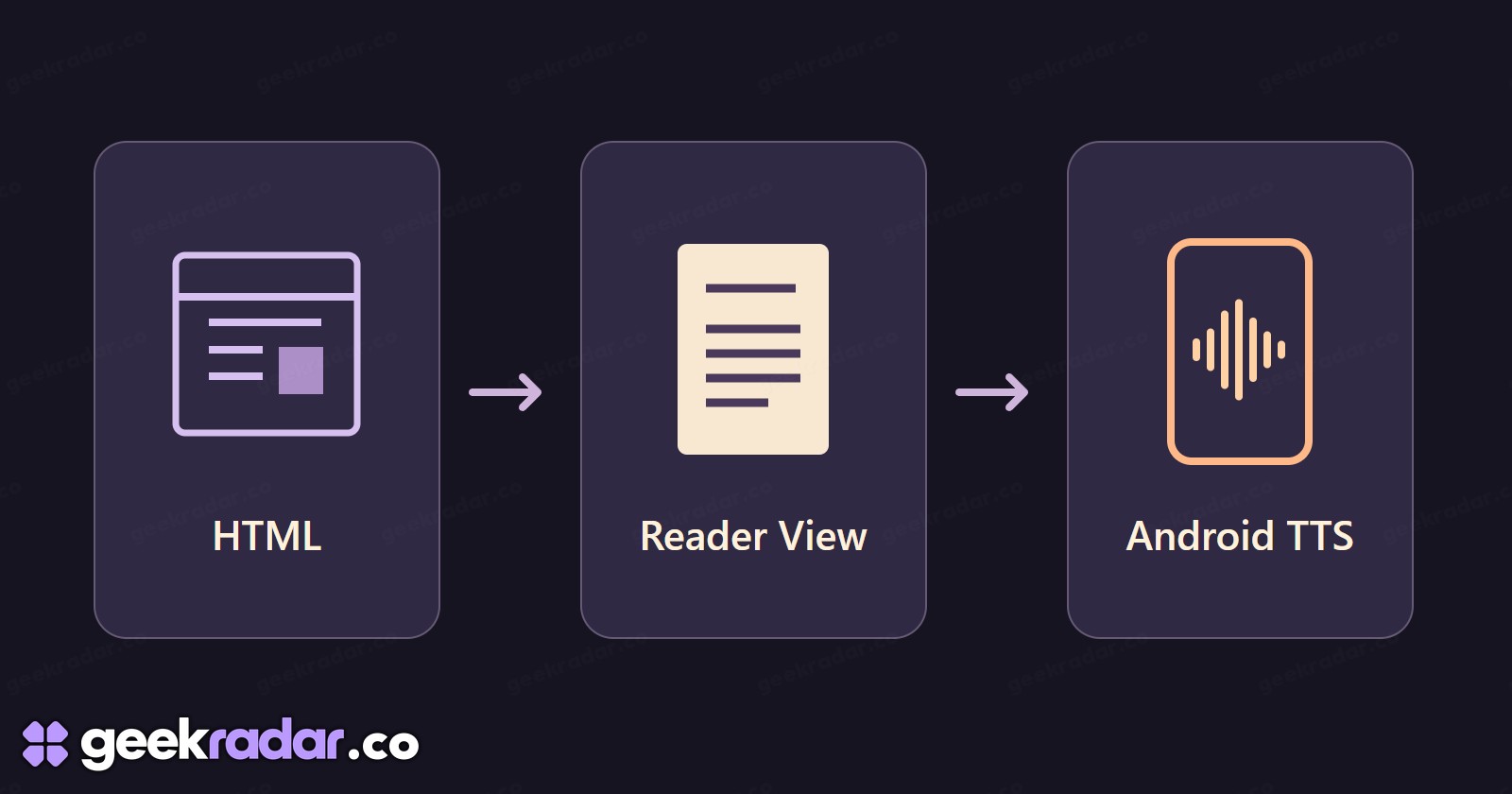
You can now put an Android phone in your pocket halfway through a Firefox article and keep hearing the next paragraph. Mozilla is rolling out Listen to page with Firefox 161 for Android, released November 24. It reads the text from Reader View using a voice installed on the phone. The screen can go dark and another app can take the foreground. The one thing to leave open is the article’s tab.
That last distinction is useful on a commute. Start an article, switch to the map to check your stop, and the reading continues. Swipe the article away in Firefox’s tab switcher and playback ends, along with the notification that takes you back to it. The tab still owns the reading session, even when it has disappeared from view.
Start with the page, then look for the headphones
On a compatible article, tap the Reader View icon in the address bar. That opens the simplified text layout. Tap the headphones in its lower-right corner to start playback. The player identifies the site and lets you pause, change the pace or move through the article with the progress bar. If a sentence was hard to follow, you can go back to it while keeping the rest of the page in place. Mozilla’s illustrated guide shows both controls.
There are two different reasons an article might stay silent. If the reader icon never appears, Firefox may be unable to extract a reading view from that page. Try a conventional text article before changing anything on your phone. If Reader View opens but the player reports that no offline voice is available, the page has already passed the first test. It is the phone’s speech settings that need attention.
Where Firefox gets its voice
Android supplies the speech engine and its installed voices. Firefox can remember a voice you pick in the player, or use the device default. To add a language, open Android’s text-to-speech settings and install the corresponding voice data. Menu names differ between devices. Return to Firefox afterward to see which voices are now available.
The use of offline voices has a specific privacy benefit. According to Mozilla’s release announcement, the text and resulting audio stay on the device during speech synthesis. Opening the original web page still involves its publisher in the usual way. Downloading a voice in advance also does not save a copy of the article for a future journey with no signal.
Firefox’s desktop reader already offered narration. This release brings it to Android, a distinction worth keeping in mind given how differently Firefox is built on the iPhone. On Android, the best test is an article you actually want to finish: open it in Reader View, pick a comfortable pace, and lock the screen. The next paragraph can come with you.