Firefox 160.0.1 fixes blank documents, broken printing and tab crashes
Mozilla’s maintenance release addresses AMD Mac graphics, Windows PDF printing and two high-severity security flaws. Restarting the browser is part of applying the fix.
Firefox 160.0.1 gives people troubleshooting blank documents and black spreadsheet cells a reason to check the browser before blaming the file. Mozilla's November 17 update fixes a graphics problem on Macs with AMD GPUs, alongside Windows PDF printing errors, crashes affecting sites including ChatGPT and two high-severity security vulnerabilities.
The release notes describe a maintenance update to Firefox 160, not a new collection of browsing features. Its value is more immediate: making familiar work behave normally again. The fixes are specific to particular components and configurations, so the list should not be read as a diagnosis of every blank page or failed print job.
A blank view does not necessarily mean a broken document
The Mac fix covers PDFs, web graphics and WebGL content on systems with AMD graphics. Mozilla names black Google Sheets cells as one example. WebGL is a browser graphics interface; problems in that rendering path can appear inside an otherwise ordinary web application.
The underlying public Mozilla bug report provides a particularly useful detail. Its reporter saw blank or incomplete PDFs inside Firefox, while downloaded copies remained intact and displayed correctly in other readers. That is evidence about the reported case, not proof that every apparently empty document is safe. It nevertheless explains why changing a file's contents is a poor first response to a display failure.
The repair expands an existing workaround to additional AMD GPUs. The important scope is the graphics configuration, rather than the assumption that every Mac behaves alike. There is no need to generalize this into a claim about all Apple hardware, or to treat a GPU-specific rendering fix as a change to Google Sheets itself.
For a reader who recognizes the symptom, updating and reopening the affected page is a more informative first check than deleting browser data or recreating the document. If the problem continues, the browser version, operating system and graphics configuration give a support report something concrete to work with. A screenshot alone shows the symptom; it does not locate its cause.
The other fixes target different parts of everyday work
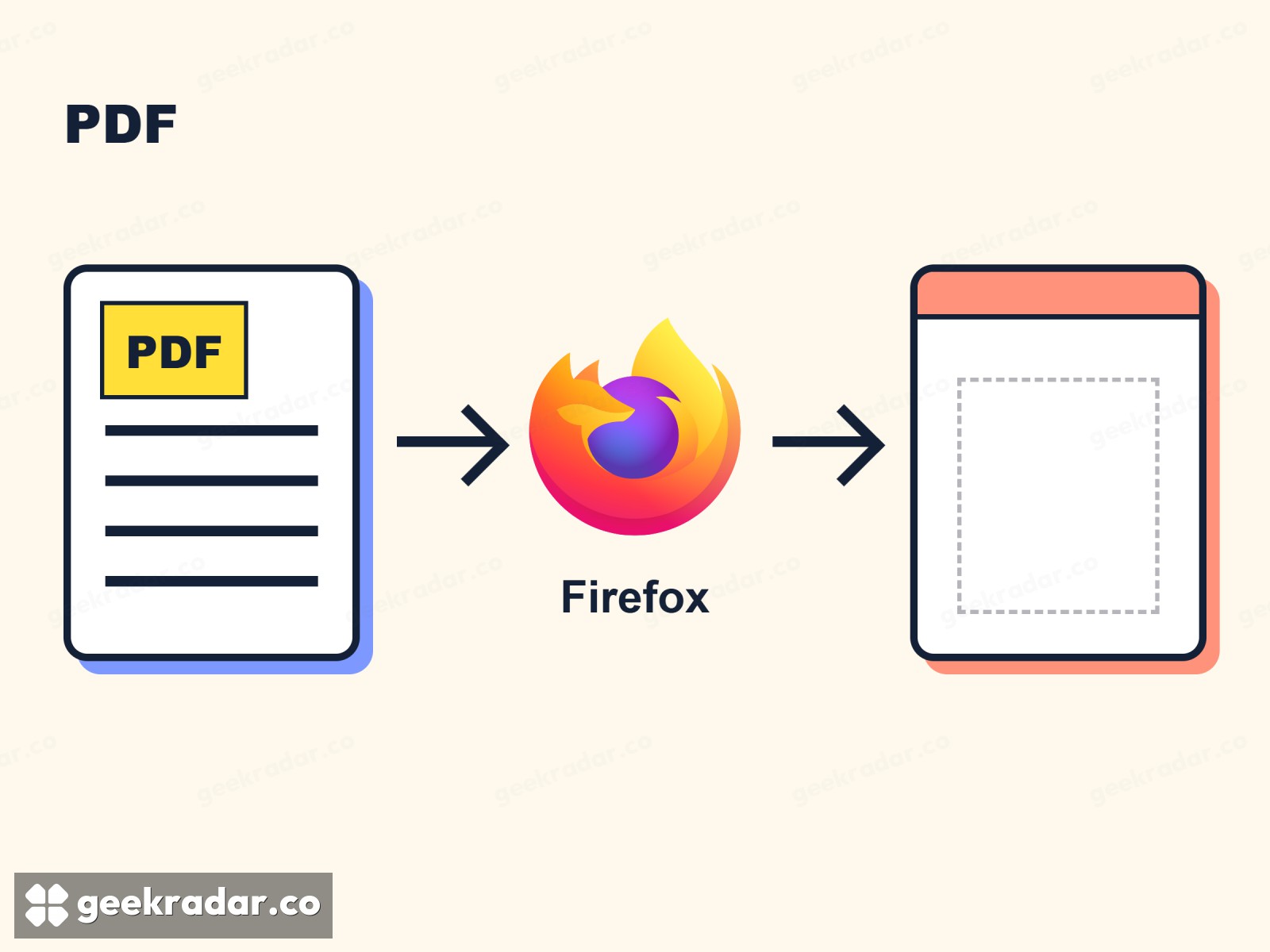
On Windows, Mozilla fixes thin PDF lines printing as thick black boxes on some printers. On certain Linux systems using Wayland, the update corrects colors in WebGL and canvas content, including games and Google Meet backgrounds. These are separate faults, rather than three descriptions of the Mac problem.
The patch also addresses slow link loading on sites such as Google Store and tab crashes reported especially on ChatGPT. Japanese technology publication Impress Watch highlights the printing and crash fixes in its November 18 coverage. Neither that reporting nor Mozilla's notes promise a general speed increase across the web.
Two security fixes, with an important platform distinction
Mozilla's advisory MFSA 2026-130 lists two issues, both rated high. CVE-2026-130020 concerns privilege escalation in the CanvasWebGL component on Android. CVE-2026-130021 is a use-after-free issue in audio/video playback: software attempts to use memory after that allocation has been released.
Mozilla identifies Android specifically for the first flaw and gives no operating-system restriction for the second. The advisory does not report active exploitation. Its high-severity classification is still a reason to apply the fix promptly, including for users who have encountered none of the visible printing or graphics problems.
This is a newer set of fixes than the Firefox 159.0.1 update we covered earlier. Having installed that older maintenance release does not mean the current corrections are already present.
Finish the update, then check the result
For a desktop copy downloaded directly from Mozilla, its update instructions point to Help → About Firefox; on macOS, use Firefox → About Firefox in the menu bar. Firefox checks for an update and downloads it when available. Save ongoing work before restarting.
Microsoft Store installations receive updates through that store. Linux distribution packages use the distribution's software-update route, with availability dependent on its repository. Those installation methods should not be forced through instructions intended for a Mozilla-downloaded copy.
A completed download and an updated running browser are not always the same thing. For this release, the useful finish line is a restarted copy with the fix applied—and, for someone staring at an empty PDF, a document they can read again.