Brave can now transcribe English on your desktop. Where do the words go next?
Brave 1.100.58 starts a phased rollout of on-device speech recognition. A website can still receive and use the resulting text.
A website can now ask Brave on desktop to turn spoken English into text on the computer in front of you. Brave introduced local recognition in version 1.100.58, released November 18, and started by enabling it for 25% of the rollout population. Two people running the same build can therefore have a different experience with the same voice-enabled page. Brave’s desktop release notes
The change sits behind the Web Speech API, an interface that lets a site ask the browser to recognise speech. Think of a search box with a microphone beside it. A site built to use the browser’s local recognition can receive the phrase you spoke without sending a recording to a remote transcription service. A site that records your voice and uploads it to its own service takes a different route. Installing the update doesn’t automatically switch one to the other.
Follow one spoken query
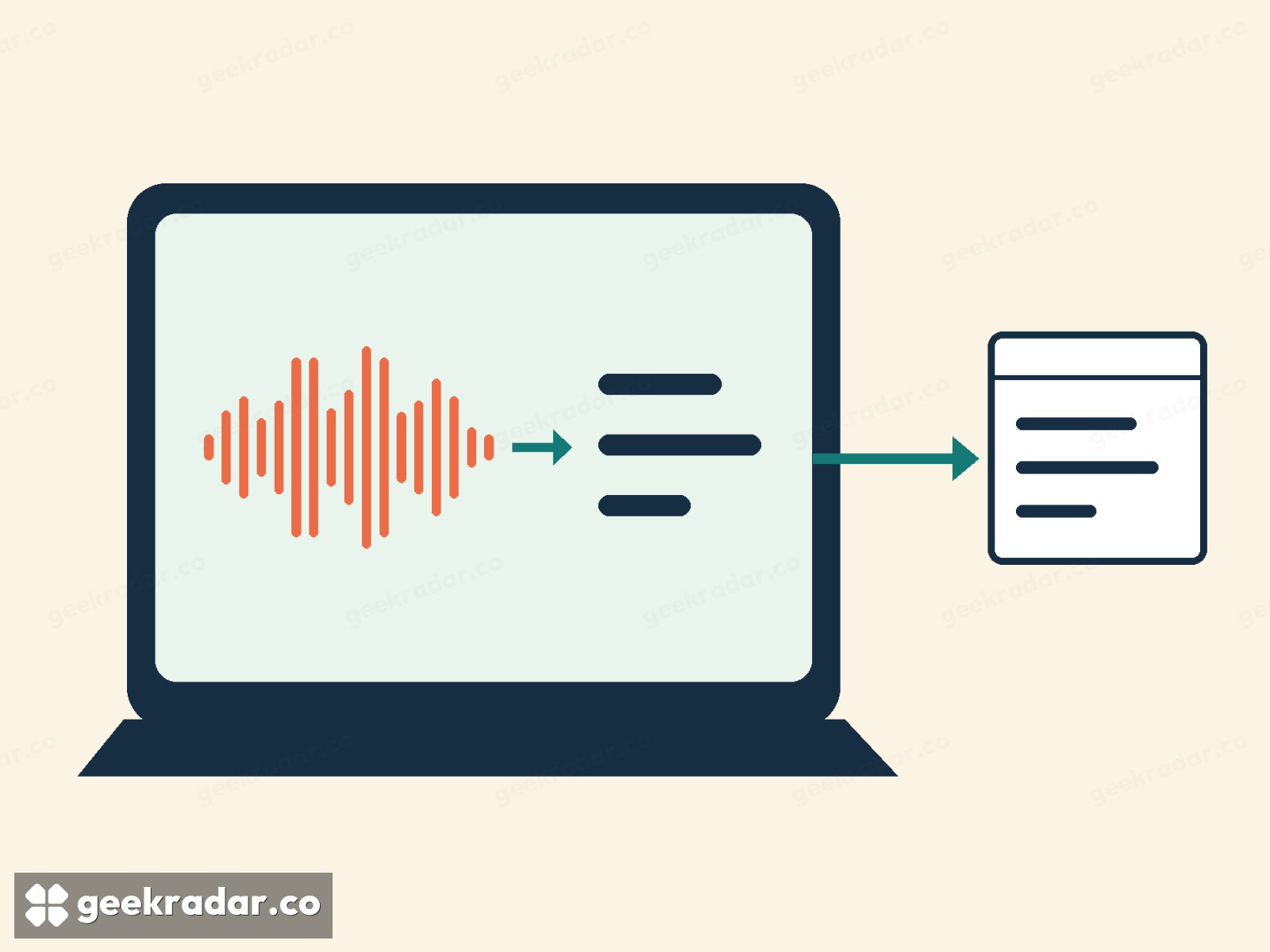
Say you’re looking for “trains after eight”. The microphone captures the sound. A speech recognition model turns that audio into words, and the browser returns a text result to the page. Brave’s implementation record describes how it packages the model files and runs recognition in a browser worker, a separate component that does the processing. Getting the model onto the machine and sending an utterance off the machine are two different transfers. The local model is what makes the second one unnecessary for transcription.
What the website does with “trains after eight” is a separate decision. A timetable site can send the phrase to its server to look up departures. A writing app might insert the words into a document that syncs to an account. In either case the speech recognition can have happened entirely on your device. You still need to know what happens to the field you dictated into, just as you would if you had typed the words.
A microphone icon tells you very little
For a developer, the Web Speech API distinguishes a request for local recognition from the default behaviour. Setting processLocally to true before starting a recognition session requests processing on the device. A page can check whether the requested language is available. That gives it a chance to offer typed input when recognition is unavailable. MDN’s guide to on-device speech recognition
For someone using the page, the visible clue is often just a microphone button. It could start browser recognition, record an audio attachment or open a voice conversation with a server. What Brave adds is a useful choice for the first of those designs. If your concern is who can hear your voice, ask where the recording is processed. If your concern is who can read your search, follow the text one step further. More GeekRadar coverage of browser privacy