Android 17 reaches Xperia 1 VII, with a useful distinction between Desktop and Mirror
Sony’s external-display mode can extend a phone’s working life. Model-specific features and accessory compatibility still need checking.
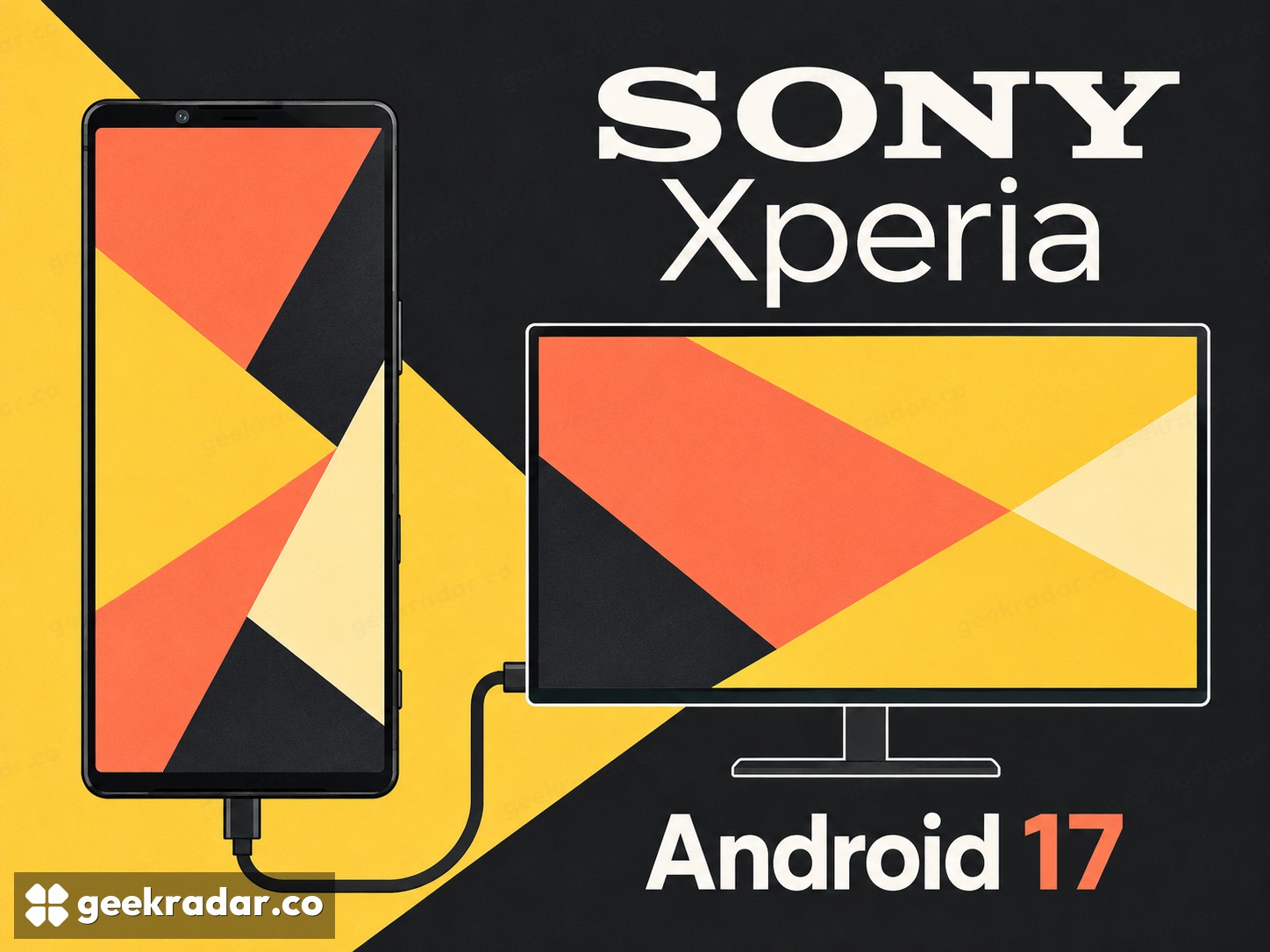
Sony Xperia 1 VII owners are starting to receive Android 17 in Europe, and the most useful change may be the one that sends applications beyond the phone's own display. Sony documents a desktop mode for the 1 VII, allowing several app windows on an external screen while the handset remains independently usable.
GSMArena's October 22 report describes European users receiving build 71.2.A.2.35. That is evidence of a rollout, not a guarantee that every regional or operator variant has it. For an Italian owner, the relevant confirmation is the update offered to their particular handset. A European report should not become a promise of simultaneous Italian delivery.
A second workspace instead of a larger copy
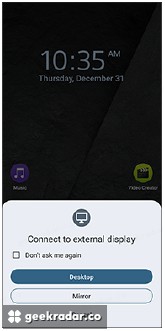
Sony's desktop-mode instructions distinguish Desktop from Mirror when a compatible external display is connected through USB-C. Mirroring repeats the phone's screen. Desktop mode offers an independent workspace with multiple application windows and keyboard-and-mouse operation.
That distinction changes the useful question from how large the phone can make an image to what work can remain on the phone. A document and a browser open beside each other are a plausible reason to connect a monitor. A single video shown on a television may need only mirroring. Neither requires pretending that an Android application becomes its Windows or macOS counterpart when it moves to a bigger panel.
The practical limit is the application. Its desktop layout, keyboard shortcuts, file handling and support for the task still matter. A larger display can remove cramped presentation without removing a missing function. Before replacing a laptop routine, try the actual document, website or accessory that routine depends on.
For a wired dock, Sony says to connect the monitor and input devices to the dock before connecting the handset. It also advises saving and closing open work before disconnecting. The phone may make the workspace portable, but unplugging is still an action with consequences for unsaved documents.
Android 17 does not give every Xperia the same features
Sony's update feature list includes changes to Quick Settings, personalization and screen recording. Recording one application rather than the entire display is a particularly useful distinction when demonstrating an app: it gives the recording a narrower subject. It should not be treated as a substitute for checking what sensitive information is visible inside that app.
The same support page covers several Xperia generations, so its model qualifications matter. Desktop mode is listed for the Xperia 1 VIII, 1 VII and 1 VI. Other highlighted capabilities, including the listed AirDrop-sharing support and new AI camera looks, are restricted to the 1 VIII. Reading the page as a single upgrade package would promise the 1 VII features Sony has not assigned to it.
This is a useful reminder of how to judge an Android update: by the capabilities delivered to a specific device, not the version number alone. For the 1 VII, an external workspace is a tangible extension of the hardware's useful life. Its success will be decided by whether the applications you already use work comfortably on that second screen, not by how closely the screen resembles a desktop computer.