NVIDIA GeForce vs AMD Radeon: compare the software as well as the graphics card
Game rendering, upscaling and creative applications can favor different purchases. Feature support depends on the GPU generation and the software, not only the brand.
The durable difference between NVIDIA GeForce and AMD Radeon is the combination of graphics hardware and software you buy into. GeForce's DLSS family is a reason to examine NVIDIA when those features matter in your games. Radeon offers AMD's own rendering and driver technologies, with a different compatibility map. Neither brand is permanently the better value at every price, resolution or generation.
Start with the games and applications, then choose the family. A graphics card that is attractive in a general benchmark can be the wrong purchase if the software you use depends on a different acceleration path or if the card's memory is insufficient for the work.
GeForce: a feature ecosystem with generation boundaries
NVIDIA's DLSS documentation separates upscaling, ray reconstruction, frame generation and newer rendering features. Its compatibility table also separates RTX generations. The letters RTX on a box therefore do not mean access to every feature shown in a current demonstration.
That is both an advantage and a buying constraint. A well-supported feature in a game you play often can be worth paying for. A feature available only on a different generation has no value to the older card in your basket. Check the game integration and the supported hardware together, including when buying used.
For work, software support can be more decisive than gaming performance. NVIDIA's CUDA platform provides a development environment for GPU-accelerated applications. If a required application specifically needs CUDA, that is a concrete reason to favour compatible NVIDIA hardware. It does not prove every creative application runs faster on every GeForce, nor that AMD lacks GPU-compute capabilities.
Radeon: compare the supported features, not an old slogan
AMD's FSR documentation distinguishes several generations and techniques, with different hardware requirements. The broad claim that every FSR feature works on every graphics card is no longer a safe buying rule. Read the specific feature's compatibility entry and the game's implementation.
Radeon's strongest case is a configuration that delivers the required capabilities at an attractive total price. That might include enough memory for the intended settings or a favourable offer on a partner board. It must be demonstrated by current products and prices; “AMD is cheaper” is not a permanent property of the family.
The corresponding compromise can be software-specific. If an application does not support the relevant AMD acceleration path, unused hardware potential will not help. Conversely, paying extra for a proprietary NVIDIA feature that your software never calls is simply spending on an idle capability.
Pros and cons worth putting in the basket
| Family | Reasons to shortlist it | Limits to investigate |
|---|---|---|
| GeForce RTX | Relevant DLSS features and applications that require NVIDIA acceleration | Generation-specific features, memory allocation and any price premium |
| Radeon RX | An appropriate hardware configuration and supported AMD features at a competitive price | Feature-generation compatibility and the acceleration support of required applications |
Memory capacity matters on both sides, but it is not a speed score. More memory can prevent a capacity problem without making a slower GPU faster in a workload that already fits. Likewise, a higher-tier model number from one generation cannot be compared mechanically with a lower-tier number from another.
The board maker adds another layer. Cooler size, connector position, noise and warranty can differ between cards using the same GPU. Check case clearance with the power cable installed, the power supply's requirements and the display outputs you actually need. These are reasons to reject a particular board, not necessarily the entire GeForce or Radeon family.
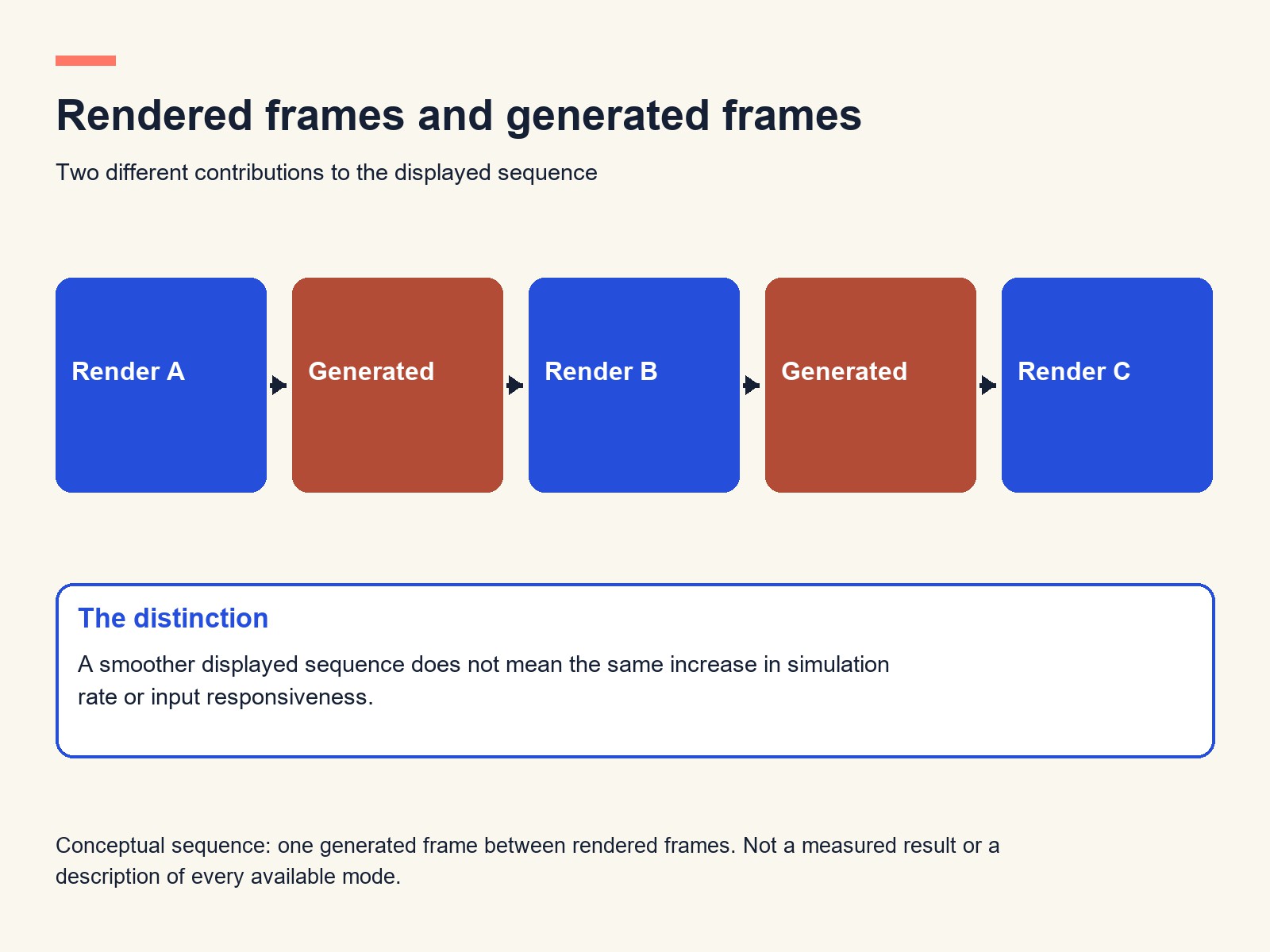
The distinction also underlies our explanation of DLSS model speed versus whole-game performance: accelerating one stage does not multiply every stage of the pipeline.
Decide with two short lists
Make one list of must-run applications and another of the games that will consume most of your time. For each, identify required features, target resolution and acceptable settings. Then use independent tests of the exact candidates to compare ordinary rendering, demanding effects and frame-generation modes separately. Do not combine unlike settings into a single score.
Italian buyers should compare local delivered prices and the seller's service terms; a US launch price is not a local offer. Choose GeForce when a verified NVIDIA capability earns the premium in your workload. Choose Radeon when its supported configuration meets the same needs more convincingly for the money. The winning GPU is the one that accelerates your work and games, not the one whose unused feature list is longest.