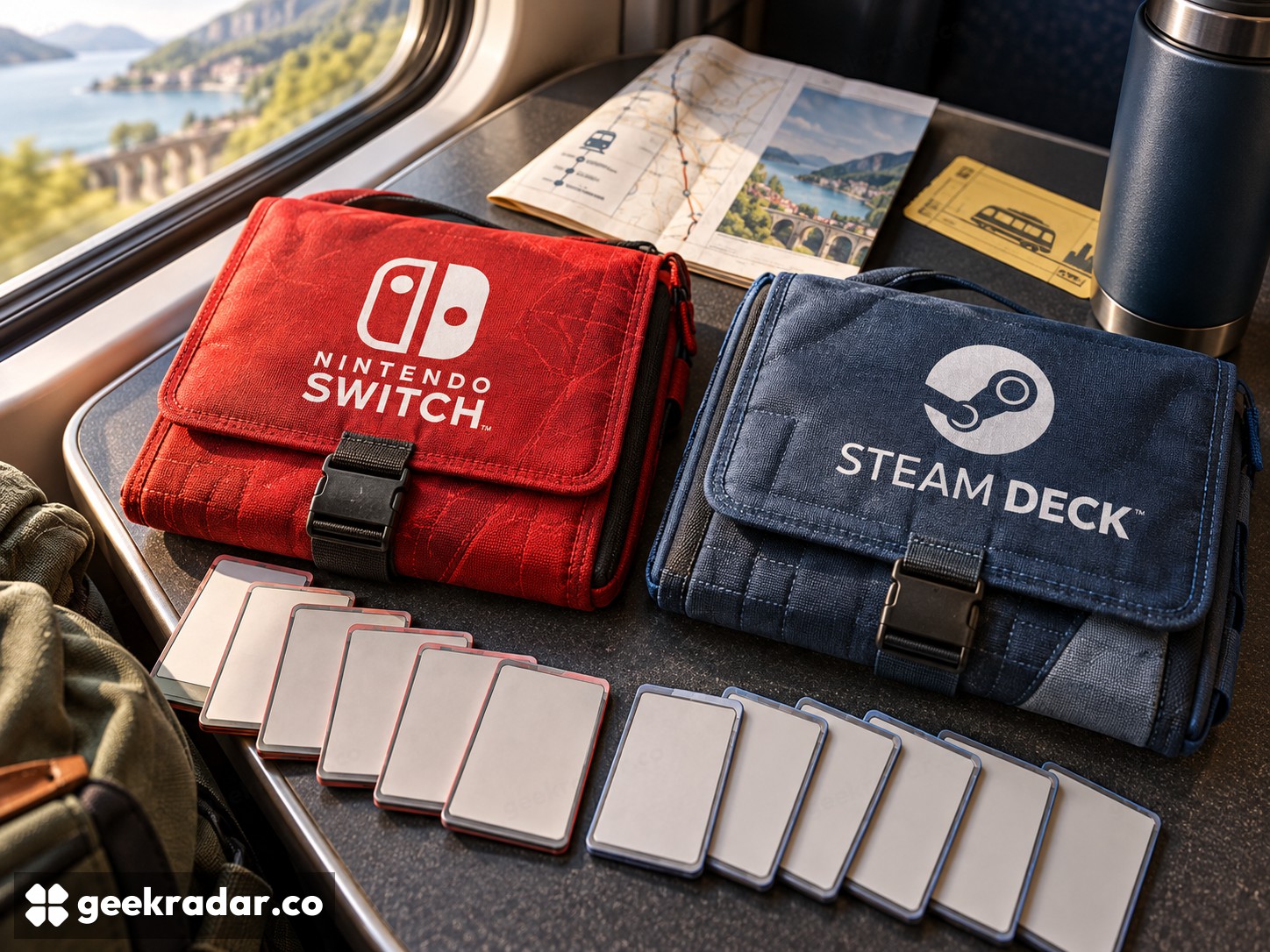
Nintendo Switch vs Steam Deck: which gaming library should travel?
Nintendo's console family and Valve's handheld PC reward different habits. Check the games, controls and offline access before comparing the hardware tiers.
Nintendo Switch and Steam Deck answer different questions about portable gaming. Switch offers a console family built around Nintendo's platform and its available games. Steam Deck brings a PC library into a handheld format, with compatibility checks that remain part of the purchase. The better choice depends less on which has the more impressive specification than on which games you want to take away from the desk.
This is a family-level comparison. Switch models and generations differ in controls, television output and game compatibility; Steam Deck configurations also differ. Do not transfer a feature from one version to every device carrying the name.
A console library or a portable PC library?
For Switch, start with the Nintendo games that motivate the purchase, then add third-party titles and local multiplayer. Check which hardware generation each game supports. Owning a Nintendo account does not turn every release into a compatible game for every Switch.
Nintendo's comparison of the original Switch family illustrates why even the form factor needs qualification: Switch Lite is designed for handheld play, while other listed versions offer television output. Detachable controllers and tabletop arrangements should therefore be checked on the chosen device, not assumed from a photograph of another member of the family.
Steam Deck is attractive if a useful part of your PC collection already lives on Steam. Valve's SteamOS and software overview describes the interface and compatibility layer that bring PC games to the handheld. The advantage is continuity with a library you may already own. The limitation is that a PC catalogue is not automatically a catalogue of suitable handheld games.
A strategy game with tiny text, a launcher that expects desktop input or a multiplayer title with unsupported anti-cheat can present different barriers. These are reasons to inspect the games that matter, not reasons to dismiss the entire platform. A device that runs your ten favorites comfortably can be a better purchase than one with a much larger theoretical catalogue.
Steam's compatibility labels are a useful filter
Valve's Deck Verified programme distinguishes Verified, Playable, Unsupported and Unknown. Verified is the strongest positive indication in that system. Playable may require adjustments; Unknown means the title has not yet received a compatibility verdict, rather than proving failure.
The labels reduce research, but they do not replace a check of your own priorities. Consider text size, controller layout, online requirements and current performance reports. Compatibility and battery endurance are separate questions: a game can run correctly while using much more power than another title.
Shared play and subscriptions have different rules
Nintendo's Switch Online FAQ explains account-based membership and family groups, along with compatibility limits for cloud saves. A family membership should not be mistaken for a universal licence to share every purchased game, and cloud backup is not available for every title.
For either platform, check the actual game when planning local multiplayer, offline travel or shared progress. Download required content before leaving, confirm that the game launches without the connection you will lose, and do not assume a cloud save already reached the second device. These small checks matter more on a train than a comparison of maximum display refresh rates.
| Your priority | Where to begin | What to verify |
|---|---|---|
| Specific Nintendo series | The Switch hardware that supports those games | Generation, controller requirements and local multiplayer |
| A substantial existing Steam library | Steam Deck | Compatibility status and handheld controls for your favorites |
| Family use on a television | A Switch version with television output, or a separately planned Deck dock setup | Included accessories, controllers and game support |
| Long offline journeys | Either, judged game by game | Offline access, installed content and realistic battery use |
The strong opening sales of Switch 2 established demand at launch. They do not answer whether Nintendo’s library matches an individual buyer’s habits.
Buy for the games you will finish
Compare the complete basket in your region: hardware, storage, required accessories and games you would have to buy again. Italian buyers should also check supported languages on the particular release, not infer them from the store interface. A cheaper device can lose its advantage quickly if it duplicates a collection.
Switch makes sense when Nintendo's available games and the chosen model's household or travel format are the reason to buy. Steam Deck makes sense when carrying a compatible part of your PC collection creates new time to play. The most useful portable is the one that turns an existing journey or quiet evening into a game you actually finish, rather than another library you merely accumulate.