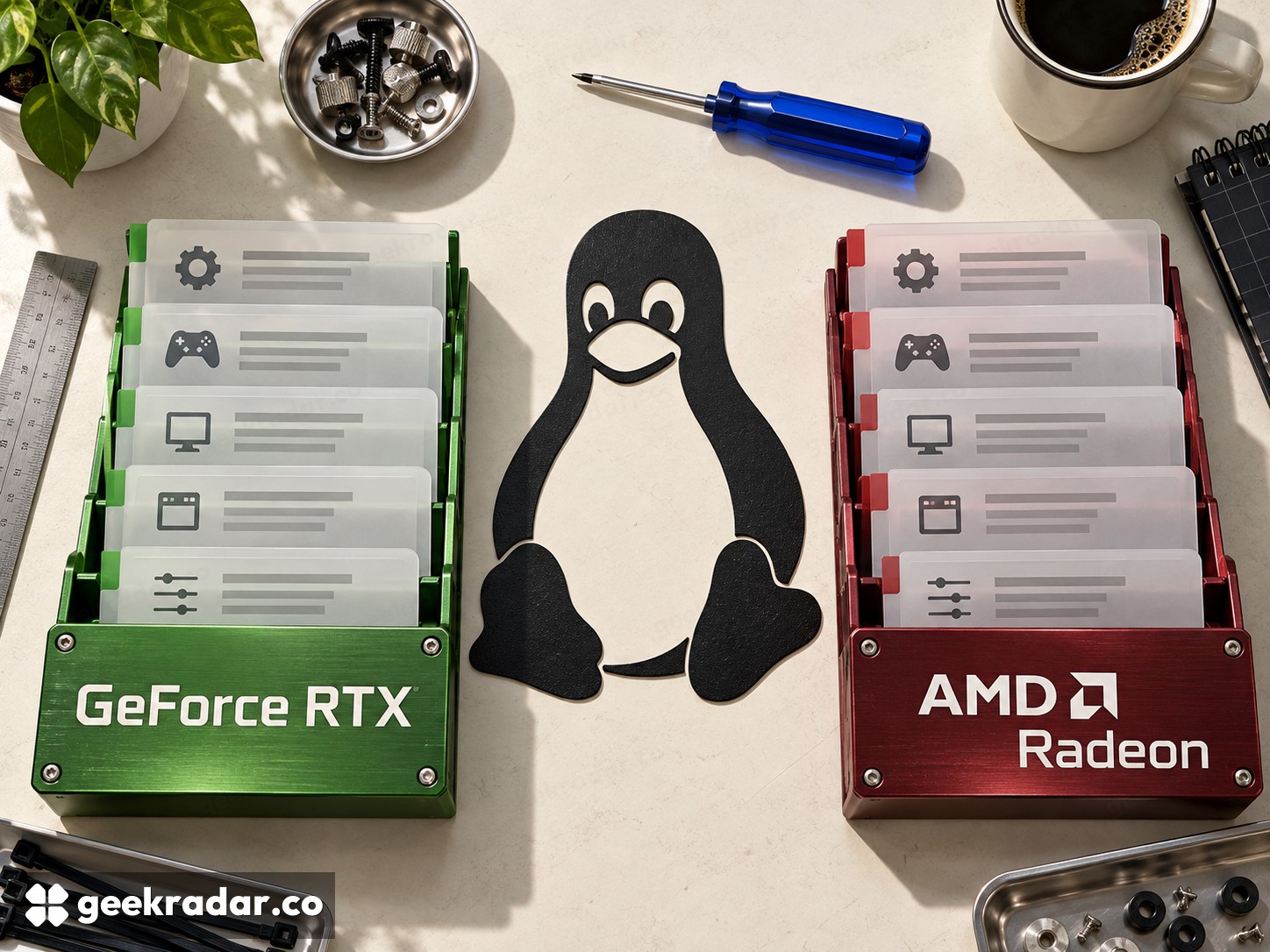
GeForce RTX vs Radeon on Linux: drivers, games and the cost of maintenance
The Linux choice involves kernel modules, userspace drivers and game compatibility. Open NVIDIA modules, Mesa NVK and Radeon RADV are different paths.
Choosing GeForce RTX or Radeon for a Linux gaming PC means choosing a driver arrangement as well as a graphics card. The important questions are how the distribution delivers that software, which features the games need and how much maintenance the machine can tolerate. Windows benchmark charts do not answer those questions, and the old division between an entirely closed NVIDIA world and an entirely open AMD world is too crude.
This comparison concerns Linux desktop gaming. Compute libraries, professional application certification and laptop display routing introduce additional requirements. A graphics card can run the desktop correctly while failing a separate requirement in one of those areas.
Radeon and the distribution's graphics stack
Mesa's RADV documentation describes a Vulkan driver for AMD graphics, commonly distributed with Linux through Mesa packages. RADV works with the kernel's amdgpu driver. These are different layers: the kernel handles hardware-facing responsibilities, while the userspace driver implements the graphics API used by applications.
For a buyer, the practical attraction is that much of the graphics stack can arrive through the distribution's normal update process. That can simplify ownership when the distribution already supports the card. The qualification matters: buying newly released hardware for an older distribution may require newer software than its default installation provides.
Radeon's advantage here is a well-defined route through the distribution's graphics packages, rather than a guarantee of fewer bugs or higher frame rates. A stable machine with suitable software is more valuable than an abstract preference for the newest release. Before changing repositories, establish which missing feature or fix actually requires the change.
NVIDIA now has more than one open-source story
NVIDIA's open GPU kernel-module repository supports Turing and later hardware and requires corresponding firmware and userspace driver components. Opening the kernel modules does not turn every component of NVIDIA's graphics software into Mesa, nor make independently chosen versions interchangeable.
Separately, Mesa has NVK, its Vulkan driver for NVIDIA GPUs. NVK and NVIDIA's own driver stack are distinct projects. A report about one should not be treated as a report about the other, and Vulkan conformance alone does not establish identical game performance or feature coverage.
GeForce therefore offers a choice that needs to be named precisely. Someone requiring a particular NVIDIA application feature should verify that it exists in the intended Linux driver, on the chosen GPU, with the actual application. A tutorial that simply says “install the open driver” leaves too much unspecified to guide a purchase.
The game can be the deciding constraint
Many Windows games on Linux rely on compatibility software. Valve's Proton guidance explains that support for common anti-cheat systems can require the developer to enable or configure it for the title. Changing from Radeon to GeForce does not remove a game's unsupported anti-cheat requirement.
Build a short list of games you actually play and check their current Linux behavior before selecting a GPU. Separate launch failures from rendering defects, shader compilation pauses and sustained frame-rate limits. They have different causes; treating every problem as “bad Linux drivers” can lead to replacing hardware that was never responsible.
| Consideration | GeForce RTX | Radeon |
|---|---|---|
| Main attraction to investigate | Required NVIDIA features in the supported vendor stack | Integration with the distribution's Mesa/amdgpu path |
| Important distinction | NVIDIA's open kernel modules and Mesa NVK are separate | RADV userspace support and kernel support are separate |
| Ownership cost | Correctly matched driver components and update handling | Distribution freshness versus the GPU's requirements |
| What the brand cannot fix | Unsupported game software or anti-cheat | Unsupported game software or anti-cheat |
Choose a maintenance plan you can keep
Use the distribution's supported installation instructions and check reports for the actual desktop environment, monitors and card generation. A multi-monitor workstation with variable refresh and a single-screen gaming box need not expose the same problems. Buying used also makes support for the exact older generation important.
Choose Radeon when the supported Mesa route meets your games and makes the system straightforward to maintain. Choose GeForce when a verified NVIDIA capability or the measured behavior of your actual games justifies its particular driver arrangement. Neither choice needs to be an ideological pledge. The useful winner is the combination that remains playable after the next ordinary system update.