What TikTok’s new checker can tell you about a forwarded video
The checker looks for two traces left by TikTok and related editors. Even when it recognises one, the date and place in a clip’s caption still need a source.
A clip of a flooded railway station lands in a group chat. The caption says it was filmed this morning. TikTok’s new public checker gives the recipient one useful question to ask of the file itself: does it carry evidence that one of TikTok’s AI tools generated or edited it? Even a clear match leaves the station, the flood and the date to be verified separately.
The checker works in a browser without a TikTok account. Its scope extends beyond videos posted on the social network. The tool’s own FAQ names TikTok, CapCut, Dreamina, Hypic and Pippit. Someone who receives a file through a messaging app can submit it without first finding the post it came from.
What travels with a file
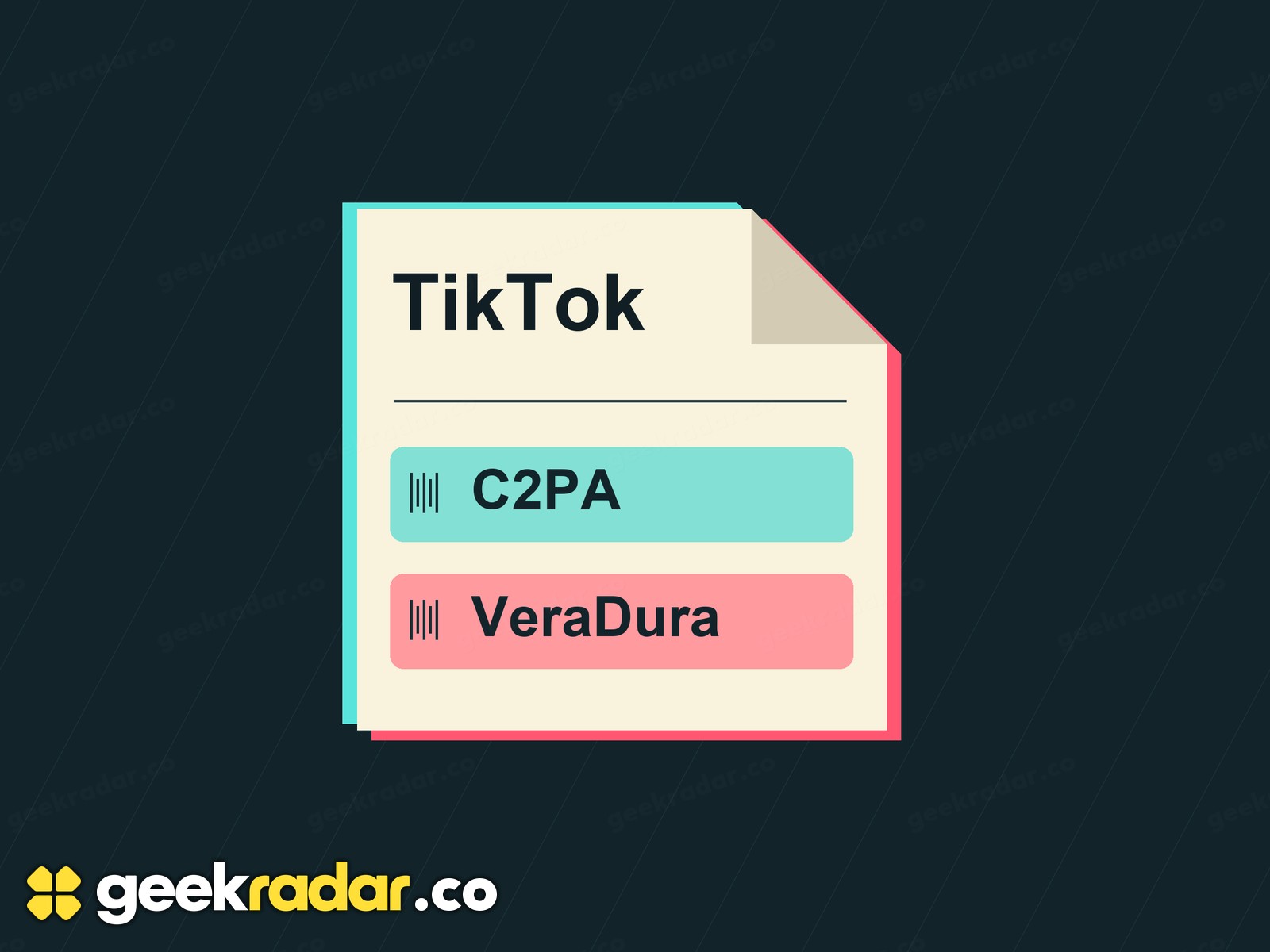
TikTok says the checker looks for two signals. One is a Content Credential, a digitally signed record that can describe how a file was made or changed. The signature helps a reader check that the record belongs with this asset and that its contents have kept their integrity. The record covers the information its issuer included. The C2PA’s explanation of the standard makes that distinction important: a valid editing history can accompany an image of a staged event.
The other signal is VeraDura, TikTok’s invisible watermark. A service that receives a video may discard its attached metadata when it makes a new copy. TikTok describes the embedded mark as more durable, giving its checker another chance to recognise the file. The company’s description does not give an accuracy rate for copies that have passed through a particular messaging service.

Reading a result without overreading it
The upload page accepts one file at a time. Images can be up to 20 MB and video or audio files up to 100 MB. A link to the post is different from the file the page asks for. If you have both, keep the link: its account, caption and publication date can answer questions that the file alone cannot.
A match supports a claim about the use of a covered tool. It does not tell you which detail in the scene was edited. A negative result leaves open several possibilities, including that another company’s tool made the file or that the checked copy no longer carries a readable mark. Even a genuine recording can acquire a misleading caption years later.
There’s a parallel with Spotify’s tool for correcting artist credits. A credit can connect a recording to a name, and a watermark can connect a clip to an editor. For the person deciding whether to forward the flood footage, the most useful next piece of evidence might still be yesterday’s post showing the very same station.