Why Signal blocks screenshots on iPhone, and when Android does the same
On iPhone you can pause the block for ten minutes. On Android, two ways of dismissing it have different consequences 90 days later.
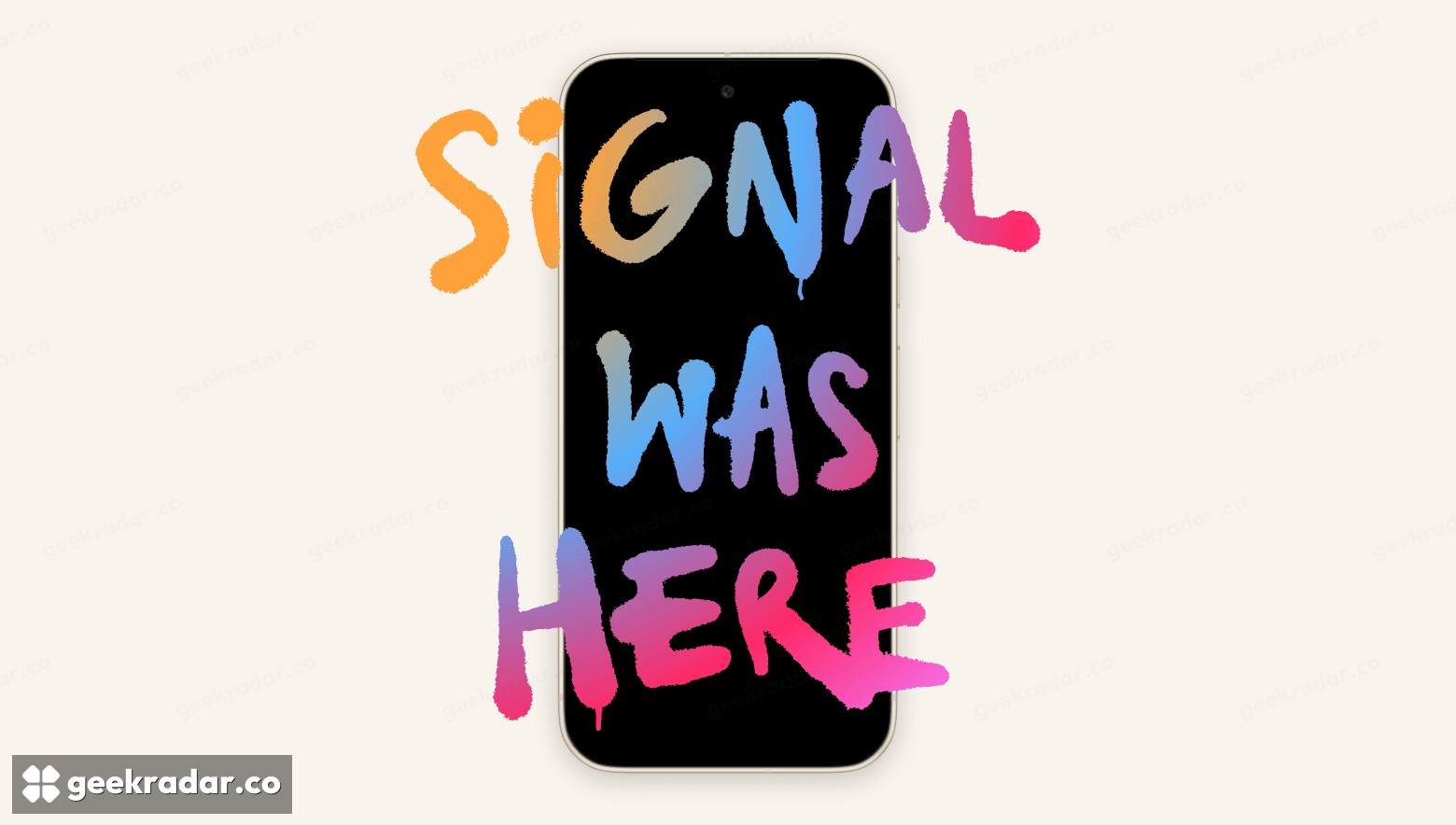
Try to screenshot a Signal conversation on a recently updated iPhone and you may get a message from Signal instead of a picture. The app now blocks screen capture by default on iOS 27 to keep Siri AI from reading the conversation on the display. Android gets a different default. On supported phones, Signal switches on its screen protection the first time it detects an AI assistant trying to read the screen. Signal’s November 20 announcement
For someone trying to save a train time or an address, the interruption can look like a decision by the person who sent the message. It comes from the app on the phone taking the screenshot. That distinction also sets its limits. Turning the protection on for your own phone gives you no control over the settings on the handset at the other end of the chat.
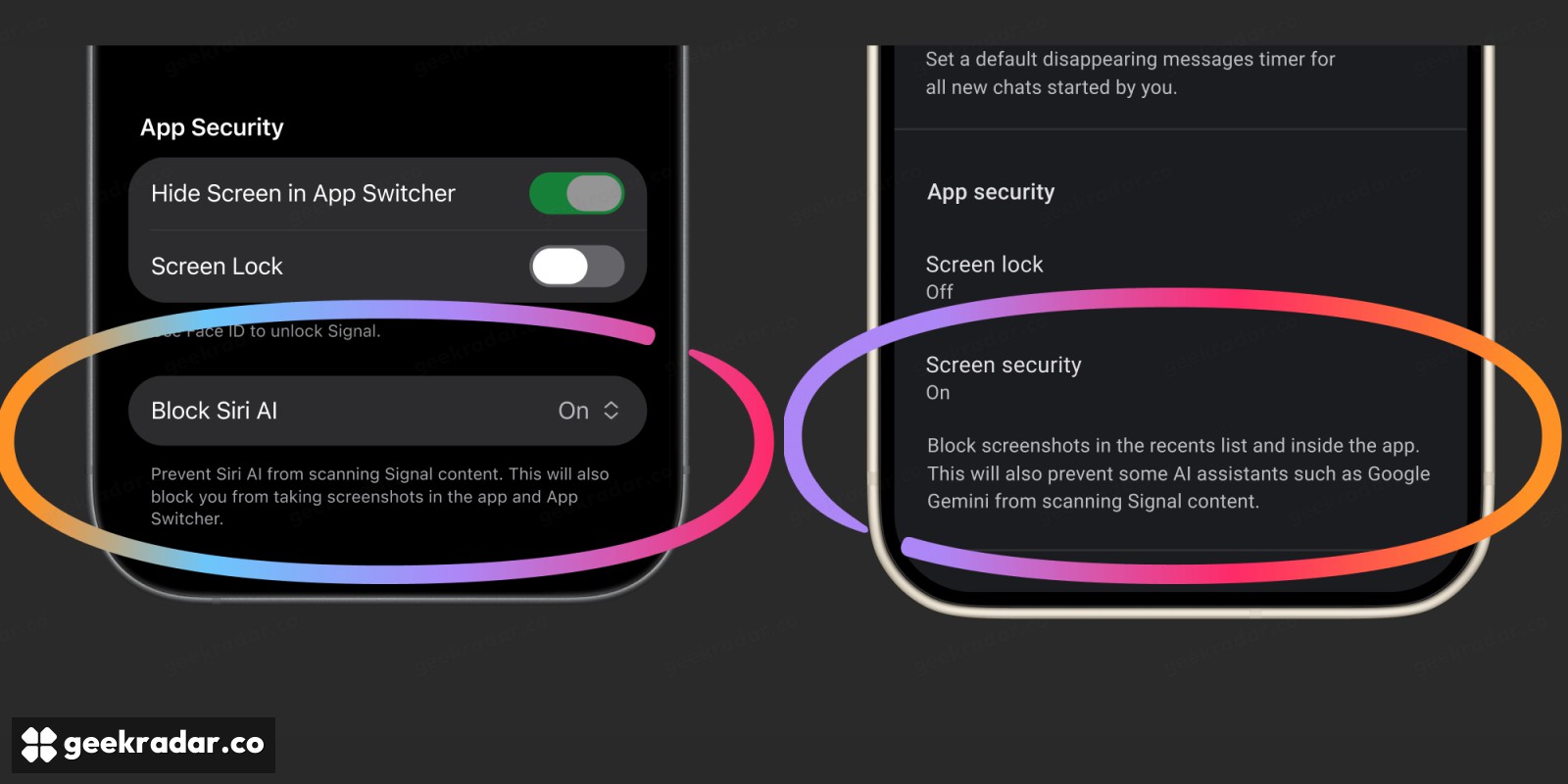
One screenshot on iPhone, two ways to turn protection off on Android
On an iPhone running iOS 27 or later, the change requires Signal 8.37 or later. When a screenshot is prevented, the options include suspending the block for ten minutes. That gives you time to save the detail you need, and the protection returns by itself. During that window, other Signal conversations you open are also outside the protection. A permanent off switch is available under Privacy. If you choose it, there is a separate setting for whether a preview of your conversation appears in the app switcher. Signal’s guide to the mobile settings
Android users on Signal 8.35.1 or later can enable Screen security immediately under Settings → Privacy → App security. If you let the app switch it on automatically, pay attention to where you turn it off. According to Signal’s guide, declining through the prompt brings the protection back after 90 days. Switching it off manually in Settings tells Signal to stop reminding you. A choice made to get through one interrupted task can therefore have quite different consequences months later.
Why encryption cannot settle a question about the display
Consider what happens when a friend sends you an address. Signal encrypts the message for its journey between devices. At the destination your phone has to display readable characters, or you could never find the place. Software that can read those characters on the display has no need to decrypt the message in transit. GeekRadar’s report on verification of parts of Signal’s cryptography examined what could be demonstrated about code. The operating system’s treatment of a message already open on a phone is a separate question.
The tradeoff is unusually visible because the screen is useful to two audiences. You might want a screenshot so you can find a booking reference without scrolling tomorrow. An assistant might read exactly the same pixels to offer to organize the trip. Signal says the operating systems give it too little control to permit the first use while reliably excluding the second. It also cautions that restricting screen capture covers only one way software with broad device permissions might obtain data.
A screenshot can be useful long after the conversation ends. That is precisely why it matters who gets to keep one. If a friend sends a booking reference that you need to save, the iPhone’s ten-minute option restores the protection for the next conversation. It cannot put the picture you chose to keep back inside the first one.