The Nest app is closing. Here’s how to keep the camera clips you saved
Google Home will inherit your camera’s recent history. The clips you picked out and named in the old Nest web app need a separate download before January 25.
Google will retire the Nest app on January 25, 2027. If you have ever trimmed a recording from a Nest camera and saved it in the web app, there is one job to do before then. Sign in to Nest on the web and use Download All to keep those clips. Google will transfer recent camera history to Google Home. The library of moments you picked out yourself stays behind. Google’s transition guide sets out which recordings follow the camera.
One camera, two kinds of footage
Imagine you saved the moment a family member first walked through the front door of a new house. You found the arrival on the doorbell’s timeline, chose a beginning and an end, and named the resulting clip. That left you with two ways to find the same moment for a while. The day’s recording sat on a rolling timeline. Your edit sat in the Nest web clip library, where you could return to it after the day itself dropped out of view.
That difference matters more than the camera model. Event recordings and continuous history that are still within your plan’s retention period can move with a supported camera. The move does nothing to extend that period. A clip from several years ago may therefore have only one surviving copy, in the library Google is closing. If you previously used the Nest app’s option to save the clip to your phone, check that the file is there and plays. A bookmark pointing back to Nest still depends on the old service. Google’s clip instructions distinguish saving a file from sharing a link.
What the household needs to move
Start with the sign-in screen. If Sign in with Google opens the home that contains your cameras, the account is already linked. A separate Nest password points to a different job. Open the account settings in Nest and choose the Google Account you intend to keep. For a household with several adults, the owner should be ready to invite the other members again. Someone who could unlock the front door or adjust the heat through Nest may need to accept a fresh invitation. Google’s account migration guide explains how that handover works.
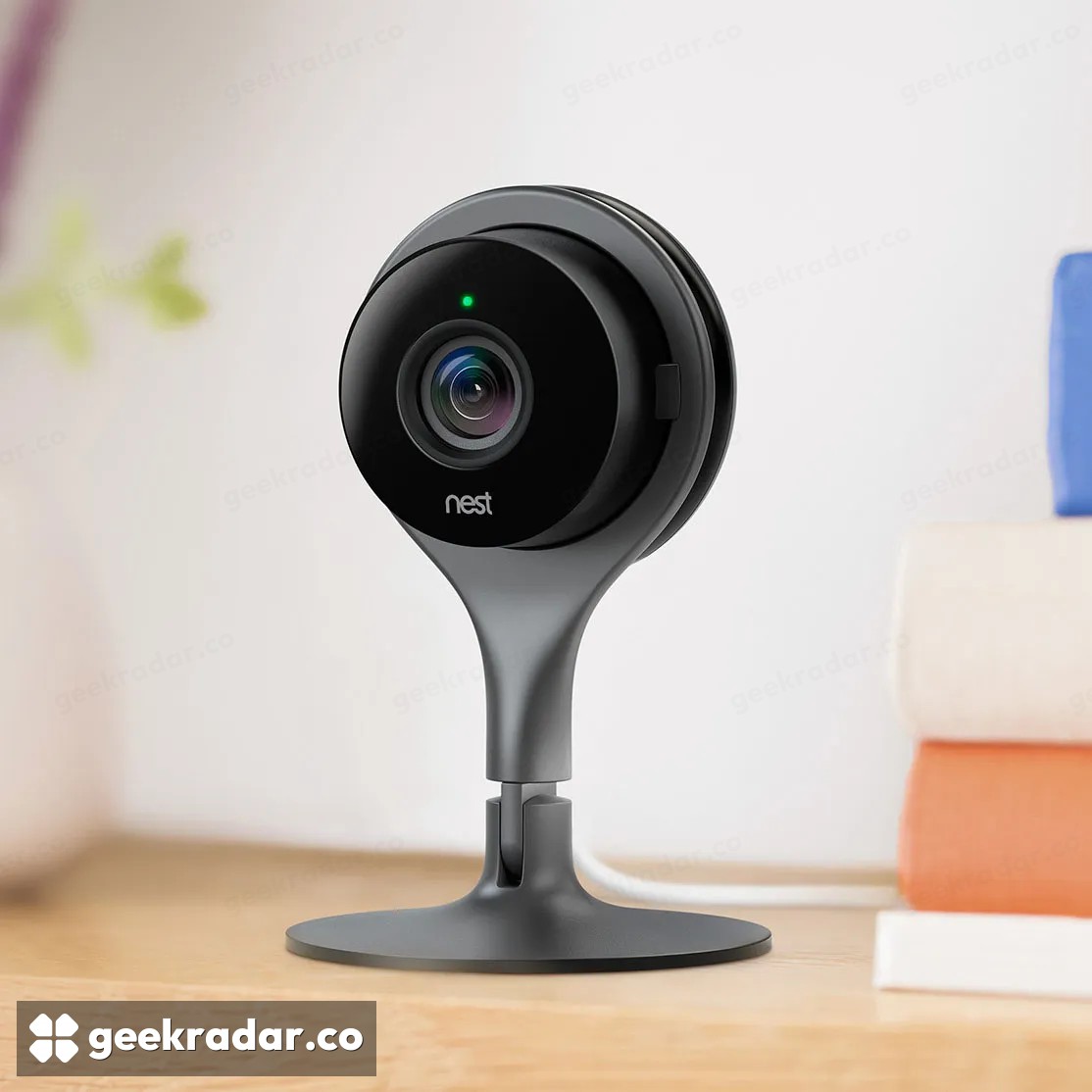
For supported devices, there is no reason to climb a ladder to scan a doorbell code again. Linked thermostats, locks and alarms appear in Home, and Google will begin moving the remaining cameras, doorbells and their histories on January 25. The original wired Nest Cam Indoor and the Nest Hello doorbell are among the models Google lists. Home already hosts newer controls, including Google’s expanded thermostat energy reporting.
A live picture in the new app is a good test of the camera. It tells you nothing about that first arrival at the front door. For that, the test is simpler still. Open the downloaded clip on your computer and play it with the Nest tab closed.