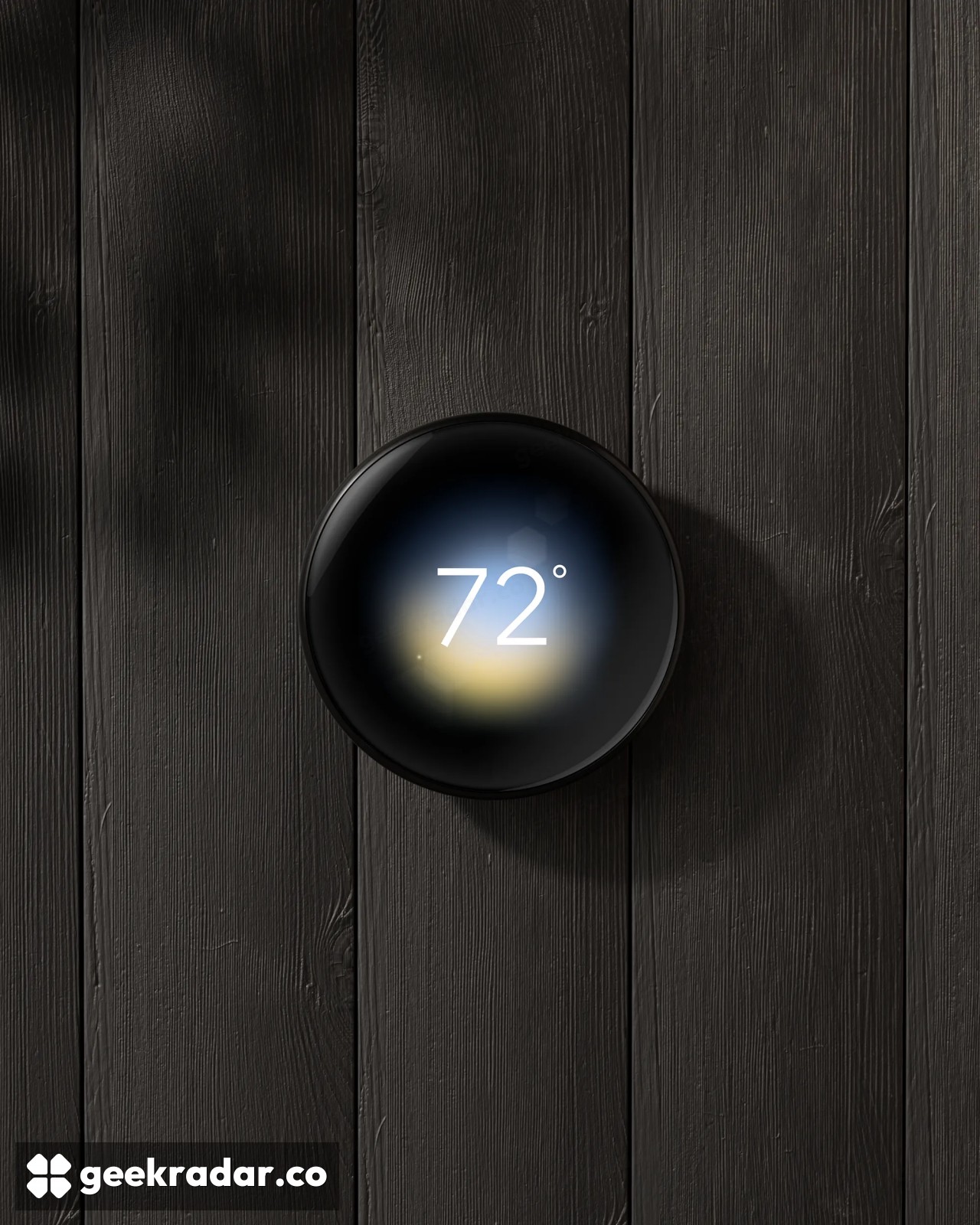
Google Home will estimate how much your Nest thermostat has saved
The December update brings a cumulative dollar figure to the US and Canada. The existing heating and cooling chart measures something else, and a cold bedroom shows why both readings matter.
Starting in December, Nest thermostat owners in the US and Canada will be able to see how much money Google estimates their thermostat has saved them. The cumulative dollar figure is coming to the Climate section of Google Home, the thermostat controls and the Favorites widget. It will sit alongside something owners can already check: how long the heating or cooling actually ran.
Those numbers answer different questions. If the heating ran for 25 minutes yesterday, the thermostat can record those minutes. To put a price on what it saved, it also needs a comparison with what the household would otherwise have spent. Google’s November 17 announcement names the markets and the rollout month. It does not specify the comparison household or temperature schedule behind each estimate, or promise a corresponding credit on a bill.
Read the bars before the dollars
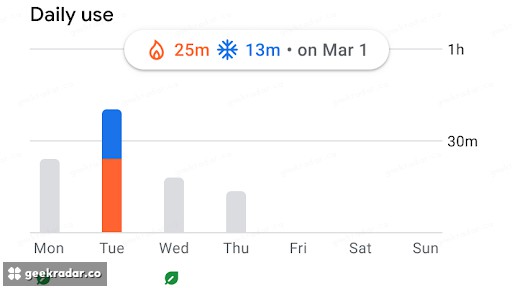
Google’s guide to Energy History includes a chart that makes the distinction tangible. Select March 1 in its example and the orange and blue bars resolve into 25 minutes of heating and 13 minutes of cooling. The two bars tell you the system ran for 38 minutes that day. They don’t tell you how much energy it took to run either mode for a minute, let alone the price of that energy.
That makes the history particularly useful for checking a schedule change. If you ask the heating to start later on weekdays, you can look for a change in the time it runs. A warmer week might also shorten that runtime. To investigate a higher bill, your supplier’s metered consumption, tariff and billing dates give you information the thermostat chart alone cannot. It’s the same distinction that matters when reading power and energy figures from a compatible Google Home smart plug.
A bedroom sensor solves a different problem
A second December update gives the fourth-generation Nest Learning Thermostat a new choice of room sensors. In its detailed Google Home release notes, Google names compatible Matter temperature sensors from brands including IKEA, Eve and Aqara. Owners will be able to average readings across rooms or schedule which room gets priority at a given time. Compatibility applies to particular sensors, so the brand alone is insufficient to choose one.
Take a thermostat in a warm hallway and a bedroom that cools faster at night. Giving the bedroom sensor priority tells the system which reading to act on. It may run the heating longer to make that room comfortable. The room reading can tell you whether you solved the cold-bedroom problem. The runtime history can show what that choice asked of the heating. A rising savings total, on its own, can answer neither question.