Why your Xbox can show 120 Hz while GTA VI still runs at 30 fps
A compatible screen can soften some uneven movement on Series X and Series S. The useful setting changes when a picture appears, while the game still has to draw it.
If your television reports a 120 Hz signal while Grand Theft Auto VI is running on Xbox, the number can be perfectly accurate. It describes the display connection. The game still targets 30 frames per second on Series X and Series S. There is a reason to try the faster output anyway. In Digital Foundry’s launch discussion, around 45 minutes in, its testers said that enabling 120 Hz with variable refresh on Xbox made some drops below the target look smoother.
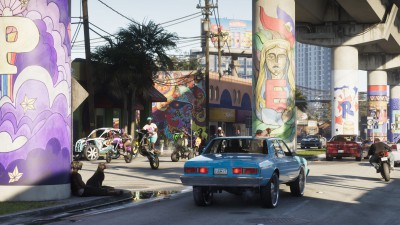
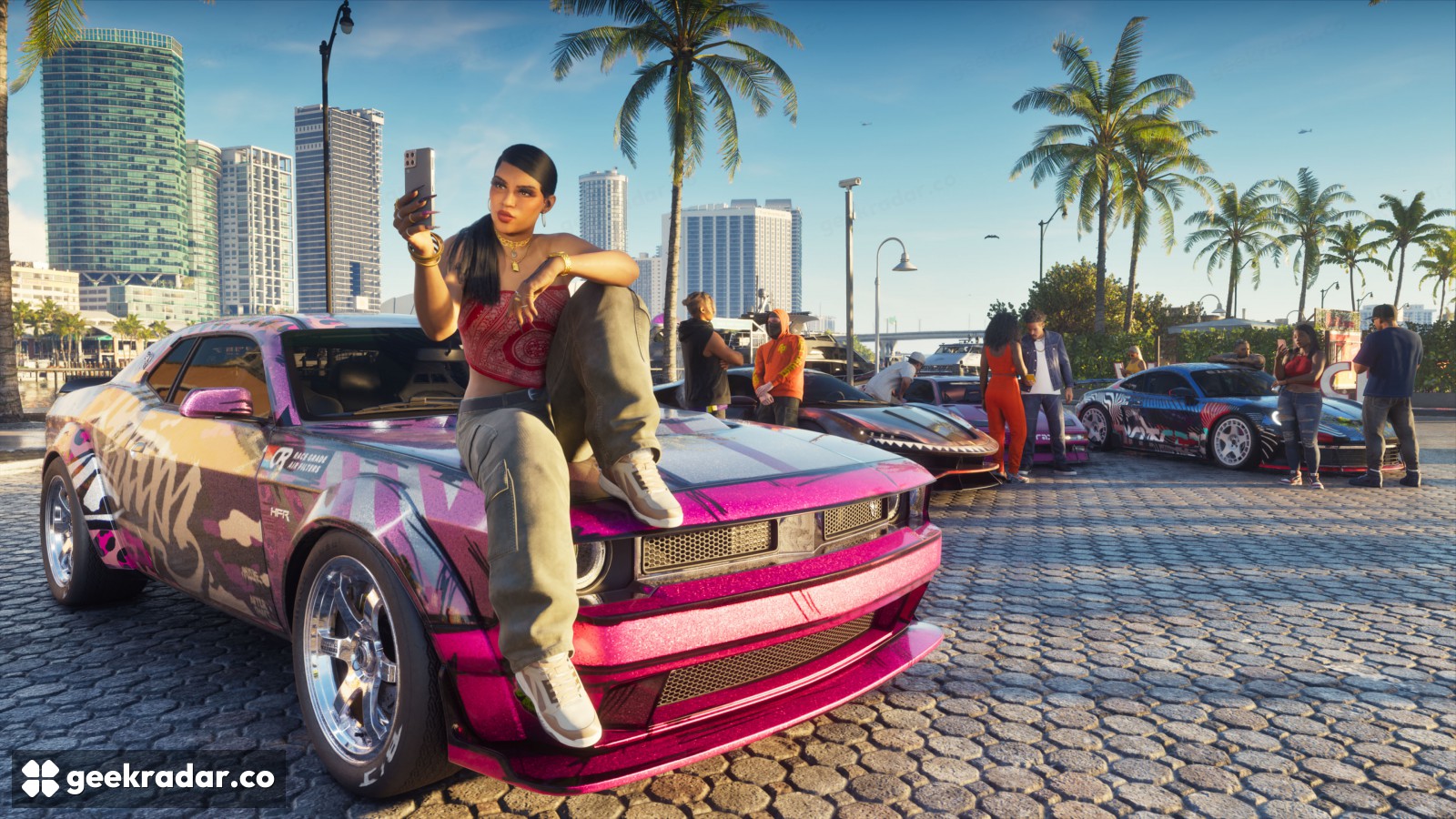
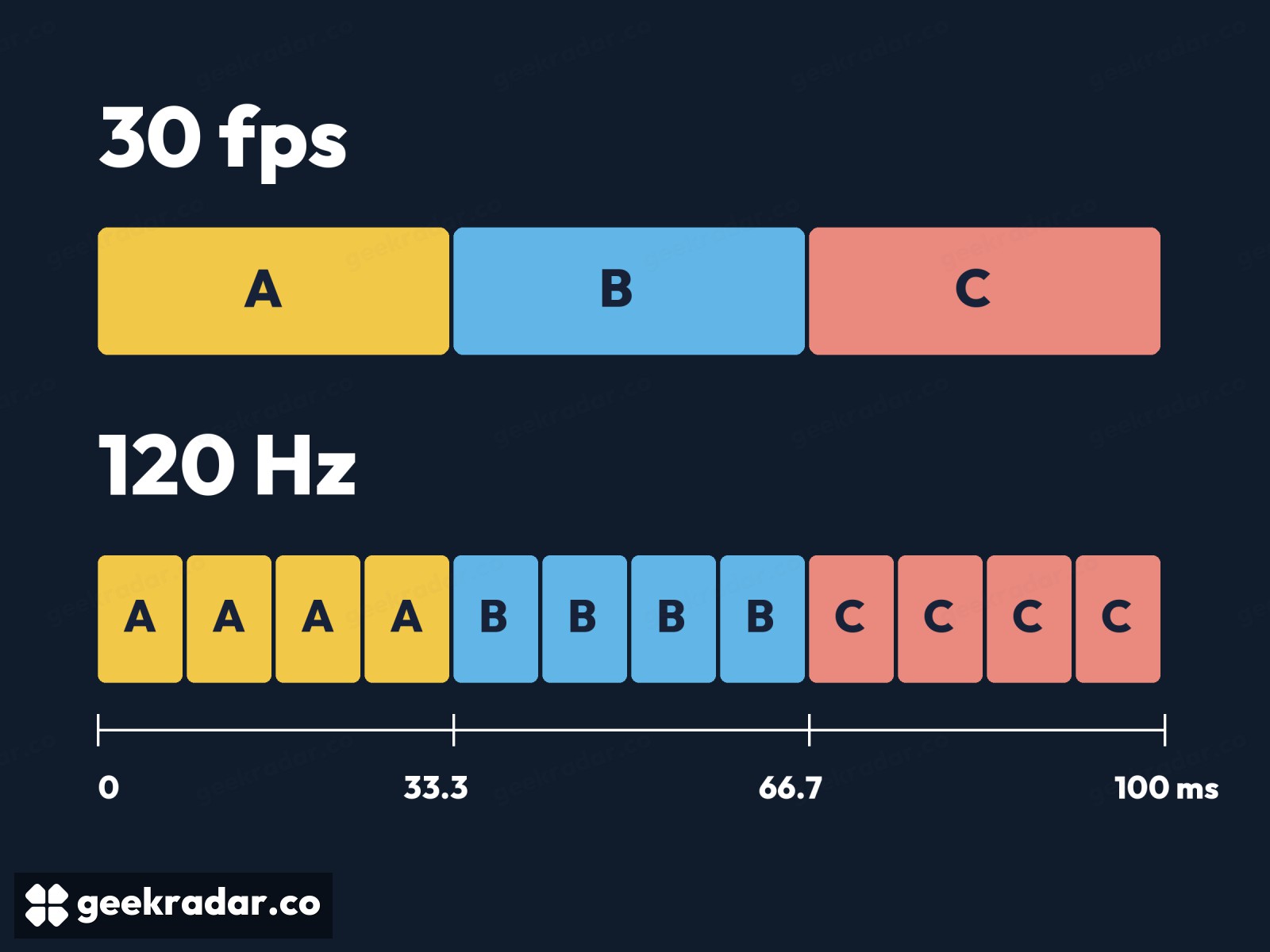
Consider a slow pan past the parked cars on a Vice City street. At a steady 30 fps, the game produces a new view about every 33.3 milliseconds. A television running at a fixed 120 Hz refreshes roughly every 8.3 milliseconds. Show each image four times and both numbers agree. The display has filled every refresh, but the car has moved to a new position on screen only once per group of four.
Where variable refresh starts to help
The interesting case is the frame that arrives late. With a fixed refresh rate, a completed image that misses a presentation opportunity has to wait for another. With variable refresh rate, or VRR, a compatible screen can adjust when it refreshes to accommodate uneven delivery, within the limits of the display. The aim is to reduce the extra unevenness introduced between the console finishing an image and the viewer seeing it.
That still leaves the time the game took to draw the frame. Digital Foundry described an improvement in presentation and could still see drops. Its Xbox driving tests give an example of the underlying workload changing with the scene. A television can adjust its timing when the view gets busy. It can’t tell you where the next car will be before the console has drawn it.
Check the connection before changing the game
On either Xbox, open Settings → General → TV & display options. The 4K TV details page reports what the console detects over the current connection. If a capability you expected is missing, check the particular HDMI input in the TV manual. Some sets reserve their highest-bandwidth features for specific ports. Xbox explains how to read that screen.
Where your setup offers 120 Hz, select it and check the variable-refresh setting under video modes. Microsoft offers a Gaming Only option if you want VRR for games while leaving video playback alone. To judge the result, compare the same stretch of road with VRR on and off. Watch how the scenery moves past a lamp post as the camera turns. That movement tells you more about the setting’s value on your screen than the 120 Hz label in the corner.