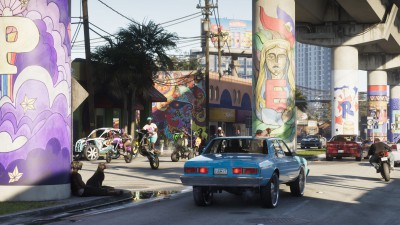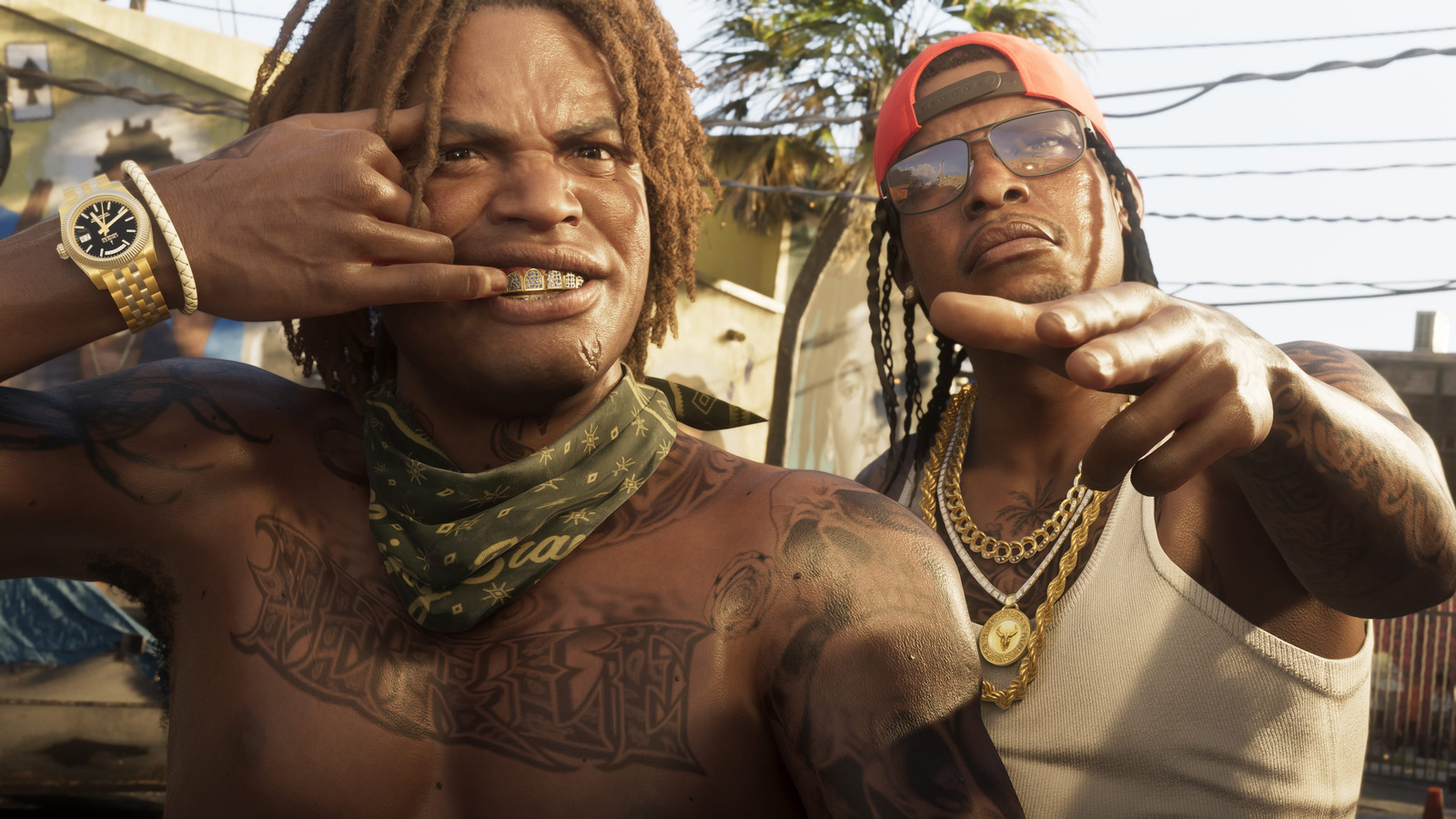
How to keep GTA VI clips on your Xbox until you choose to share them
A player reported a two-day suspension after a clip uploaded automatically. Xbox lets you keep recording while choosing separately what goes to its network and to OneDrive.
An Xbox can upload a Grand Theft Auto VI clip before its owner has even watched it back. That detail matters after a player reported a two-day suspension following the automatic upload of a 28-second recording. If you want to keep recording on Xbox Series X or Series S and decide for yourself which clips leave the console, change the upload destination in the Xbox settings. The capture button can keep doing its job.
In a Reddit post reported by GamesRadar+, the player said the clip showed characters in beachwear and that Xbox had flagged it incorrectly. The notice, as reported, did not identify a specific rule. VGC also covered the reports on November 21 and said their extent was unknown. Neither report establishes what triggered that decision or how often it happens. There is, however, a setting anyone with the console can check.
Keep recording and choose the destination
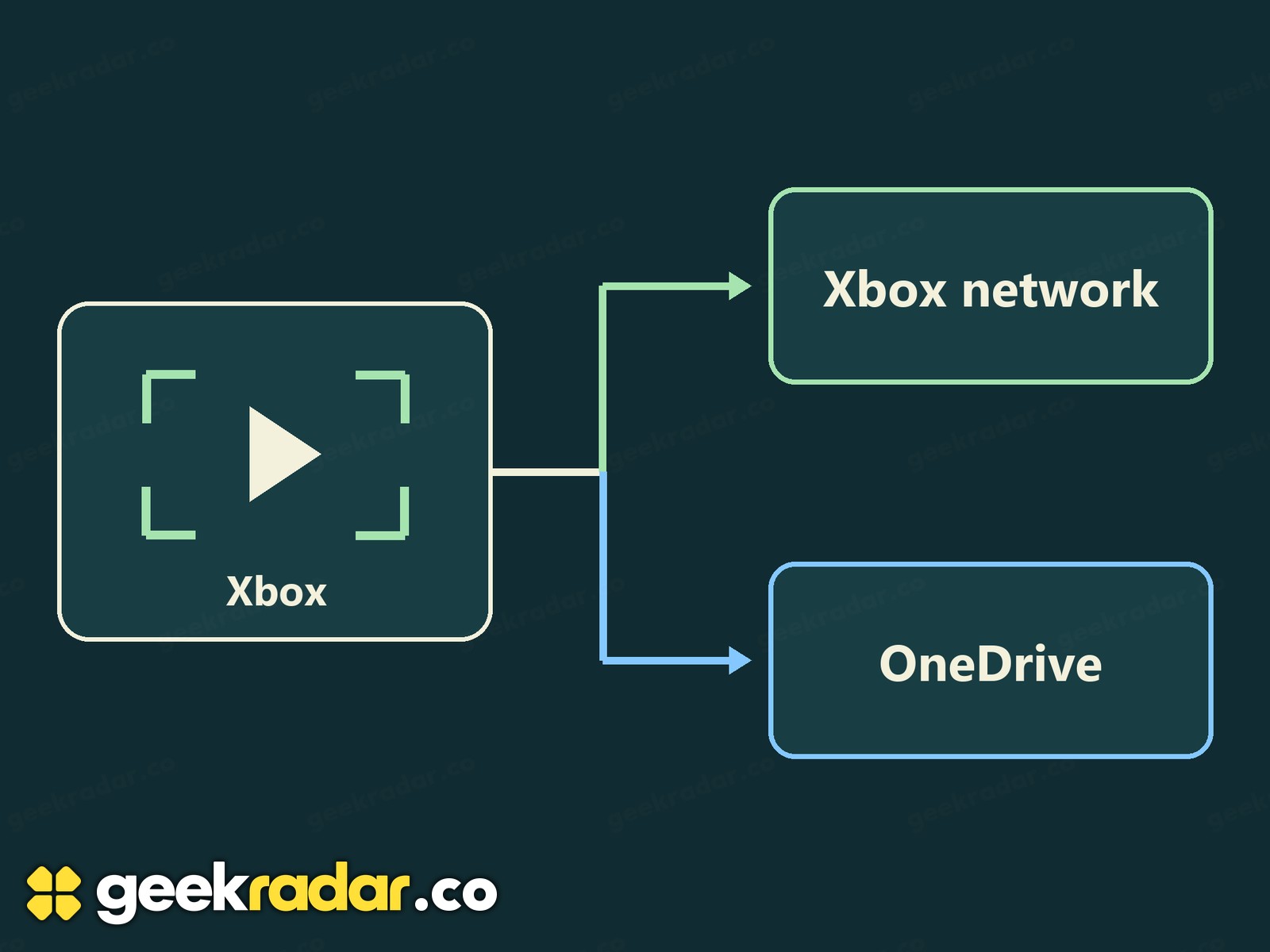
Press the Xbox button to open the guide, then go to Profile & system → Settings → Preferences → Capture & share. Under Automatic uploads, select Xbox network and choose Don’t upload. Leave the control that allows captures alone. These are console preferences, so the choice carries over when you switch from GTA VI to another game. The illustrated settings guide shows where the two destinations appear.
Think of a clip you saved ten minutes ago. Changing the setting now governs the next recording. To find out where the earlier one went, open My games & apps → See all → Apps → Captures and inspect the copies on the console and the Xbox network. If you had OneDrive backup enabled, check there too. An upload creates a copy on another service. It does not, by itself, tell you who has seen the clip or whether it appeared in anyone’s feed.
What Xbox says about clips from mature games
Microsoft’s Xbox Community Standards specifically mention sharing screenshots or game clips containing mature sexual content. A scene can belong in the game and still fall outside what Xbox permits people to share on its network. The published policy supplies a concrete example. It does not establish that the reported clip contained such material.
There is also a practical reason to revisit the destination even if you never share clips. Xbox’s capture storage policy gives a recording on the Xbox network 90 days before deletion. Microsoft points players to OneDrive or an external drive for longer-term backups. That 90-day figure applies to the network copy. It tells you nothing about the lifespan of a different copy on another device. PlayStation uses different controls, which we cover in our PS5 capture guide.
If you come across a moment in Vice City you might want to keep, the moment itself is the only decision that has to be quick. With automatic uploads off, you can press the button now, watch all 28 seconds later and decide whether the recording belongs in a backup, in a message to a friend or just on your console.