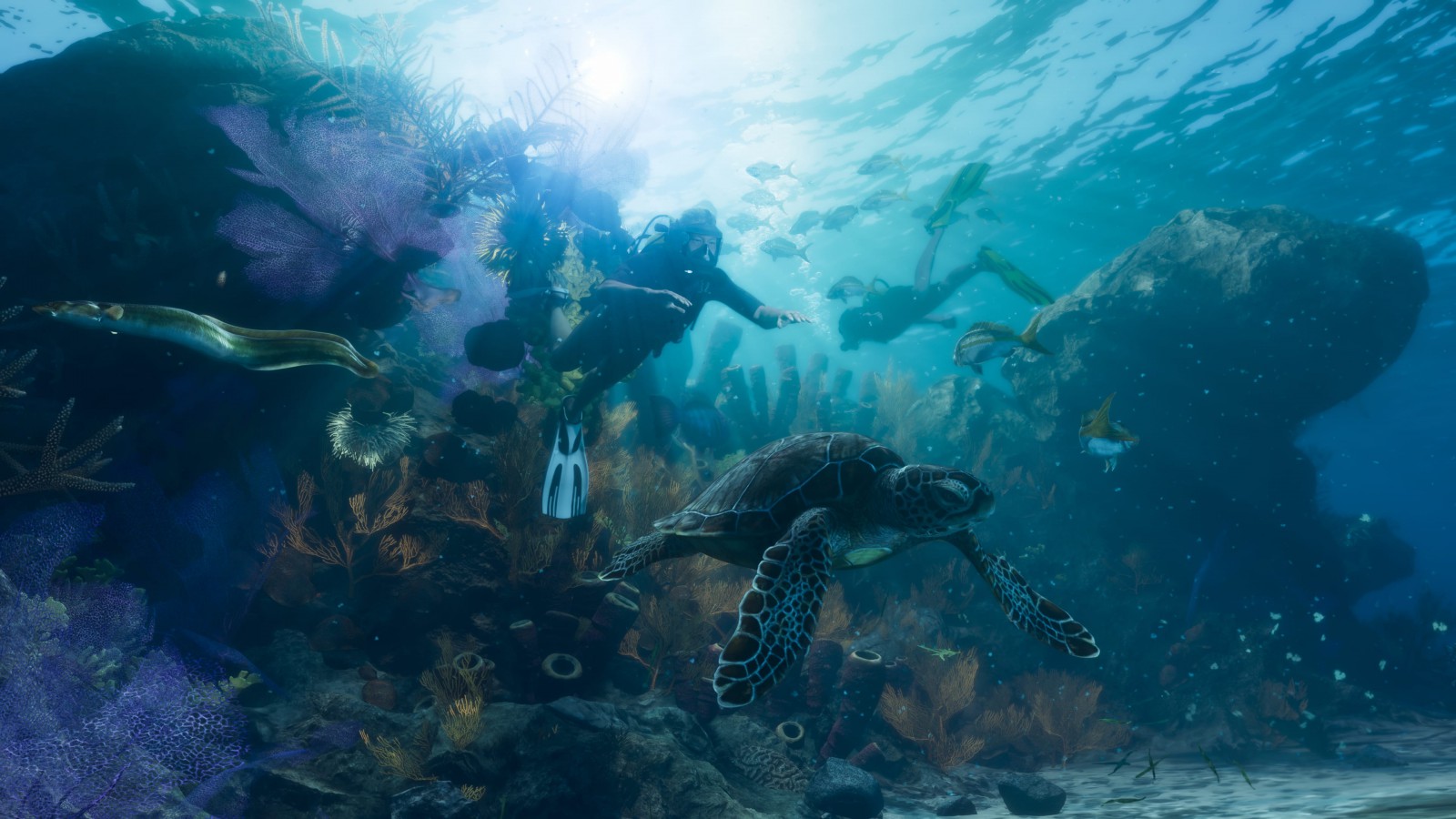
How to dive, surface and swim backwards in GTA VI
Cross takes you into the water on PS5 and brings you up once you’re swimming. Here’s how the default depth controls work on both consoles, and how to keep a reef in view.
On PS5, Cross can send you into the water in GTA VI and bring you straight back up. The difference is where you press it. At the water’s edge it starts a dive. Once you’re swimming, hold R1 to go deeper and use Cross to surface. On Xbox Series X and S, the default swimming controls put descent on RB and surfacing on A. Clicking the left stick makes you swim faster on either console.
Leaving the shore and leaving the surface
If you want to try the two PlayStation inputs in succession, start on a ledge above the water. Press Cross as you approach the edge for an ordinary dive, or hold it for a trick. Once the character is in the water, switch to R1. Holding Cross longer on the ledge changes the entrance. It has no bearing on how deep you can swim once you are in.
The distinction is visible in the game’s Diving help screen, captured on PS5 by ViceManual. You can find it under Combat & Movement in Help. There is also a Swimming preview in the controller settings. That is the more useful screen if your own layout differs from a guide or you are switching between consoles. These recordings of the PlayStation and Xbox control screens identify the default bindings on each.
How to keep something in view underwater
Depth and pace are separate. If you’re above the patch of reef you want to see, pressing the stick to swim faster won’t substitute for a descent. If you’re already level with it, continuing to hold the dive button will take you below it. NerdsChalk’s gameplay captures show the depth prompts in the lower-right corner of the screen.
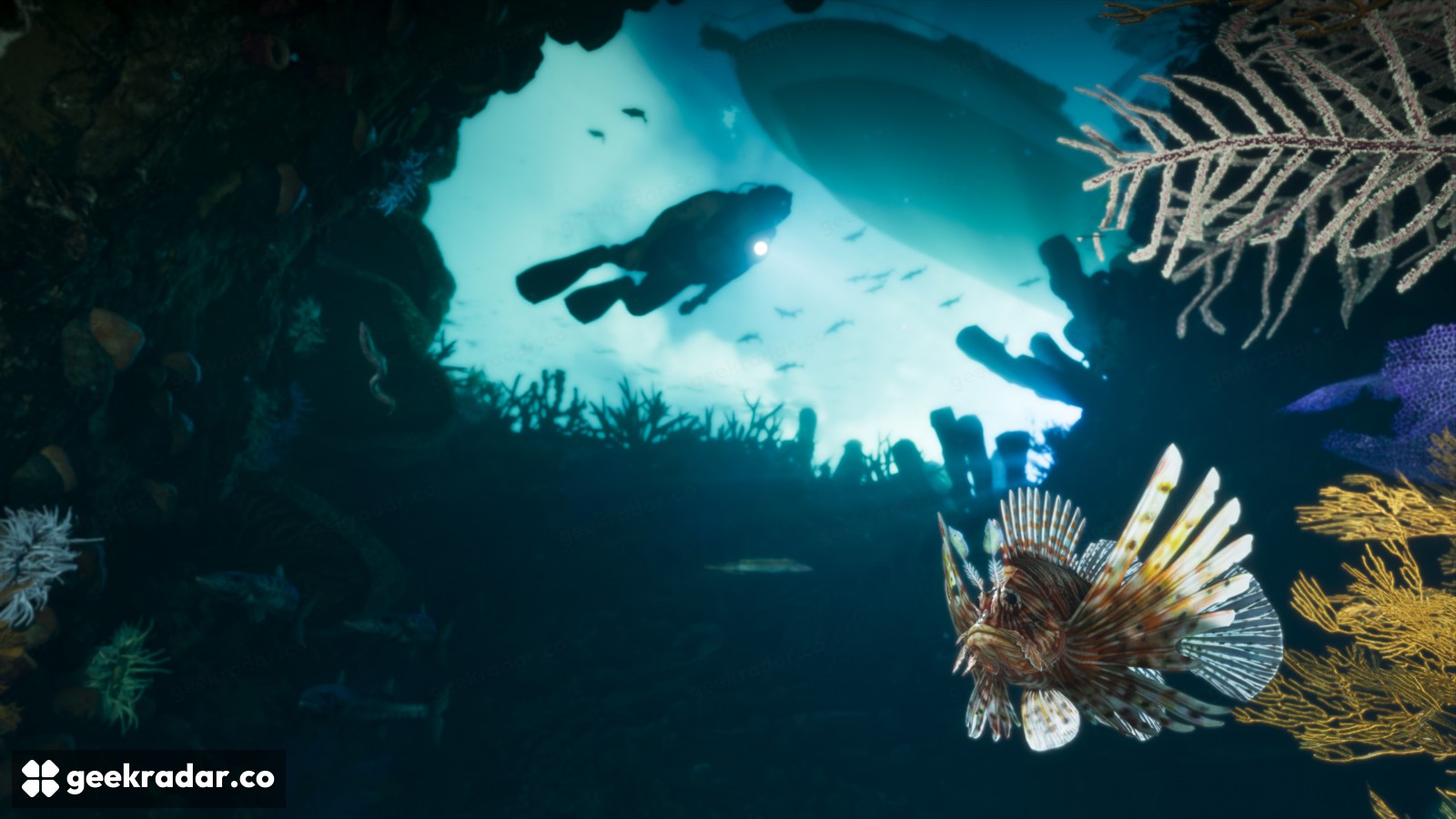
On PS5 there’s a particularly useful third option. Hold L2 underwater and use the movement stick to swim sideways or backwards. Imagine coming up close to the lionfish in Rockstar’s Leonida Keys gallery. Turn around to swim away and the fish drops out of view. Back away instead and you can open up the view of the reef while still facing the fish.
Our earlier look at Leonida from a kayak and below the surface followed what those two perspectives reveal. The small pleasure of the swimming controls is being able to choose the second one precisely. Let go of the descent when you find the right depth, then move across the scene instead of sailing straight past it.