Gemini can now use your Mac apps. Here’s what “Allow once” means
Google’s US rollout gives Gemini a separate screen for desktop tasks. App access can last beyond a single chat, while a file backup can disappear with the next prompt.
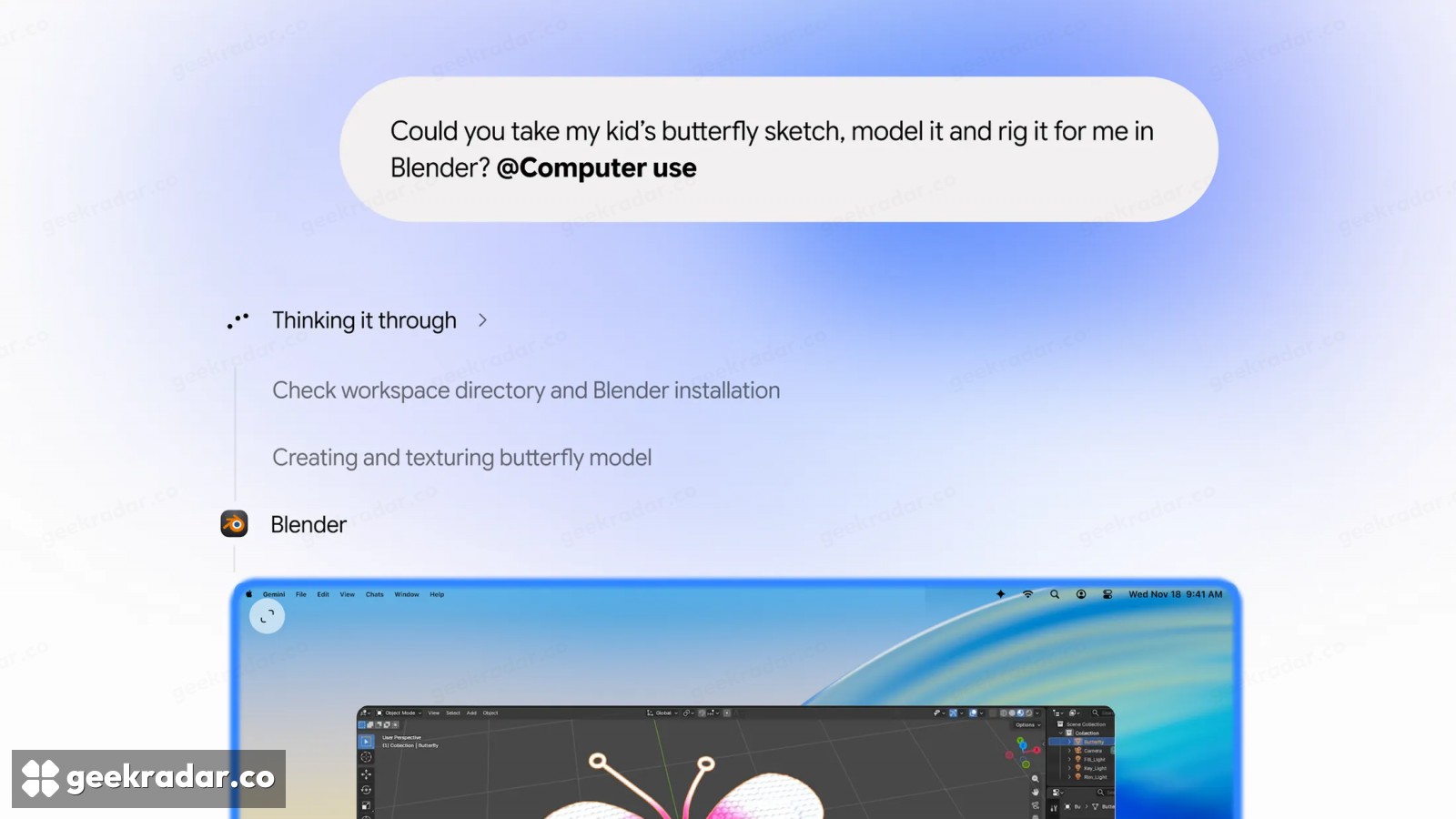
Gemini can now work its way through a Mac app while its owner uses the same computer for something else. Google began the US rollout on November 19. The useful distinction is in the permission prompt. Let Gemini open an app once and it can get on with the task at hand. Choose Always allow and that decision carries over to future tasks.
Consider a shipping quote, one of Google’s examples. The box dimensions are in a local PDF, the address is on another page and the carrier wants everything entered in separate fields. The original Gemini Mac app could look at a shared window and help interpret what it saw. With computer use, Gemini can take the figures from the document and type them into the form. The time saved is in the transfer. A misplaced decimal can travel just as easily, which makes the filled-in quote a better place to check its work than a chat message saying the task is done.
What stays open after the task
Gemini operates on a separate virtual screen. Its progress appears in the chat, leaving the Mac’s main cursor free. The Mac support guide distinguishes the permissions macOS supplies, including Accessibility and screen recording, from the list of applications the user lets Gemini operate. Someone can grant the system permissions and still keep a particular app off limits.
That second choice matters most in an app where the user is already signed in. Gemini could be looking at a blank document or at a customer account, depending on what the same application currently holds. A one-off approval keeps the choice local to the step or conversation. Persistent approval puts the app on an allowed list, which can be edited later. Google says sensitive actions still prompt for confirmation.
Google recommends Gemini 4 Hydrogen or a newer model for better responses. Changing models leaves the underlying permissions decision exactly where it was.
Stopping is different from undoing
A live preview lets the user spot trouble and stop a task. Recovering an earlier version of a file is a separate operation. With on-demand backups enabled, Google says Gemini tries to make temporary copies. Some apps cannot provide one, and a copy that exists lasts for 24 hours or until the next prompt. The place to check is View backups in the original chat.
That puts a practical limit on what a user can hand off. Filling out six boxes from a PDF is precisely the sort of fiddly job that makes this feature attractive. Submitting the form is a different decision. A backup might bring back the document on the Mac. It can’t call back a quote already sent to the carrier.