
Canva opens its design tools to more AI assistants. Whose account does the editing?
A connected assistant follows the user’s file permissions. A product that makes artwork for customers can use a separate account, with its own limits and bill.
The door time on a concert poster changes after the first proof goes out. A designer with edit access can ask a connected assistant to amend the Canva file. The promoter who received a view-only link can spot the same mistake and type the same request, but the assistant cannot change that original on the promoter’s behalf. The difference is whose account is doing the work.
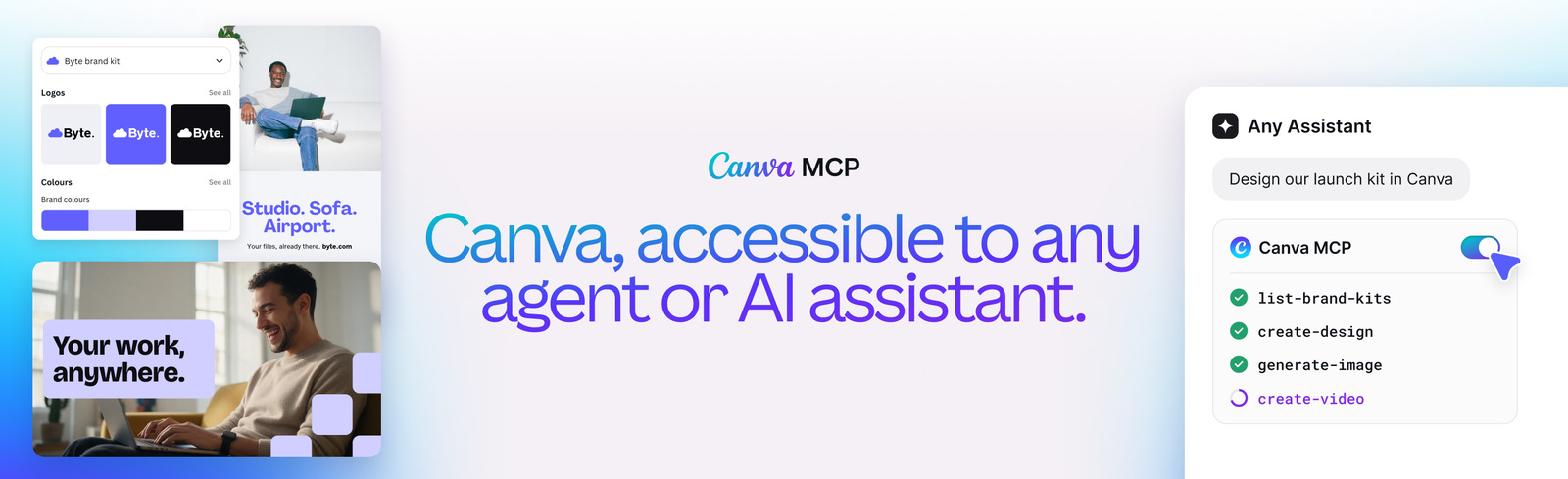
Canva has removed the developer waitlist for its Model Context Protocol server. MCP gives an assistant a common way to discover and call tools in another application. In this case, the useful thing it can return is a design that a person can open and edit in Canva. The assistant can start the job outside the editor without turning its output into a flat image that someone has to rebuild.
Developers in Canva’s community already had a route in: an October setup announcement explained how to register an app. The change this week is general availability, alongside a broader set of ways to build Canva into other software. That distinction matters to anyone who has already used Canva inside an assistant and wondered what had actually launched.
A view-only link stays view-only
Each person using the MCP connection signs into their own Canva account. The app has an identity, but its credentials do not give it a team-wide pass to edit files. Canva checks the user’s rights to the design. An editor can ask for changes to a shared original; someone invited only to view it still needs the owner to change their access. Canva’s permissions guide spells out that boundary.
A subscription answers a different question. Resizing a design to new dimensions, filling a brand template automatically and using brand kits are among the features Canva lists for Pro and above. Paying for a plan can make the resize tool available. It cannot grant its subscriber edit rights to another designer’s poster.
When the customer never opens Canva
Picture a ticketing service that generates a social card every time a venue lists a show. The customer enters a date and a band name. Asking every venue manager to sign into Canva would add a step to a job that belongs to the ticketing service. For eligible Canva Business, Teams and Nonprofit teams, a developer can use a service account, give it access to the team’s templates and pay from the team’s API credit pool. Which operations it can perform depends on the permissions it requests and the endpoints Canva supports. Canva’s service-account documentation describes those limits.
For anyone weighing the result itself, our earlier look at editing individual elements in Canva asks what happens on the second revision. That is where the account choice becomes tangible. Generating a new card from a venue listing is the ticketing service’s job. Correcting the poster that a designer has already approved calls for access to that particular file.