Opera brings Data Saver to iPhone. The 80% claim applies to browsing, not the whole phone
The optional feature compresses images and text on Opera’s servers before delivery, making its scope and processing path important.
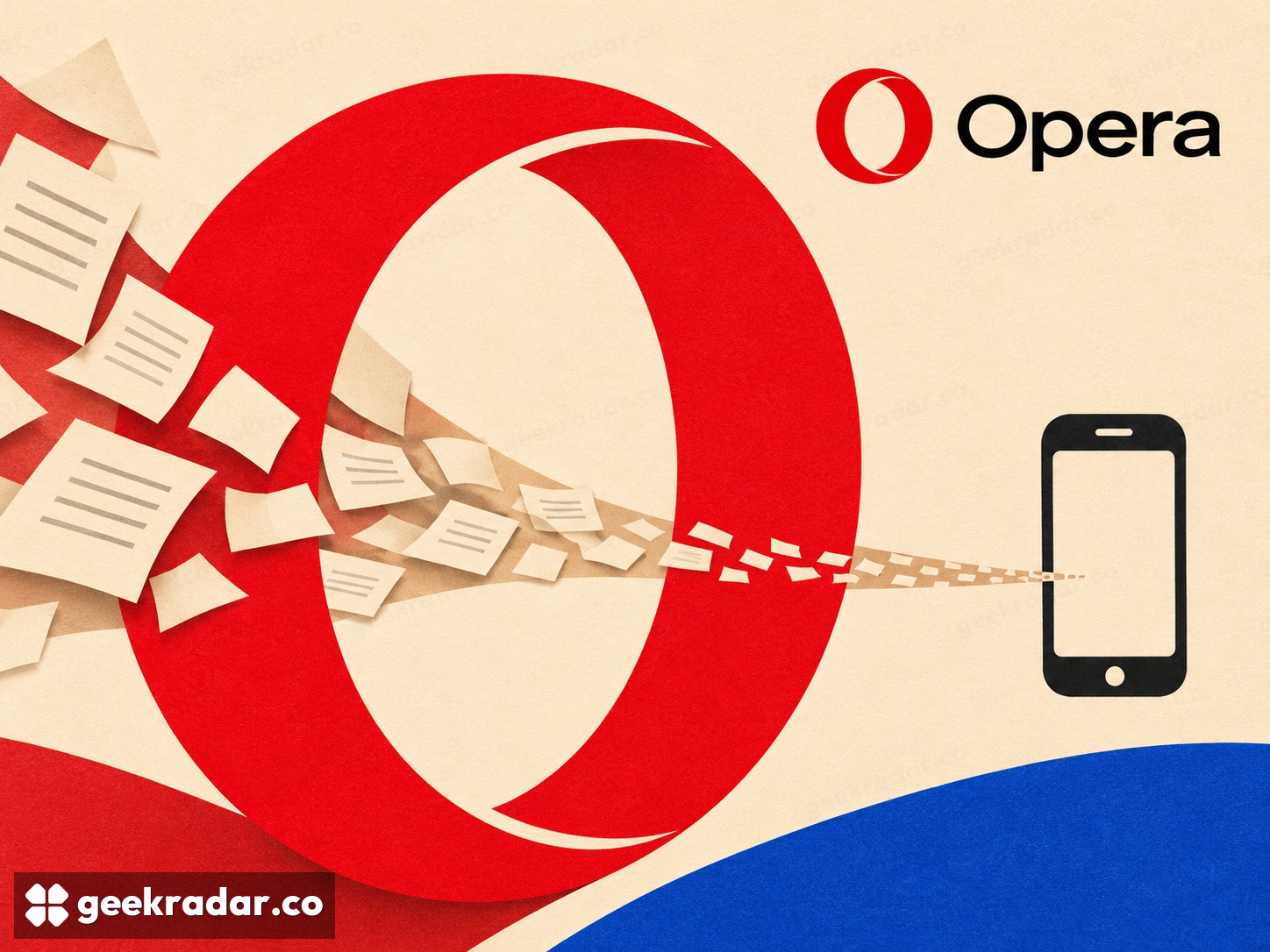
Opera One for iOS now offers Data Saver, an optional setting that compresses images and text on Opera's servers before they reach an iPhone. The company advertises potential savings of up to 80% in browsing data in its November 12 announcement. The useful question is where those savings apply: to supported web browsing through Opera, rather than to everything the phone downloads.
The feature is off by default and can be enabled from the browser's main menu or Settings. That makes it a choice about how pages are delivered, not an automatic change to every user's connection.
The saving happens before the download
Compressing material after it has reached a phone would not reduce the data needed to deliver that material. Opera instead places processing upstream: its servers reduce images and text before sending the result to the device. The causal order is what makes the feature potentially useful on a limited mobile allowance.
It also explains why the result varies. A page with a large amount of compressible material offers a different opportunity from one whose content is already compact. The announcement does not provide a universal per-site saving, a reproducible test suite or a promise that all media will be reduced by the advertised maximum.
Consider a simple illustrative example. If a supported browsing session would otherwise transfer 100 MB, an 80% reduction would leave 20 MB. That arithmetic explains the upper-bound claim; it is not a result measured by GeekRadar, and it should not be used to predict a particular site's consumption.
Server compression is an architectural choice
There is a practical tradeoff in adding a server to the delivery path. The announcement explicitly says Opera processes images and text remotely. Readers who choose a browser partly for its handling of browsing information should therefore evaluate Data Saver as a separate feature, rather than assuming that fewer bytes necessarily mean less server involvement.
Opera's privacy statement includes descriptions of data-compression services, but some sections explicitly concern Opera Mini or Android. Those descriptions should not be copied across as if they were a complete technical specification of this newly announced iOS feature. In particular, the launch post does not establish a detailed treatment for every encrypted page or a separate retention policy for every request.
This is also not the same function as a VPN or an ad blocker. Those tools answer different questions about routing and content. Their presence in the same browser does not make their guarantees interchangeable.
A tool for constrained connections
The most direct use is a situation in which transferred data is scarce or expensive: a small prepaid allowance, a travel connection or a limited hotspot. On an unlimited connection, the attraction may be less obvious, particularly if the pages a person reads offer little room for compression.
For travelers, reducing browser traffic can help preserve an allowance; it cannot establish what a carrier charges or which roaming conditions apply. Those remain properties of the mobile plan. The setting belongs with the practical choices covered in our internet desk, alongside the separate question of which browser features a reader actually needs.
Data Saver's appeal is straightforward when kept within its scope: send less of a web page over the final connection. The 80% headline is a ceiling, not a promise. The valuable measure is the amount it saves on the pages someone really reads.