GTA VI on a laptop through Remote Play is still a console game
Streaming from your own PS5 can free the television, but it does not create a PC port or preserve every controller feature.
In this guide
Playing GTA VI on a laptop screen does not necessarily mean playing a PC version. With Remote Play, a console runs the game while another device receives the picture and sends back the controls. It can solve a shared-television problem without changing which version of the software you own.
Rockstar’s launch preparation announcement identifies Remote Play as an option. Sony’s PS Remote Play documentation explains the underlying requirements. For GTA VI on PlayStation, the host must be a PS5 that can run the game; the availability of the Remote Play app on an older device does not make that device a native GTA VI platform.
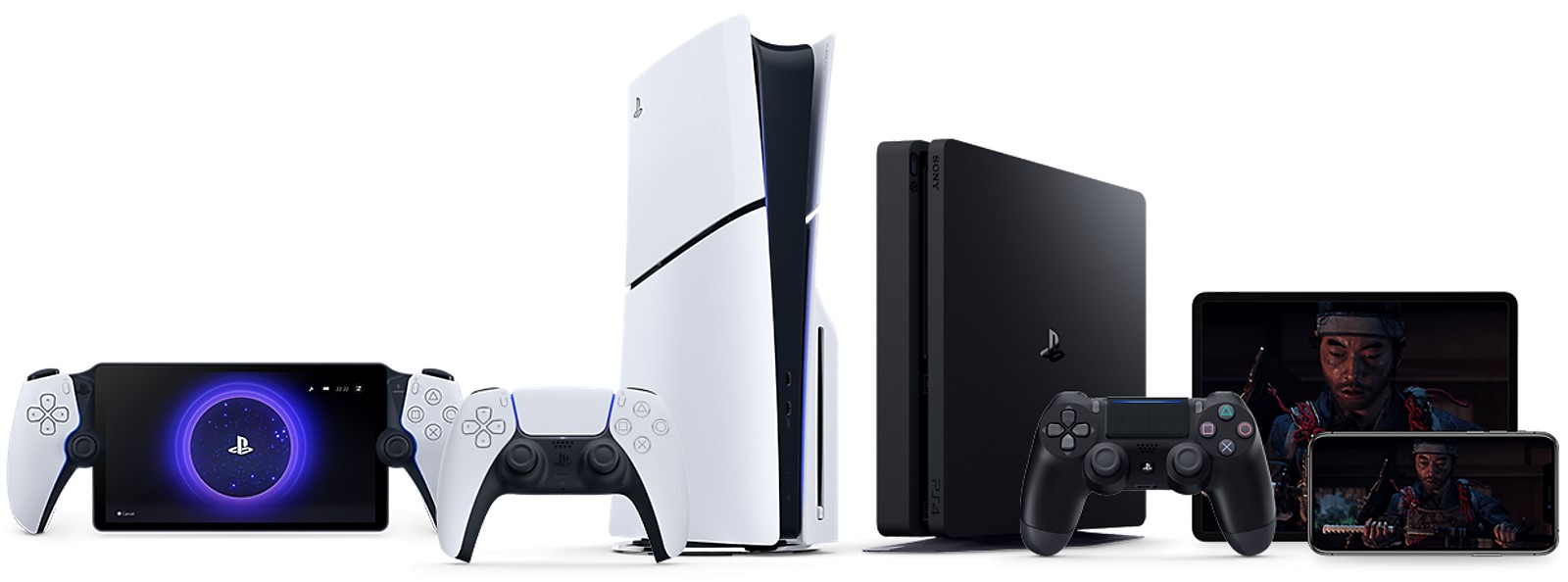
The console remains at the centre
A compatible receiving device, the Remote Play app, an appropriate controller and the configured host console make up the system. The laptop is receiving a stream, not installing the PS5 game files as Windows software. Its graphics card does not take over rendering Leonida, and its keyboard does not automatically become a supported GTA VI control method.
That distinction prevents two expensive misunderstandings. Buying a faster laptop GPU is not a direct upgrade to the console build’s rendering. Equally, buying a console copy should not be treated as purchasing a future native PC edition. Remote access changes where the image is viewed, not the licence’s platform identity.
This arrangement is most straightforward when the main obstacle is the television being occupied. You keep using the same game and console while moving the screen. Away from home, the connection has a different job: the host must deliver a video stream out through its network, and the receiving location must bring it in reliably.
Bandwidth is a starting point, not a responsiveness score
Sony lists 5Mbps as the minimum connection requirement and recommends at least 15Mbps for a better experience. Those are service guidelines, not GTA VI performance measurements. They do not describe every factor determining how quickly a steering input appears on screen.
Latency, consistency and competing network traffic matter. A connection can transfer a large file quickly yet produce an uneven interactive stream. Before launch, test the intended arrangement with another compatible game: same room, same receiving device, same controller and, where possible, the same time of day.
That exercise can expose a weak Wi-Fi location or an inconvenient control setup. It cannot establish how an unreleased game behaves. Avoid buying accessories around a promise of “zero lag” that the documentation does not make. On a mobile connection, also account for the data used by continuing video delivery.
Controller features do not travel identically everywhere
Sony’s documentation qualifies DualSense support by receiving device. Audio output, haptics and other features may differ; Android TV Remote Play does not support the listed DualSense haptics, adaptive triggers, controller audio or built-in microphone. A picture of the correct controller is therefore insufficient to establish the complete feature set of a particular setup.
This matters because Sony’s GTA VI feature announcement highlights controller feedback and spatial sound. Those claims concern the supported PS5 presentation. They should not be copied without qualification into every laptop, phone or television streaming arrangement.
The game still needs to be installed and unlocked on the host. Our preload coverage addresses that preparation. Remote Play can make an existing console more convenient to use. Its strongest case is modest and practical: keeping a session available when the best screen in the house belongs to someone else for the evening.