FreeRDP 3.33 reaches the browser while fixing the details of remote work
WebAssembly support joins RemoteApp improvements and a simpler macOS file clipboard. New experimental server and transport features need separate treatment.
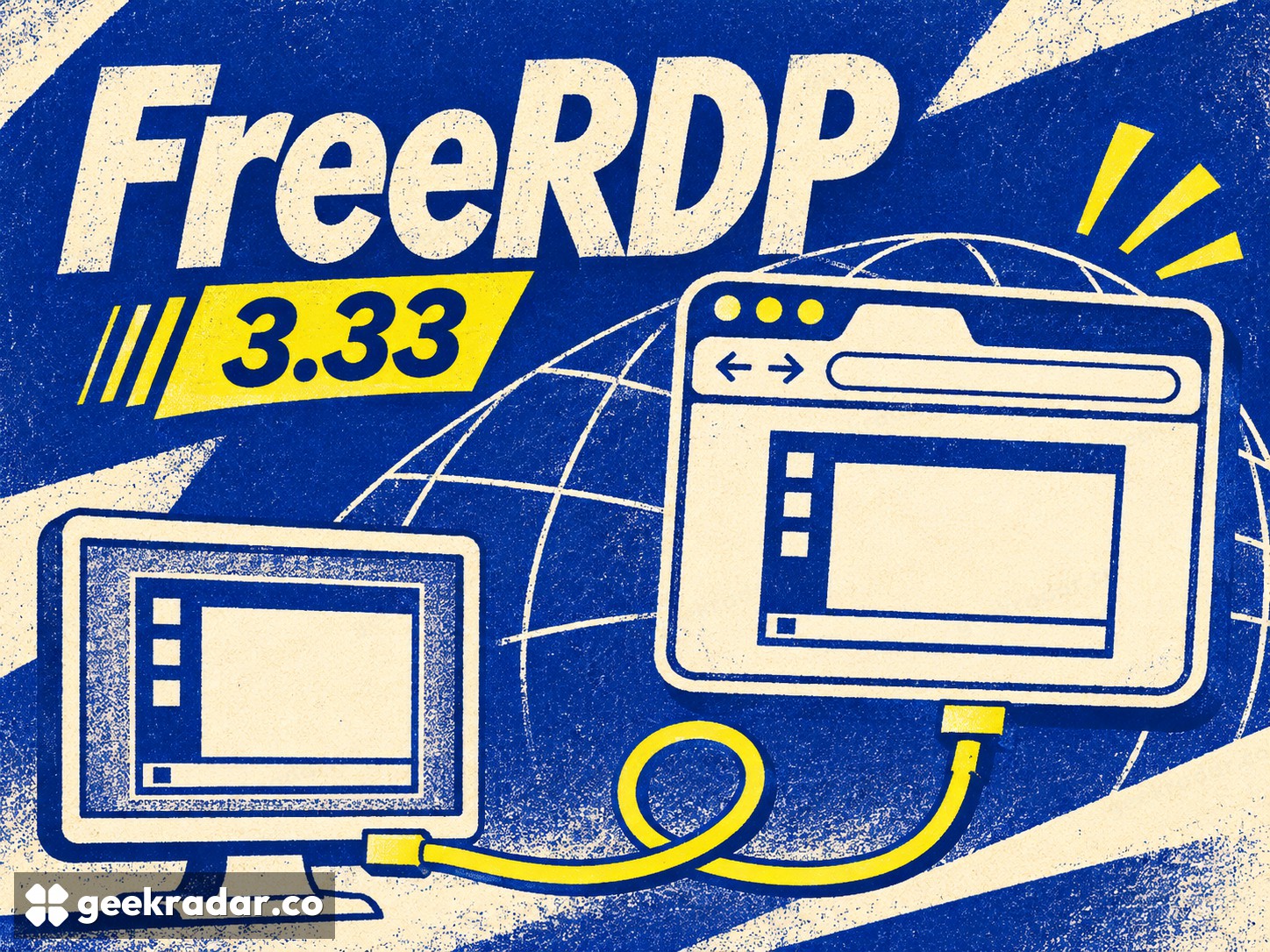
FreeRDP 3.33.0 adds a WebAssembly build that lets its remote-desktop client run in a browser. It is a substantial expansion of where the software can execute, accompanied by changes that are less conspicuous but potentially more useful in everyday sessions: improved RemoteApp behavior and file clipboard support on macOS without FUSE.
The November 2 release announcement also includes security fixes and explicitly experimental features. That mixture makes the version worth evaluating as a set of capabilities with different maturity levels, rather than treating every item in the changelog as equally ready for deployment.
Moving a desktop client into a browser
FreeRDP implements Microsoft's Remote Desktop Protocol, or RDP, across platforms. A client receives the remote session's visual output and sends input back; it is distinct from the computer hosting the applications. WebAssembly provides a way to compile code for execution inside a browser environment, but that environment has different facilities and restrictions from a native desktop.
The 3.33.0 browser build script makes the distinction concrete. It builds the SDL3 client through Emscripten and disables components that do not have browser backends, including the server and shadow-server parts. The browser build is therefore not simply every native component placed inside a web page.
Related changes in the release adapt audio, clipboard handling and video decoding to browser facilities. These are essential parts of a usable remote session. Rendering a desktop image is only one requirement; moving text, hearing audio and keeping the interface responsive are separate integration problems.
For organizations distributing access through a web application, a browser target could reduce the need to install a separate client on each endpoint. That is a deployment possibility, not a claim that any RDP address can now be pasted into an ordinary browser and used without configuration. Authentication, connectivity and the surrounding service remain responsibilities of the implementation.
The useful work is also in ordinary windows
RemoteApp presents individual remote applications rather than an entire remote desktop. That makes window behavior especially important: a popup that steals focus or appears in the wrong place can disrupt a task even if the network connection is perfectly healthy.
Our earlier look at Plasma 6.8.1’s remote-desktop repairs covered authentication and session interruptions on the hosting side. These client-window fixes address another part of the same practical problem: a connection is only useful when the interaction remains predictable.
The release's detailed changes include fixes around SDL RemoteApp activation, multiple monitors, positioning and popup handling. These are not claims of a faster network protocol. They address whether a remote application behaves plausibly alongside local ones, a different and often more visible measure of usability.
On macOS, file clipboard support without FUSE removes a dependency from that particular workflow. It should not be read as permission to copy any file across any session: server policies and the connection's enabled features still determine what a user can transfer. The practical improvement is a simpler client-side route where that workflow is allowed.
Experimental features deserve their labels
The maintainers describe direct UDP support without a gateway and the returning Windows shadow server as experimental. Those labels matter. A newly available transport path and a server that shares an existing desktop have different operational consequences from a cosmetic client change.
The announcement also links security advisories and says another patch release is expected to address remaining bugs and smaller issues. That is a reason to distinguish security maintenance from optional feature adoption, not a reason to assume either that everything is broken or that all regressions are resolved.
For readers following open-source software, FreeRDP 3.33 illustrates a useful kind of portability: the same project can reach a new environment while continuing to repair the mundane details of existing ones. A browser-based remote desktop is the headline. A file that copies correctly and a popup that stays where it belongs may be the changes a working user notices first.