Nothing OS 5 reaches the 3a and 4a families: the useful changes beyond the theme
Stable Android 17 brings split panels, a Glyph app and camera changes, with model-specific details and a staged rollout.
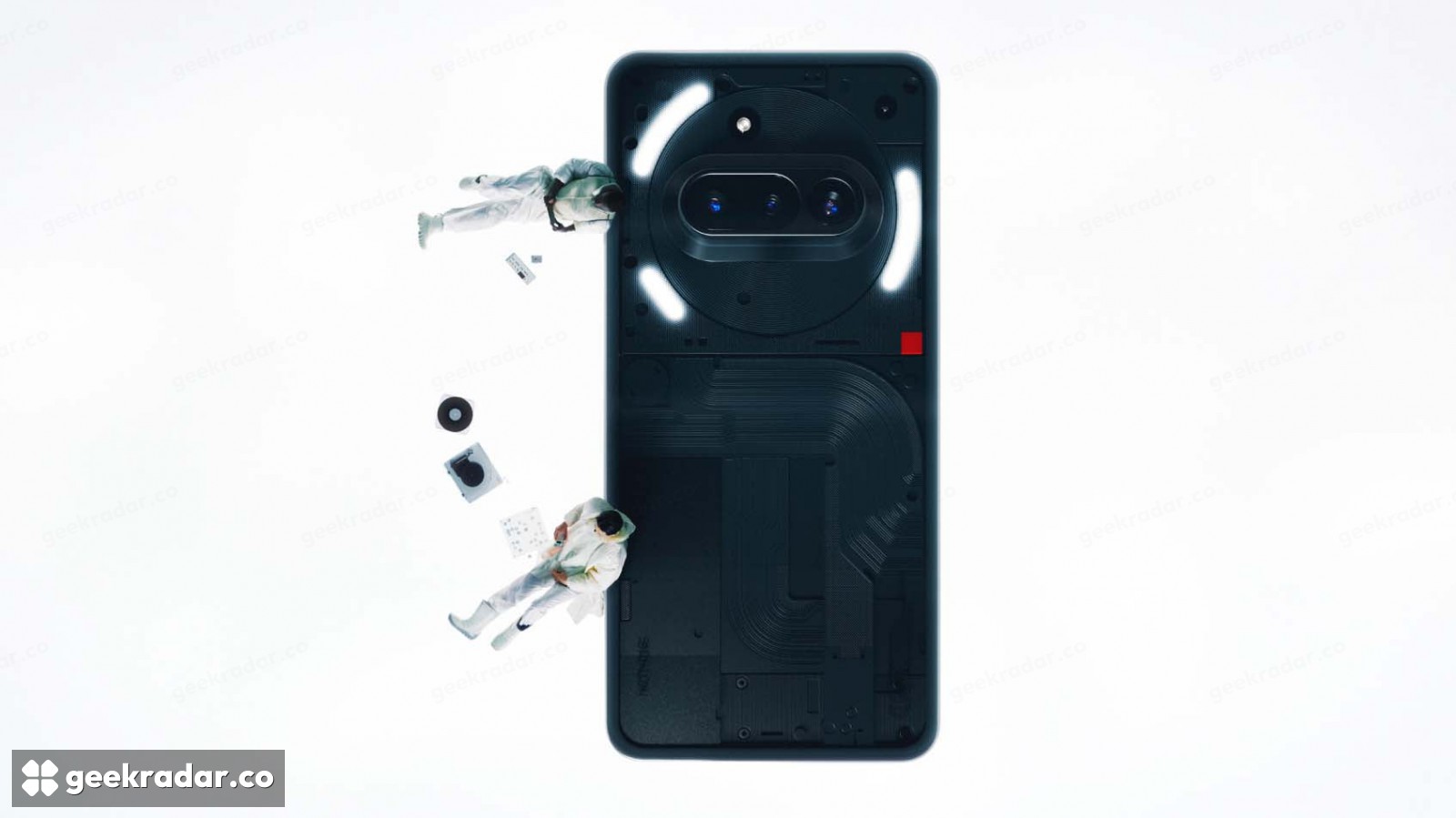
Nothing OS 5.0 is reaching the Phone (3a), Phone (3a) Pro, Phone (4a) and Phone (4a) Pro as a stable Android 17 update. Its most useful changes are not confined to the new translucent theme: notification handling, home-screen organization and camera controls all receive practical revisions.
The rollout is staged. Nothing’s official changelogs explicitly warn that devices will not receive the firmware simultaneously, so an empty update screen does not establish that your model has been excluded. The release notes also differ between the two generations; one feature list should not be copied across all four phones.
More control over the parts you use repeatedly
Across the Phone (3a) series, Phone (4a) and Phone (4a) Pro, Nothing adds an optional separation between notifications and Quick Settings. The choice lives in the notification settings. Separating incoming information from device controls can make a crowded panel easier to scan, although users who prefer a combined view do not have to adopt the split.
Home-screen icons can now be arranged in bulk, through the Arrange option after a long press. That is a smaller change than a new visual theme, but moving several apps together addresses the repetitive part of reorganizing a phone. Collector widgets turn photos into home-screen decorations, while Away Time shows time spent away from the screen.
Nothing also introduces a three-color status indicator for sensitive access, location and AI processing. An activity indicator supplies a visible cue; it is not, by itself, a complete account of which data a feature processes or where that processing happens. Its value is making activity easier to notice while the relevant service is running.
The Glyph interface gets its own home
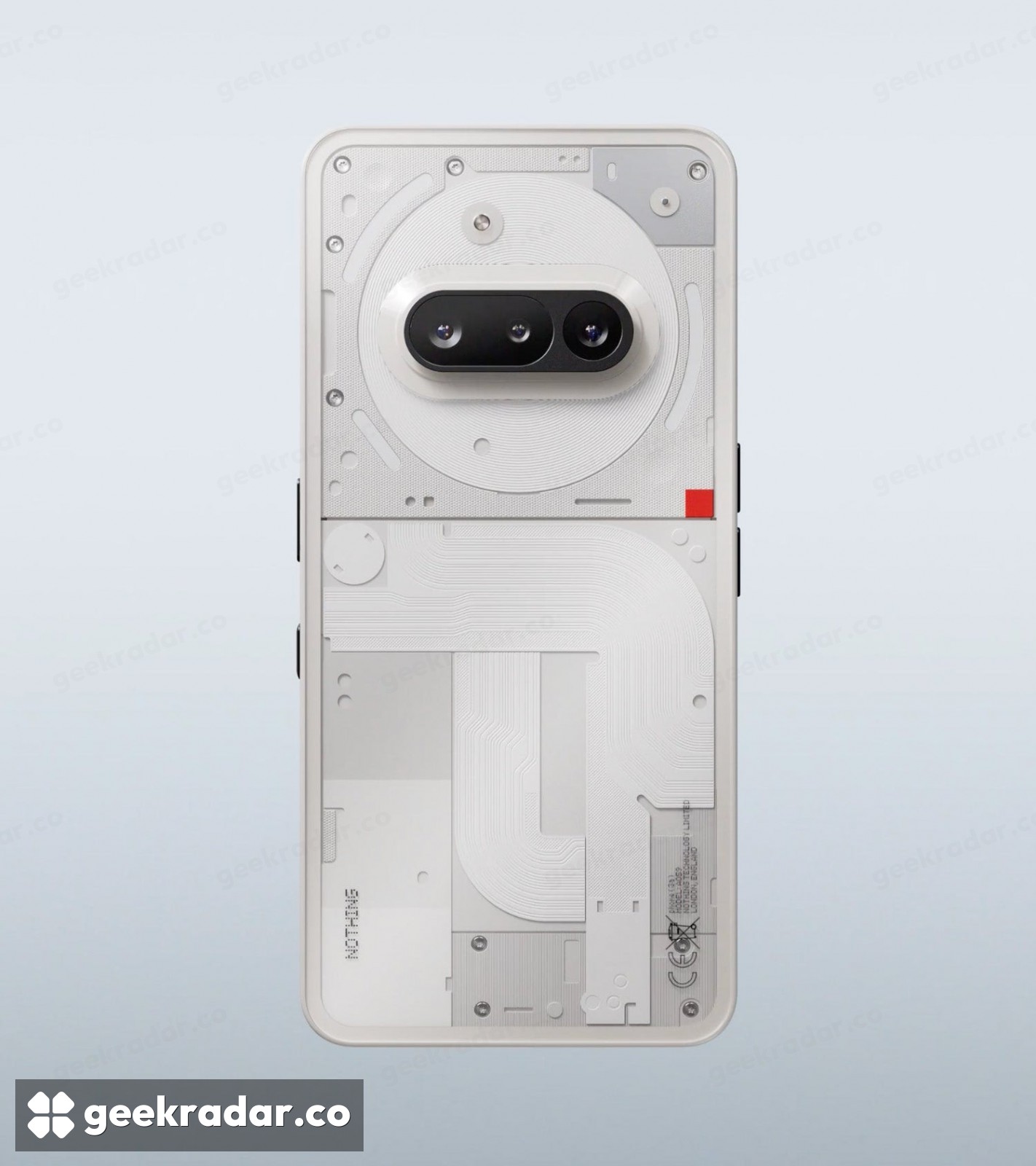
A dedicated Glyph app brings controls for the rear-light interface into the app drawer. The update also adds the Glyph Timer to the widget drawer. These changes make existing hardware easier to reach through software, rather than adding a new rear-light system to the phones.
The visual refresh includes a Translucent launcher theme, wallpaper-derived accents, clock-color customization and two additional lock-screen clock faces. Nothing also lists the Geist typeface and revised Settings screens. Whether that combination feels clearer is a usability question; the changelog establishes what changed, not a measured improvement in reading speed or responsiveness.
Read the camera changes for your model
The 3a-series notes describe a broader camera-controls revision, including Tuning, Presets and support for filters and tuning during video creation. The 4a and 4a Pro notes explicitly describe Dual-view Video as simultaneous front- and rear-camera recording. All three changelogs list camera-interface changes and improvements covering areas such as zoom, close-up capture and Motion Photo playback.
These are manufacturer descriptions, not comparative image-quality results. New controls can make a particular shot easier to compose without changing the sensor or guaranteeing better photographs in every situation. Similarly, the Essential Voice latency claim in the 4a notes should not be turned into an announcement that the 3a series has gained that feature.
Nothing recommends backing up photos, contacts and call logs before installation and notes that temporary warmth or increased power use can occur during the upgrade. The sensible first stop is the built-in system updater, rather than an unofficial package shared in a comment thread.
For owners keeping a 3a-series phone, the interesting part is how much of the update changes routine interaction with hardware they already own. A new theme is immediately visible. Moving a screenful of icons in one operation, or reaching the Glyph controls without hunting through settings, may matter more after the novelty wears off.