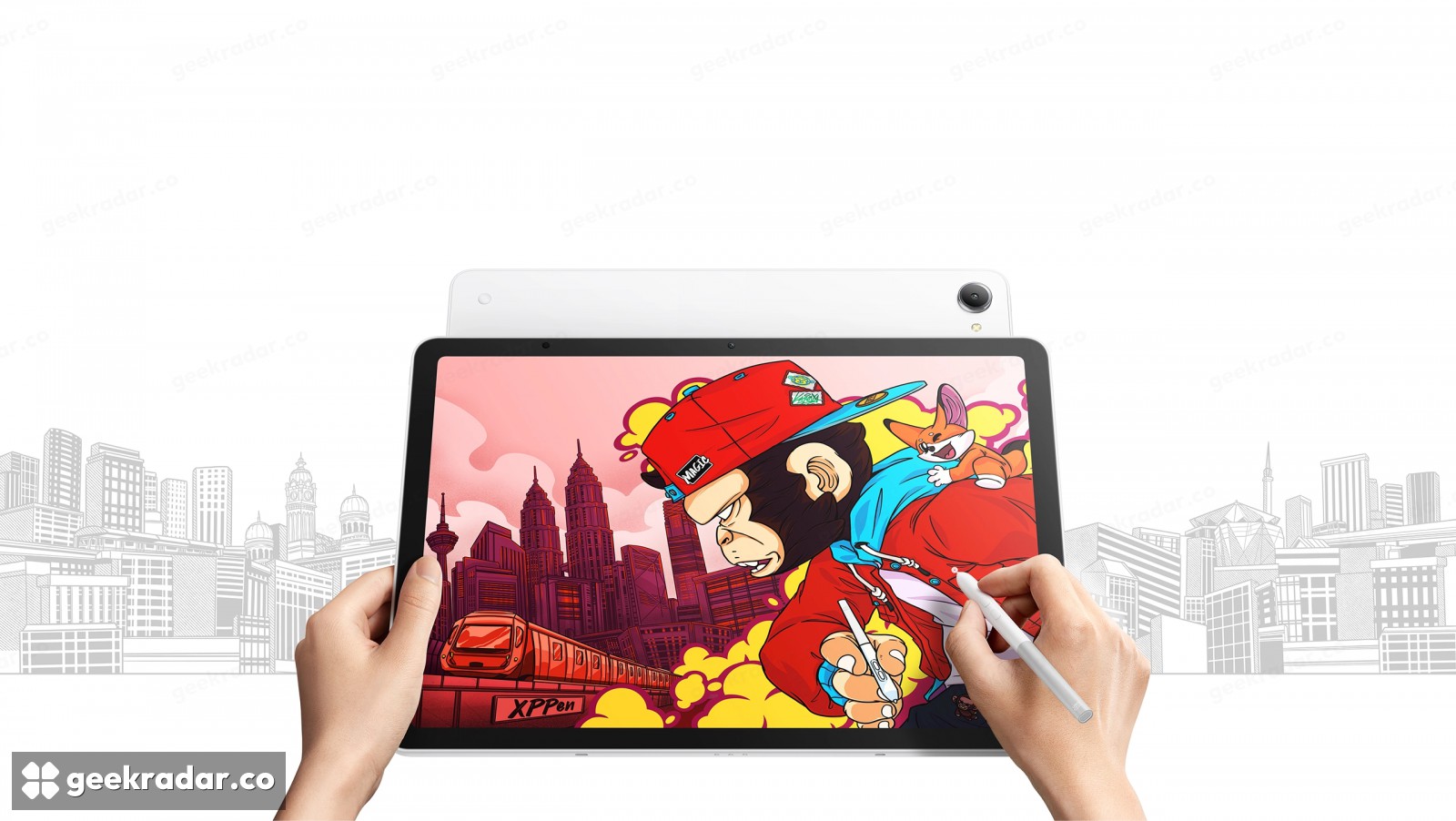
XPPen Magic Pro 13 makes one drawing screen work in two software worlds
Standalone Android and pen-display modes solve different needs. File compatibility, colour accuracy and the preorder timetable still need separate attention.
XPPen’s Magic Pro 13 tries to solve a familiar split in digital drawing: the portable tablet is convenient away from the desk, while the desktop application is where a larger project may need to finish. The device can work as a standalone Android tablet and as a pen display connected to a computer. That second role is the most consequential part of its specification.
The official product page lists a 13-inch, 3:2 display with a 3096 × 2064 resolution and refresh rate up to 120 Hz. The standalone side uses a Dimensity 8300 processor, Android 16, 8 GB RAM and 256 GB storage, with microSD expansion. Those are hardware capabilities, not a measured verdict on the performance of a particular drawing application.

One surface, two different software environments
In standalone mode, the tablet runs Android applications. Connecting it as a pen display lets the computer run the desktop software while the tablet supplies the drawing surface and pen input. A desktop application does not become an Android app merely because both modes use the same screen.
That distinction determines the workflow. A sketch made in a mobile application still needs a compatible file format or transfer method before it can be continued elsewhere. Layers, fonts, brushes and colour-management settings may not transfer identically between different applications. The dual-mode hardware removes the need for a separate display, rather than automatically solving every file-compatibility problem.
XPPen advertises 16,384 pressure levels, a low initial activation force and tilt support for its stylus. These figures describe input capabilities. They do not establish how natural a brush feels in every application, since brush settings, latency and the software’s interpretation of pressure remain part of the experience.
The display figures are useful, but not a review
The manufacturer specifies 650-nit brightness and coverage of 100% sRGB and 96% Display P3. Gamut coverage describes the range of colours a display can reproduce, not the accuracy of every colour out of the box. Artists preparing work for print still need to consider the target colour space and their production workflow.
The US store’s preorder offer is $899.99 against a listed $999.99 regular price, with estimated shipping on November 13. A shipping estimate is not immediate availability, and prices in that store should not be treated as a worldwide offer.
For the creative-hardware market, the strongest proposition is consolidation: one physical drawing surface can travel and then return to a desktop workflow. The deciding question is whether a buyer actually needs both roles. If the answer is yes, the saved second device matters more than a pressure-level number considered in isolation.