Nitro Deck 2 separates the controller from the handheld. Check what stays behind
The removable center changes how CRKD’s accessory works across devices. Its battery and connectors do not make it a charging or TV dock.
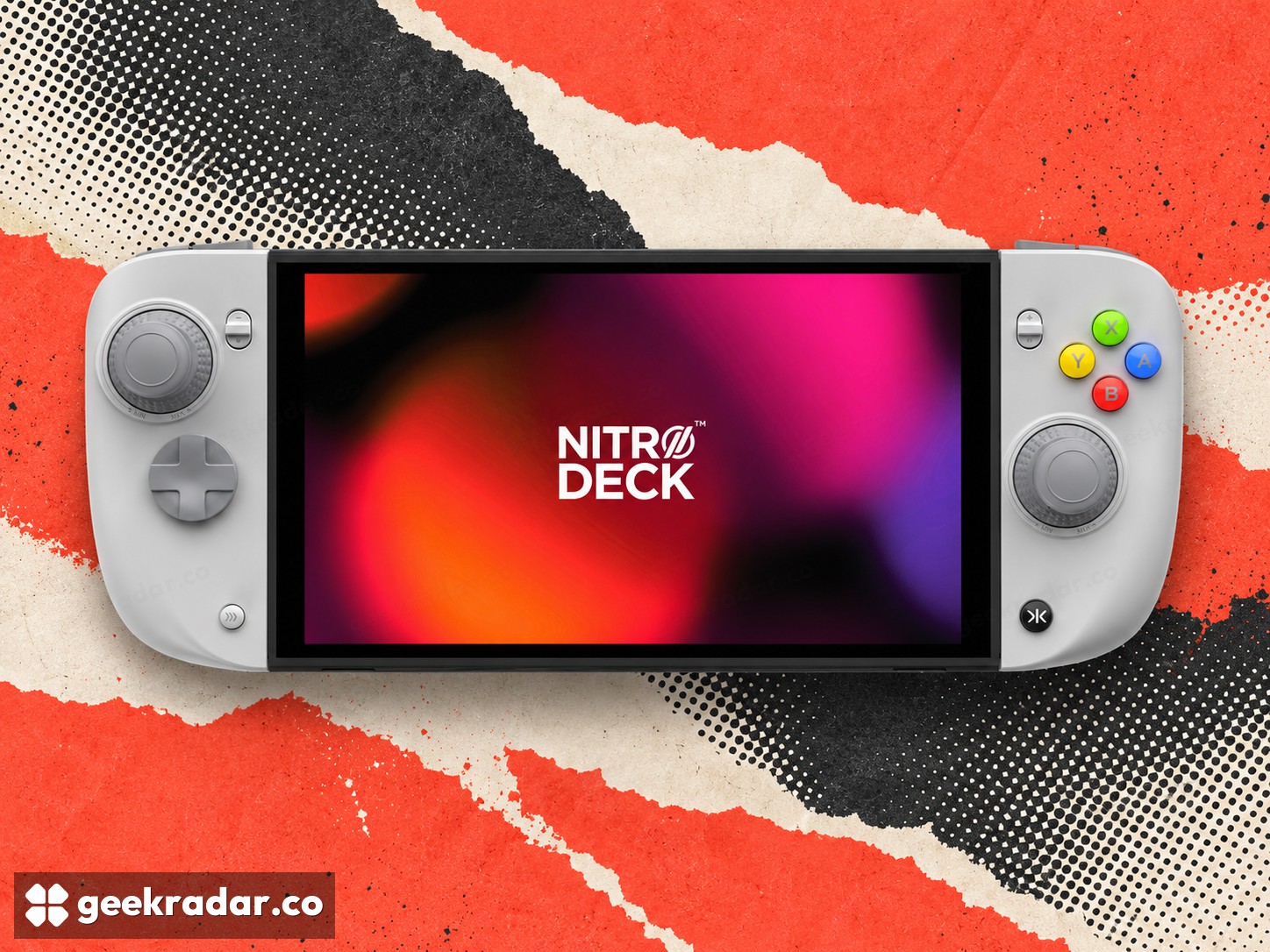
CRKD's Nitro Deck 2 tries to solve two controller problems with one frame: make handheld Switch play more comfortable, then become a separate controller when the console is removed. The distinction from a dock is essential. Its official specifications say it has no HDMI output and its internal battery does not charge the console.
That makes it an input accessory with a changing physical role, rather than a replacement for Nintendo's television connection or a portable power bank. The idea is receiving renewed attention through reviews, but its usefulness depends on how often a player switches between handheld and docked play.
A grip that does not have to stay around the screen
The removable center section lets the Nitro Deck 2 become a standalone controller. CRKD lists compatibility with Switch 2 and the original Switch family, including OLED through the included legacy adapter, alongside supported PC, mobile and smart-TV use. Bluetooth and wired USB provide different connection options; support should be checked for the specific host and game.
The hardware also changes the right-stick position, adds deeper grips and offers adjustable stick resistance. These are physical differences a specification table cannot translate into universal comfort. Hand size, preferred finger position and the total weight of the handheld setup all matter. A larger grip can reduce strain for one person while making the device less convenient to carry for another.
Capacitive sticks address a particular failure mechanism
CRKD calls its stick technology CaptiStick. It uses capacitive sensing rather than the contact-based sensing associated with conventional potentiometer sticks, and the company distinguishes it from its previous Hall-effect design. Avoiding a sensing contact removes one potential source of wear; it does not establish that every mechanical component is immune to damage or that calibration will never matter.
That is a better way to read “no drift” marketing than treating it as a lifetime guarantee. Resistance adjustment, dead-zone settings and firmware support also affect how an input feels. A technically different sensor still needs a well-executed controller around it.
Extra buttons are useful when they replace awkward actions
Four rear buttons and additional shoulder-area inputs can be remapped, while CRKD's app supports settings such as dead zones, vibration and firmware updates. The practical benefit is assigning a frequent action somewhere reachable without lifting a thumb from a stick. More buttons alone do not improve a game that has no useful mapping for them.
The buying decision is therefore about roles. Someone who wants a television dock or more console battery life needs a different accessory. Someone who wants a fuller handheld grip and a controller that remains useful after the screen is removed has a more relevant reason to consider Nitro Deck 2. Its cleverest feature is not another button: it is preventing the rest of the controller from becoming redundant when the console changes position.