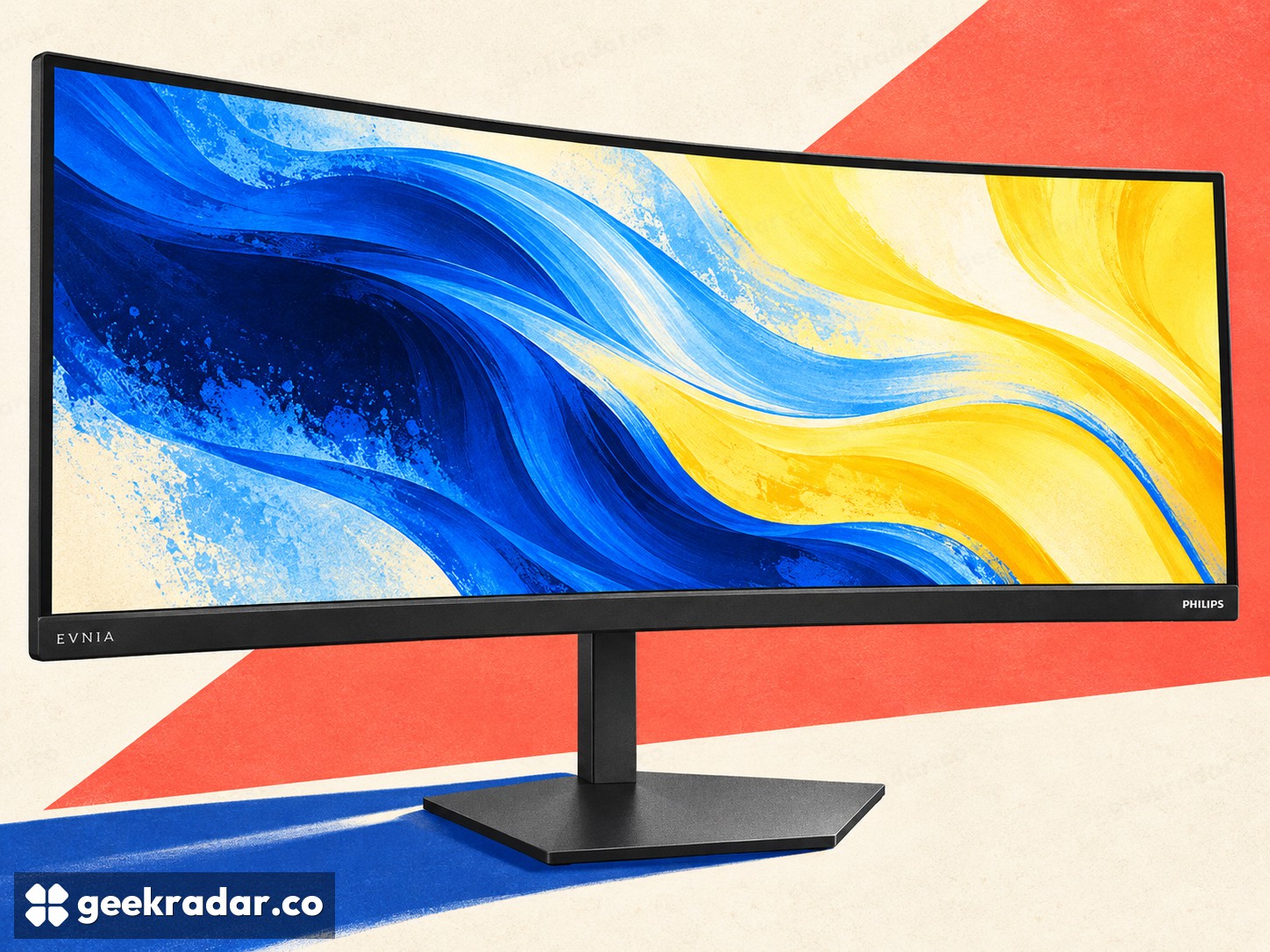
Philips Evnia’s 36-inch ultrawide makes screen size a separate choice from speed
The 260Hz specification is only one part of the new 36M4C5500P’s proposition. Resolution and desk depth deserve equal attention.
Philips Evnia is adding an unusual size to the ultrawide monitor shelf: 36 inches, with a 3440 × 1440 Fast VA panel and an overclockable 260Hz refresh rate. The 36M4C5500P, announced on October 22 for the Asia-Pacific region, is aimed at buyers who want something larger than a familiar desktop ultrawide without moving to a much bigger screen.
The announcement does not establish a worldwide launch or price. Its useful proposition is easier to understand by separating three things that advertisements often compress together: physical size, pixel workload and motion performance.
More screen does not automatically mean more pixels
The Australian product page confirms the resolution. At 3440 × 1440, a frame contains about 4.95 million pixels, compared with 3.69 million at 2560 × 1440. That is roughly a third more pixels for a graphics card to produce before considering differences in game settings or field of view.
Those are simple resolution calculations, not benchmark results. They explain why “1440p” alone is an incomplete description of the load. An ultrawide image can ask more of a GPU than a conventional 16:9 image with the same vertical resolution.
Physical size is a separate choice. Spreading a fixed pixel count across a larger area changes how large details appear at the same viewing distance. That may suit someone who wants a more expansive view, while someone prioritizing fine text at a close distance should consider density and desk layout as well.
A 260Hz ceiling is not a 260fps promise
At 260Hz, a refresh interval is approximately 3.85 milliseconds. A game still needs to produce frames, and the display still needs to change its pixels. Refresh rate, pixel response and total input delay describe related but different parts of the chain.
Philips' 0.3ms figure is associated with its motion-blur-reduction presentation. It should not be read as an independently measured end-to-end delay from mouse movement to visible response. Nor does the DisplayHDR 400 label by itself establish how convincing dark scenes or bright highlights will look in a particular game.
This is where an announcement can inform a shortlist without settling a purchase. The specifications tell readers which questions to ask; they do not supply measured answers about overshoot, dark transitions or real HDR contrast. Our wider display coverage follows those distinctions across different screen technologies.
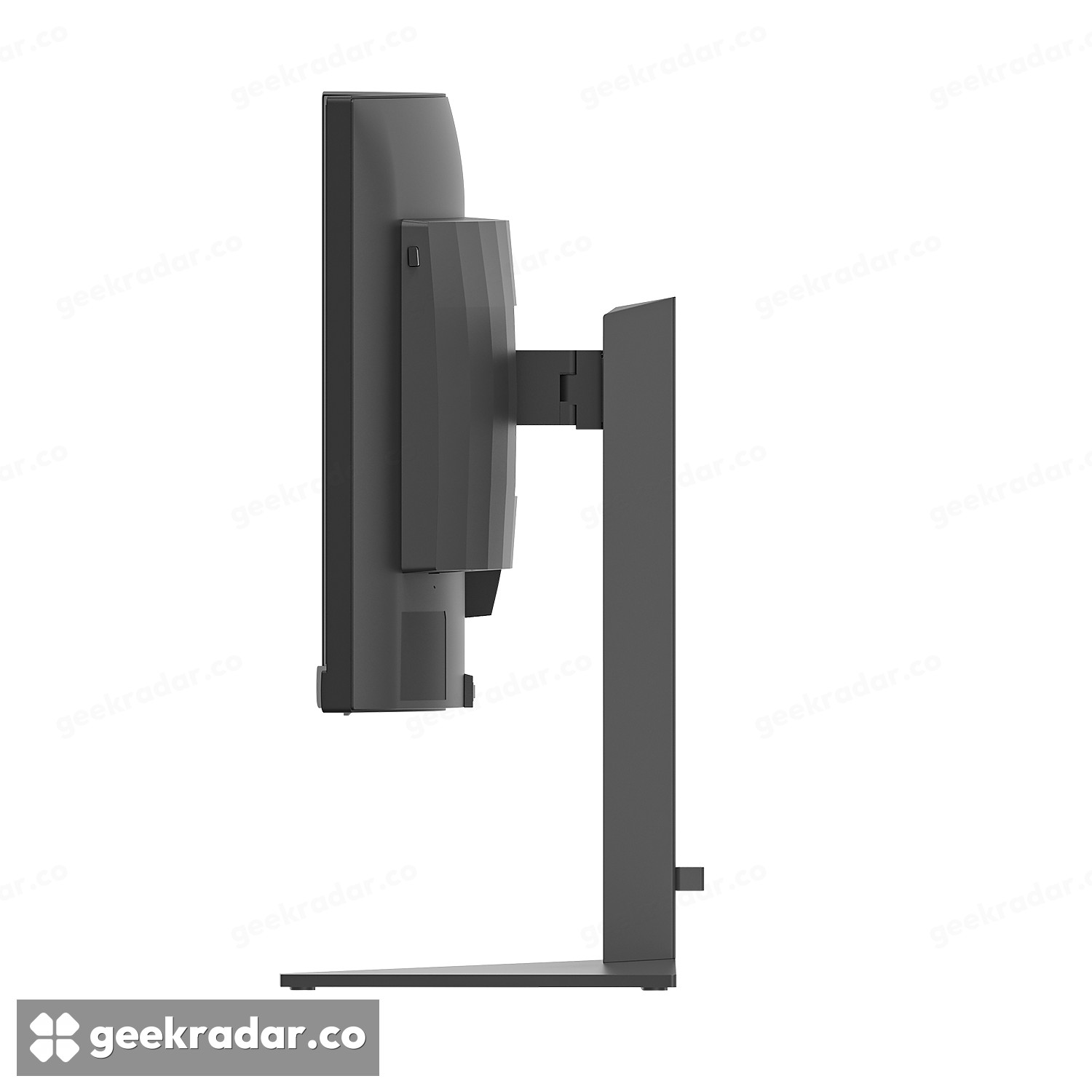
Leave room for the stand and the player
The monitor includes height, swivel and tilt adjustment, plus HDMI and DisplayPort connections. Its side profile is a useful reminder that a curved panel and stand occupy real depth. Measuring only the width of the desk misses where the screen will sit relative to the user's eyes and keyboard.
A 36-inch option could be welcome precisely because monitor choices are not only races for the highest refresh number. The right size can make an existing setup more comfortable. The sensible comparison starts with the space and games a buyer actually has; the maximum mode comes after that.