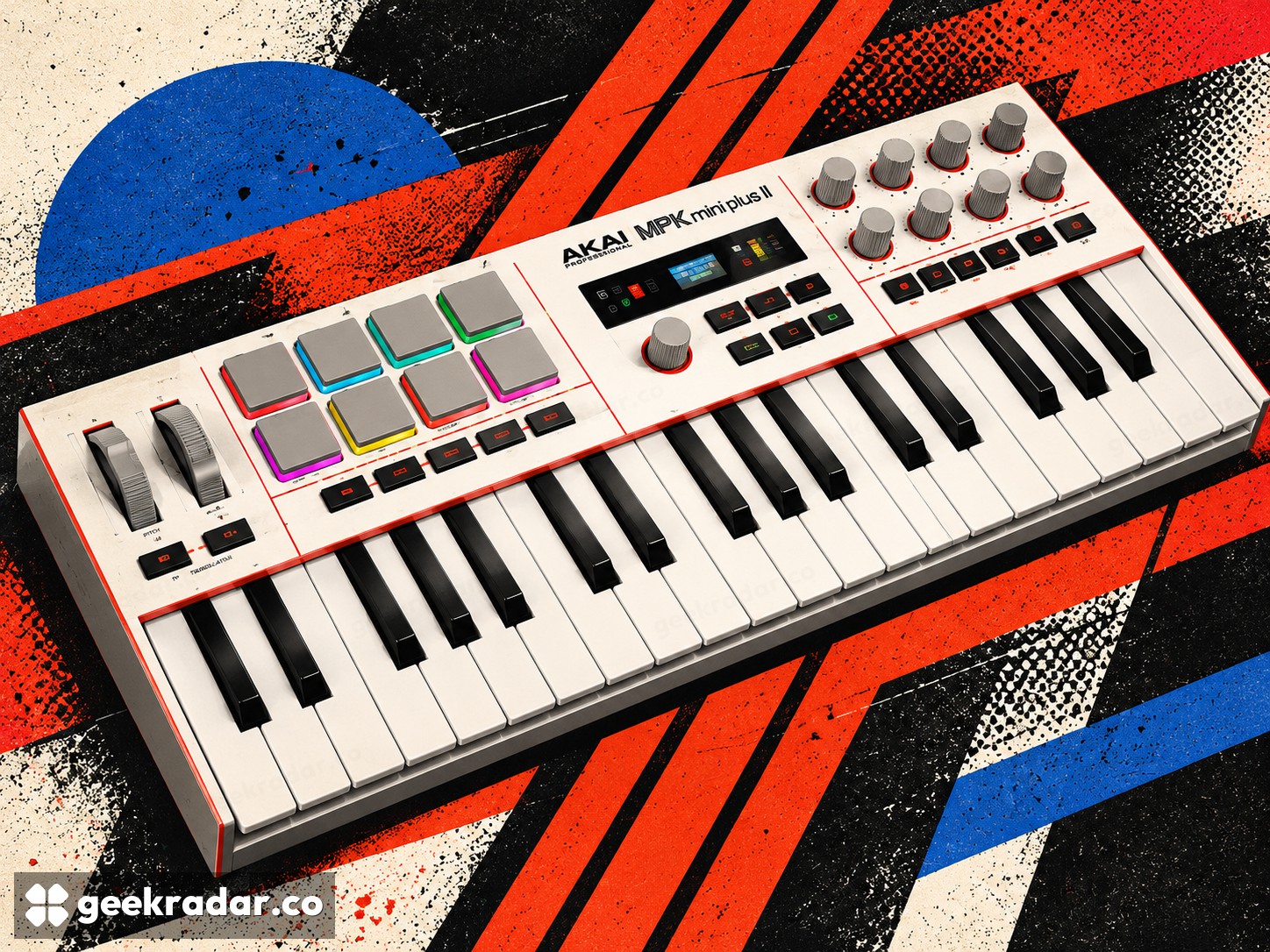
Akai’s MPK Mini Plus II puts the arrangement under your fingers
Chord tools and hardware connections make this more than a row of small keys. It remains a controller, so the sound source is a separate part of the setup.
Akai’s MPK Mini Plus II combines 37 small keys with pads, rotary controls and tools for turning a held note or chord into a more elaborate performance. The official specification positions it between a compact keyboard and a broader control center for software and hardware instruments.
The interesting question is not how many functions fit on its panel. It is whether the controls shorten the distance between hearing an idea and trying it. A chord inversion, a different rhythm or a staggered entry of notes can change a phrase before a musician reaches for a mouse.
A control surface is not a sound engine
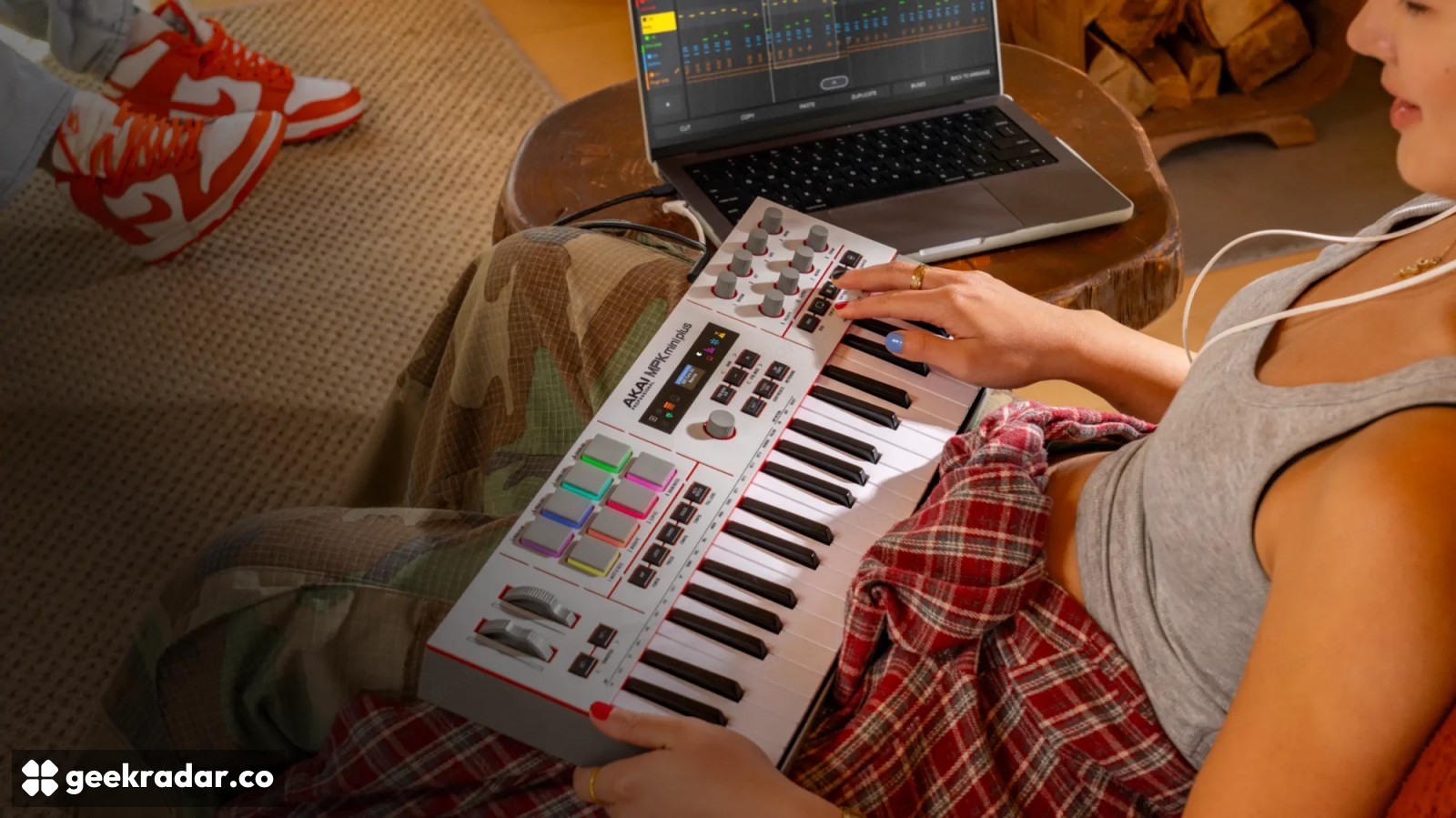
The MPK Mini Plus II is a MIDI controller. Its keys and controls send performance information to a system that generates sound. Bundled software instruments do not mean their sounds reside inside the keyboard, ready to play from an audio output without another device.
This distinction matters when planning a portable setup. USB power can keep the controller operating, but a power bank alone does not supply a synthesizer. A computer, compatible standalone production system or external instrument still has a role in the chain.
Akai lists USB-C, a MIDI DIN output, sustain-pedal input and three CV/Gate outputs. Those connections support different kinds of equipment. The DIN connector is an output; it should not be described as a pair of traditional MIDI input and output sockets. USB carries MIDI in both directions.
Making variation playable
In Sweetwater’s original demonstration, chord and strum controls turn a simple input into a voicing whose notes can arrive at different times. The retailer also demonstrates switching prepared arpeggio patterns through the pads. This is useful evidence of the workflow, while its enthusiastic assessment remains a seller’s hands-on opinion, not our own test.
The musical distinction is between choosing notes and choosing their delivery. The same chord can feel different when its bass note moves, its notes spread across octaves or its attacks are staggered. Putting those choices on hardware can encourage experimentation during playing instead of postponing it to editing.
That does not make musical judgment unnecessary. A useful variation still has to fit the phrase around it. The value of an assisted mode is that a musician can hear alternatives quickly and reject them just as quickly; the device does not need to be credited with composing the finished song.
The software relationship determines the payoff
Akai advertises integration with MPC environments and several major digital audio workstations. The depth of that relationship matters: basic note input and detailed control of tracks, presets or mixing are different levels of support. Check the workflow for the application you actually use rather than assuming every listed program exposes identical controls.
The US retailer listing shows $169. That is a US reference price, not a confirmed Italian price, tax-inclusive European offer or delivery promise. Local stock and warranty arrangements require a local listing.
The strongest reason to consider this controller is a specific bottleneck: a musical decision you currently interrupt your playing to make. If the new panel puts that decision under a free hand, its compact size becomes useful in a way a longer feature list cannot explain.