Google Drive vs OneDrive: offline files, collaboration and who owns the work
Storage quotas tell only part of the story. Streaming, local copies, shared-drive ownership and SharePoint boundaries can matter more to everyday work.
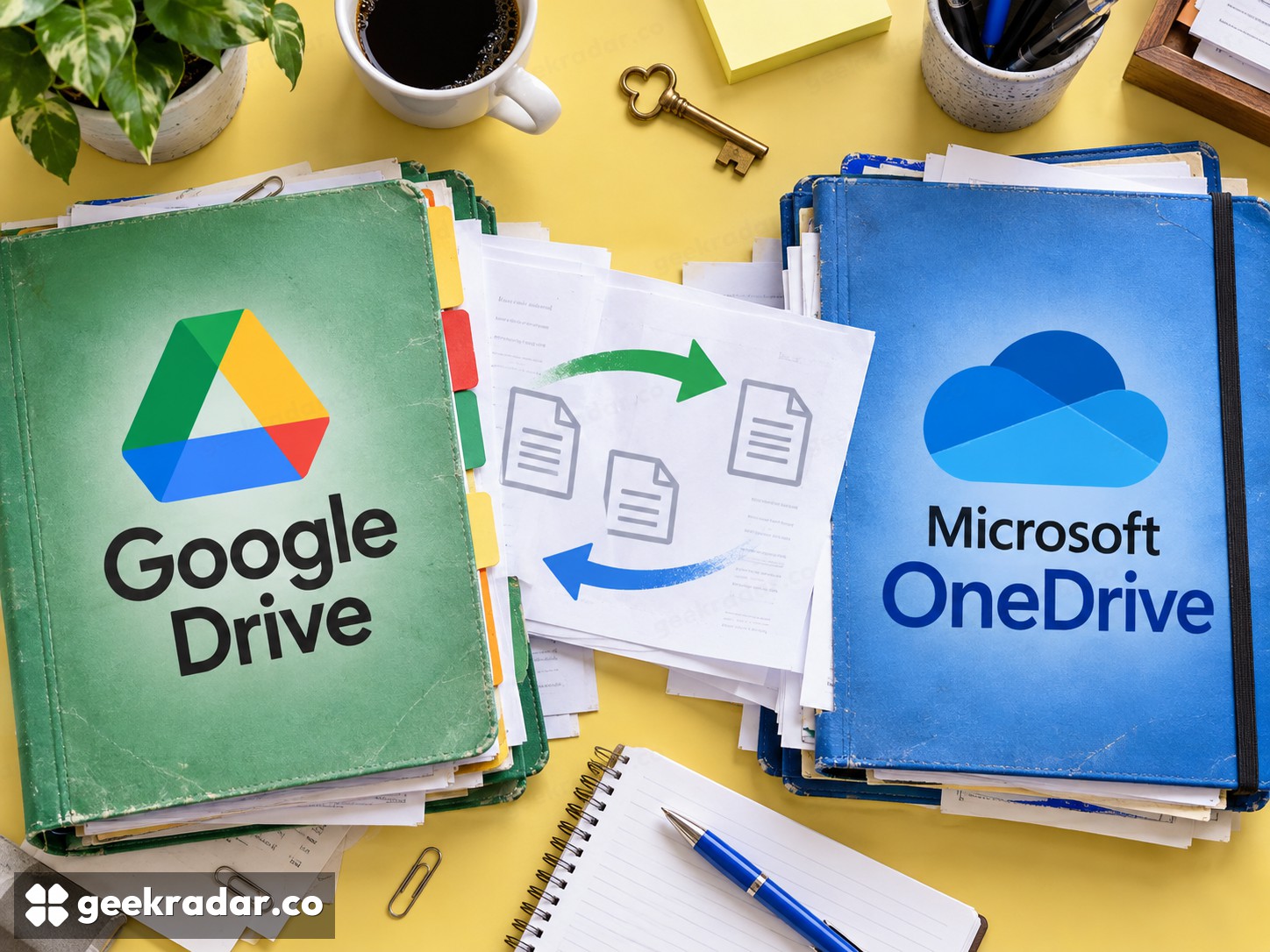
Google Drive and Microsoft OneDrive are often compared as storage allowances. The more consequential differences appear when a file must be available offline, shared with a team or retained after its original author leaves. A large quota is useful only if the surrounding workflow keeps the right people connected to the right version.
For personal use, the applications and subscriptions already in use can make one service the easier choice. For a team, ownership and administration deserve equal weight. Personal accounts, workplace accounts and shared organizational storage should not be treated as interchangeable versions of the same folder.
A visible file is not necessarily a downloaded file
Google Drive for desktop distinguishes streaming from mirroring. Streaming reduces the need to keep the whole collection locally, while mirroring maintains a local copy of My Drive files. Offline availability needs attention; shared drives use the streaming arrangement rather than the same mirroring option.
OneDrive Files On-Demand similarly distinguishes online-only items from files available locally or marked to remain on the device. A placeholder in the file browser does not mean its contents will open without an internet connection. Removing a local download and deleting the synchronized file are different operations.
For a laptop with limited storage, selective local availability is a substantial benefit. For someone about to work without connectivity, it becomes a task to complete before leaving. The service's total capacity and the computer's available disk space answer different questions; neither number establishes that the files required tomorrow are ready today.
Team ownership changes the comparison
Google's shared-drive documentation distinguishes team-owned files from files belonging to an individual. Shared-drive material remains with the team when a member leaves. That is a different organizational arrangement from one person sharing a folder in a personal collection.
In Microsoft's workplace environment, the storage boundary also matters. Microsoft explains that Teams channel files use SharePoint, while files uploaded in chats use the uploader's OneDrive for Business. Calling everything visible inside Teams a OneDrive folder obscures where the material actually lives.
This makes a brand-only comparison incomplete. A team choosing Google's shared drives should compare the organizational storage and access model it needs with the corresponding Microsoft arrangement, not merely with an employee's personal OneDrive allowance. Otherwise the apparent storage saving can create a handover problem later.
| Requirement | Google environment | Microsoft environment |
|---|---|---|
| Local disk management | Streaming or supported mirroring options | Files On-Demand and local availability controls |
| Work without internet | Prepare the required files and application support | Prepare the required files and application support |
| Team continuity | Consider shared-drive ownership | Distinguish OneDrive from SharePoint team storage |
| Daily collaboration | Fit with existing documents and account policies | Fit with existing documents and account policies |
Follow the document, not only the folder
The best fit often depends on what colleagues actually edit. A team already maintaining its working documents in Google's applications may gain little from moving the files while preserving a separate collaboration routine. A team centered on Microsoft's applications may have the reverse calculation. Test representative documents, permissions and handoffs rather than assuming a successful upload preserves every aspect of the workflow.
External sharing deserves the same practical attention. The recipient's account, the organization's sharing policy and the intended permission level matter more than the existence of a share button. A link that works for its owner is not proof that a customer or contractor can use it as intended.
Synchronization and recovery are separate promises
Synchronization keeps working copies connected, including changes that may be unwanted. It should not be treated as an independent backup merely because another copy exists in the cloud. Recovery features and retention rules depend on the account and service arrangement; verify them for valuable material rather than assuming unlimited history.
Google Drive is a strong fit when its document workflow and shared ownership model match the people doing the work. OneDrive is a strong fit when Microsoft's applications and workplace storage arrangements already provide that structure. The better service is the one that makes offline access, collaboration and ownership predictable. Paying for more space cannot repair uncertainty about who controls the files.