Docker vs Podman: architecture, rootless containers and team workflows
Familiar commands can hide different runtime arrangements. Compare daemon design, Compose providers and the host environment before switching a development team.
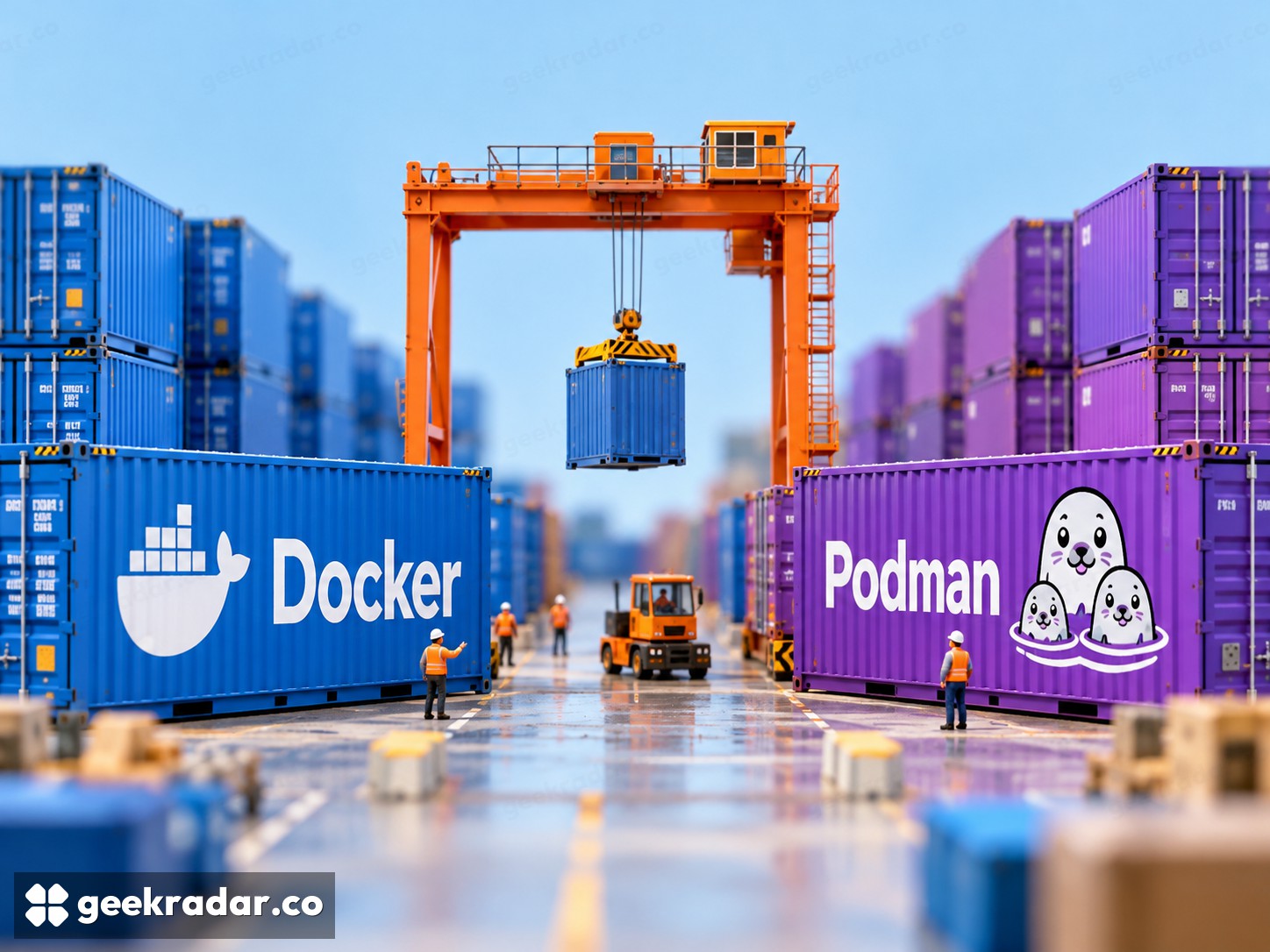
Docker and Podman can run familiar container images while organizing the machinery around them differently. That makes them credible alternatives for development, but not interchangeable products in every workflow. The choice depends on how a team starts containers, connects services, manages permissions and reproduces the setup on other computers.
The scope here is Linux containers used for application development. Docker Engine, Docker Desktop and the broader Docker service offering are different things. Podman's command-line engine and the virtual machine used on some desktop operating systems also deserve separate treatment. Comparing only two terminal commands can hide those boundaries.
The daemon is an architectural choice
Docker's architecture overview describes a client communicating with a daemon that manages containers, images, networks and volumes. That division provides an API around which other tools can integrate. Docker Desktop bundles a development environment around the engine rather than being another name for the engine itself.
Podman describes its engine as daemonless, with a familiar command-line interface and support for OCI containers and images. For someone running containers directly on a Linux host, that process model can be a reason to choose it. Daemonless does not mean the whole workflow contains no supporting processes or services.
The architectural difference matters most when it matches an operational requirement. A team may value an existing tool's integration with Docker's API, or prefer Podman's way of managing containers under individual users. Neither arrangement establishes a universal speed advantage. The application inside the container still does its own work.
Rootless operation is not exclusive to Podman
Docker documents a rootless mode that runs both daemon and containers without root privileges, subject to its requirements and limitations. Describing the choice as privileged Docker versus unprivileged Podman therefore misses an available Docker configuration.
Reducing privileges is useful, but it does not turn an arbitrary image into trusted software. A container can still read the files deliberately mounted into it or use credentials supplied to it. For a developer, the relevant review includes both runtime privileges and the access granted to the workload.
Familiar commands do not prove workflow compatibility
Podman can make a first experiment feel familiar, but a team usually has more than one command to preserve. Its Compose documentation explains that podman compose wraps an external provider, such as Docker Compose or podman-compose. The selected provider is part of the environment, not an incidental detail.
That matters when an application combines a database, an API and a frontend. Image compatibility alone does not prove that networking, startup behavior, volume permissions and surrounding scripts will match the previous setup. Replacing a command alias can conceal the migration until a colleague hits a different result.
| Requirement | Docker consideration | Podman consideration |
|---|---|---|
| Existing tooling | Check its dependence on the Docker API | Check the required compatibility path |
| Compose project | Pin and document the Compose environment | Pin and document the external provider |
| Privilege policy | Evaluate rootful or rootless configuration | Evaluate the selected user and runtime configuration |
| Reproducibility | Record engine, images and host assumptions | Record engine, provider and host assumptions |
Desktop convenience has another layer
On macOS and Windows, Podman uses a virtual machine to run its Linux container environment. The command may execute in the host terminal while the workload runs inside that machine. File sharing and networking therefore cross another boundary that does not exist in the same form on a native Linux host.
For a team spread across operating systems, setup instructions must describe that actual arrangement. Otherwise a workflow verified on one developer's Linux workstation becomes an unreliable promise to everyone else. Desktop packaging, support and subscription terms should also be evaluated separately from the container engine's capabilities.
Docker is a strong starting point when its surrounding integrations already form a dependable team workflow. Podman is attractive when its process and user model meet a concrete requirement and the team's dependencies work with it. Switching is worthwhile when it simplifies a real operating constraint. The meaningful test is whether a colleague can build, run, debug and remove the same application predictably—not whether the first command looks identical.