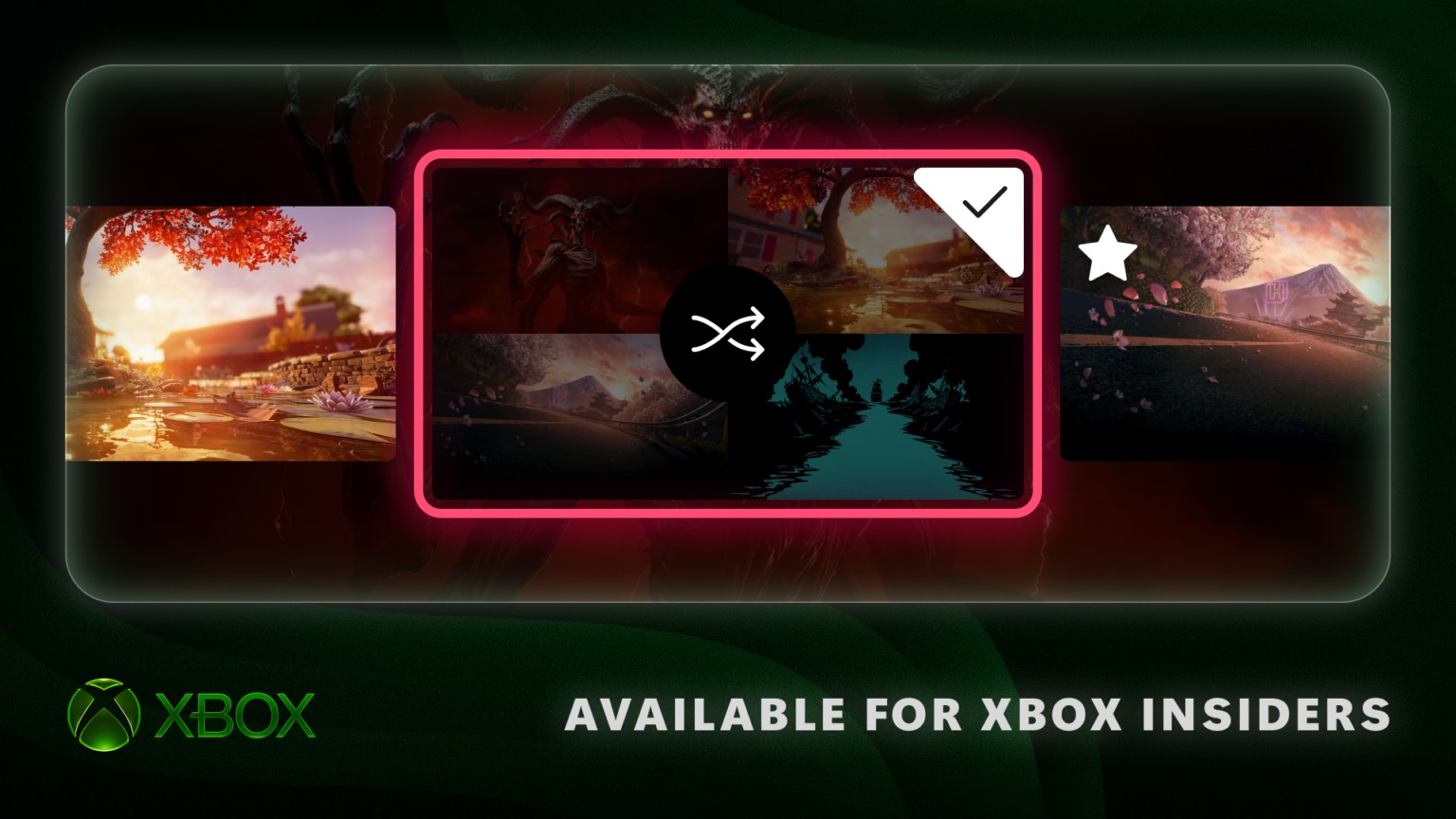
Xbox’s dashboard preview puts favorites, disc licenses and the Guide within easier reach
Alpha Skip-Ahead testers get a rotating background collection and more control over the interface.
Microsoft is testing a more personal dashboard for consoles including Xbox Series X. The November 12 Insider update adds rotating favorite dynamic backgrounds, clearer organization for claimed disc licenses and a choice of which side of the screen hosts the Guide. For now, these changes are rolling out to the Alpha Skip-Ahead ring, rather than every console owner.
The common thread is control over familiar parts of the interface. None changes a game’s rendering performance or creates a new entitlement to play it. Instead, the update reduces the distance between an owner’s library, their preferred appearance and the controls they use repeatedly.
Favorites become a rotation
The dynamic-background browser now lets testers mark favorites with the controller’s X button. Those choices can rotate when signing in or on an hourly, daily or weekly schedule. This gives a favorite collection an ongoing purpose: it supplies the pool from which the console changes its appearance.
Microsoft also says controller-exclusive backgrounds can remain in that rotation when the associated controller is disconnected, once they have been added to favorites. That is a specific convenience for owners who alternate controllers. It should not be read as an announcement that every exclusive background becomes available to every account.
The useful distinction is between choosing the content and choosing its cadence. A player can curate a small set once, then decide how frequently the dashboard changes. Someone who prefers a consistent home screen can continue to make that choice instead of being forced into a daily visual shuffle.
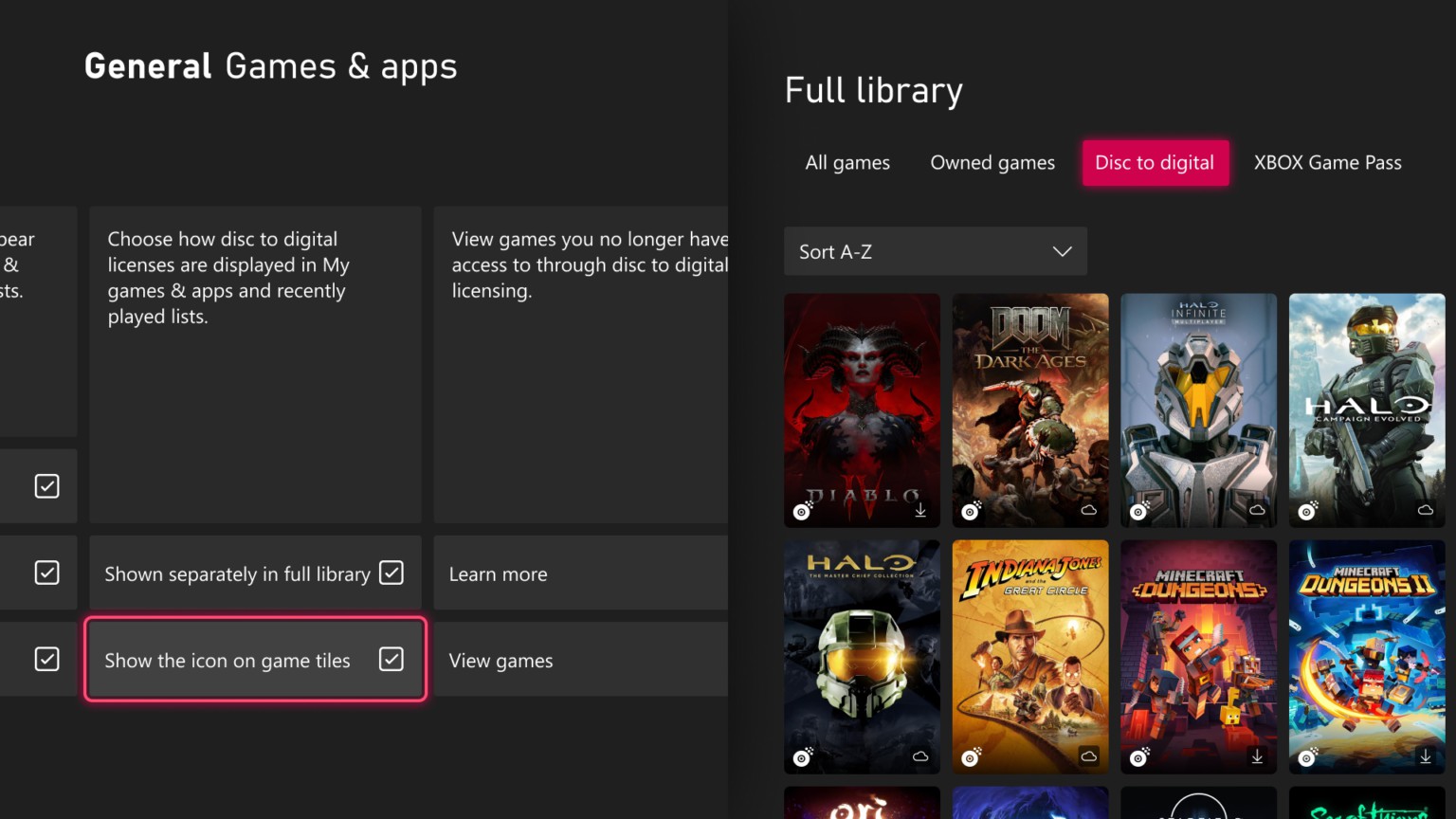
Disc licenses get a clearer place in the library
The update also revises how the library presents licenses claimed through Xbox’s disc-to-digital system. These can appear in a separate category, allowing owners to distinguish them from the rest of their digital library. Settings allow a return to the normal combined view and control over the associated icon.
That is an organizational change to an existing licensing program. It does not mean an arbitrary disc can now be converted into a permanent digital purchase. Eligibility and access conditions still belong to the disc-license program, while this announcement concerns how already-claimed licenses appear.
The distinction is valuable because library icons often carry more meaning than their size suggests. A buyer needs to understand why a title is present and which access conditions apply. Offering a separate category can make that information easier to find, while the option to combine views accommodates people who simply want one place to browse.
The Guide no longer has to stay on one side
Testers can move the Guide between the left and right sides through Settings, General, Personalization and Guide. The change lets the overlay sit where it best fits a player’s habits and screen layout. It is a modest option, but a frequently opened panel can make a small preference matter many times during an evening.
The Insider context is the limit on all three improvements. Owners outside the test should not troubleshoot their consoles because the controls are missing. Microsoft has not announced a general-release day for these controls. Its strongest idea is simple: the dashboard should remember how its owner likes to use it, without asking for the same decision every time.