Lutris can repair a GOG game on Linux. Your save takes a different route
Lutris 0.5.23 can patch a GOG installation in pieces and sync supported saves around each play session. When two machines disagree, the choice still belongs to the player.
Lutris 0.5.23 gives Linux players two ways to recover a GOG game. If an installation is damaged, the launcher can now repair files downloaded from GOG’s depots. If last night’s progress is on another PC, Lutris can fetch the cloud save before the game starts. The distinction matters most when both machines have been used offline. A downloader can work out which game files belong in an installation. Only the player knows which playthrough to keep.
Fixing the copy on disk
In the November 26 release, Lutris integrates gogdl, the downloader developed for Heroic. A depot is a collection of game files the distributor makes available as a build. Working with that structure lets Lutris install downloadable content and apply incremental updates. If only part of a game changes, the updater can fetch what changed. The saving depends on how much of the build the publisher replaced.
For a GOG depot installation, the repair command lives under Install updates. That slightly unexpected location makes sense once you consider what the two operations share. Updating brings a local installation into line with a newer build. Repairing brings its files back into line with the build you meant to have. Neither operation needs to decide which checkpoint your character should load.
There is also a practical change for anyone downloading a large game on an unreliable connection. Lutris can use parallel connections for GOG downloads and resume an interrupted transfer. That addresses a different cost from incremental patching. One saves having to start a transfer over. The other can reduce how much data the transfer needs in the first place.
What happens between two play sessions
For supported games, the save-sync implementation looks up the save locations configured for that title and platform. A native Linux game can put its files somewhere quite different from a Windows build running through Wine. Lutris resolves the configured location on the machine before trying to synchronize it. If GOG supplies no location for that game, the launcher skips that step.
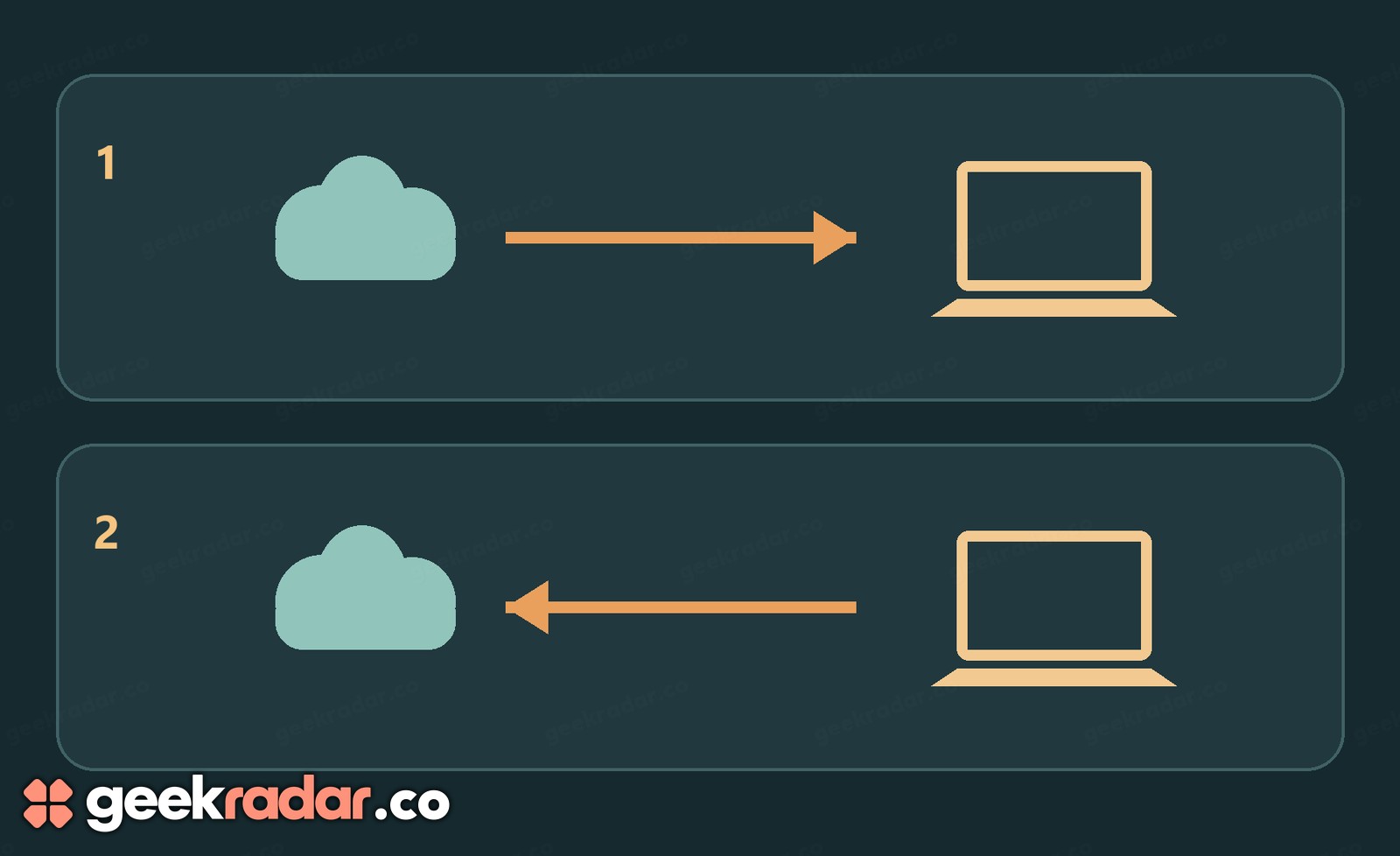
Suppose you finish a chapter on the desktop and plan to continue on a laptop. When the game closes on the desktop, Lutris checks for local progress to upload. Before launching on the laptop, it checks for progress to download. That sequence gives the second machine an opportunity to pick up where the first left off, provided the first has had the chance to send its changes.
If you took two different paths through the same quest while offline, the launcher cannot combine their outcomes. Before choosing a direction, think about which machine holds the branch you want. If both matter, keep a separate copy of the local save before letting either side overwrite it.
Heroic’s latest beta approaches recovery from another angle, with a backup on each save sync and a restore option. For Lutris users, the most useful thing to remember is when the handover happens. At the end of a long session, giving the desktop time to finish its upload may matter more to tomorrow’s game than installing tonight’s patch.